Stay Safe Online: The Importance of Secure Online Browsing
When you access the internet with a standard web browser, you may not realize how much of your personal data is being tracked and collected. Advertisers, websites, ISPs, and even government agencies can gather information about your online activities, including your browsing history, search queries, and even your physical location. This is why secure online browsing is more crucial than ever. In this article, we'll explore the importance of secure online browsing and the best browsers that can help you protect your online privacy.
What is Secure Online Browsing?
Secure online browsing refers to the use of online browsers that prioritize user security and privacy. These browsers employ various features and technologies to protect your online data from being tracked and collected by third parties. Some of the key features of secure online browsing include:
- Encryption: Hashing and encrypting online data to prevent unauthorized access.
- Tracking prevention: Blocking third-party cookies and scripts that track your online activities.
- Private browsing: Allowing you to browse the internet without saving any browsing history or cache.
- Ad blocking: Blocking intrusive ads that may be collecting your personal data.
- VPN integration: Providing a virtual private network (VPN) to protect your online traffic and shield your IP address.
Why is Secure Online Browsing Important?
Secure online browsing is essential for several reasons:
- Protection from online threats: By encrypting your online data, you can prevent malware and other malicious software from accessing your personal information.
- Prevention of data breaches: Secure online browsing helps prevent data breaches and identity theft by blocking third-party access to your online activities.
- Improved online experience: Secure online browsing reduces the risk of intrusive ads and trackers, making your online experience smoother and more enjoyable.
Best Browsers for Secure Online Browsing
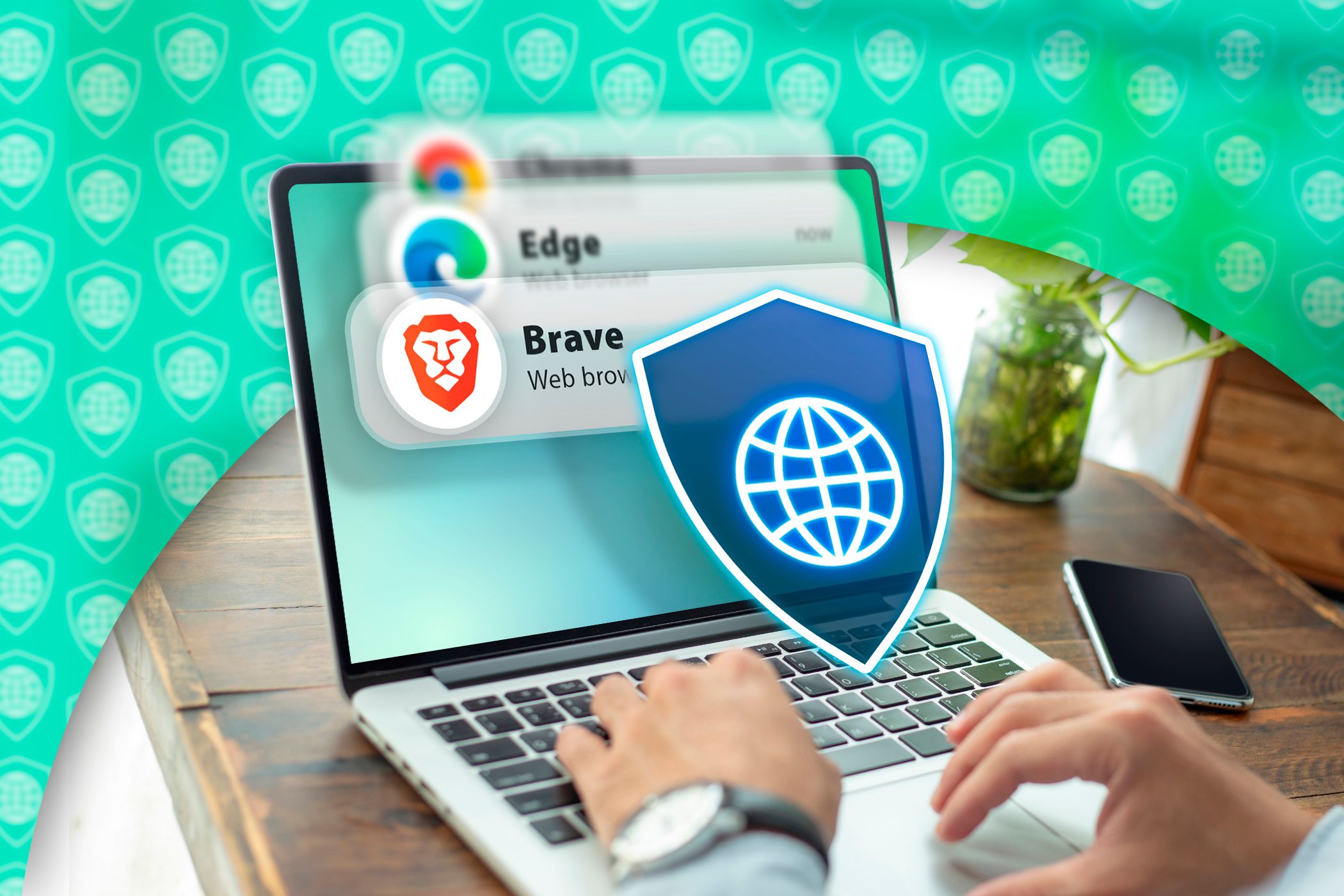
Several browsers offer robust security features that can help you achieve secure online browsing. Some of the top options include:
- Brave: A fast, secure browser that blocks ads and trackers by default.
- Firefox: A popular browser that offers robust tracking prevention and ad blocking features.
- Google Chrome: A widely used browser that offers built-in ad blocking and tracking prevention features with Google's Tracker blocking tool.
- Microsoft Edge: A browser that offers several security features, including InPrivate browsing, tracking prevention, and a built-in VPN.
- Tor: A highly secure browser that uses onion routing to anonymize your online activities.
Conclusion
Secure online browsing is essential for protecting your personal data and maintaining online security. By using a secure browser and taking advantage of features such as encryption, tracking prevention, private browsing, ad blocking, and VPN integration, you can enjoy a safer and more private online experience. Remember to stay informed about the latest online threats and adapt your browsing habits accordingly. With the right browser and a few simple precautions, you can stay safe online and protect your digital identity.