Stop Phishing Attack Instantly: A Comprehensive Guide
Phishing is one of the most common and costly cyber attacks that can compromise your personal data and financial security. With thousands of phishing attacks launched every day, it's essential to understand how to recognize and prevent these threats. In this article, we'll provide you with a step-by-step guide on how to stop phishing attacks instantly.
The Anatomy of Phishing Attacks
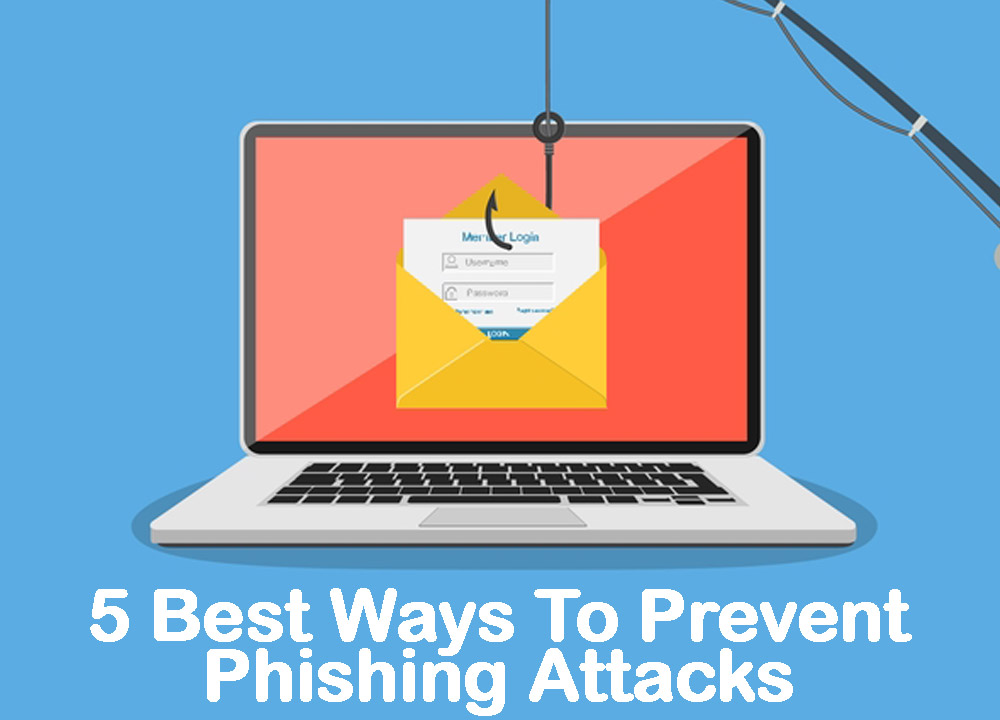
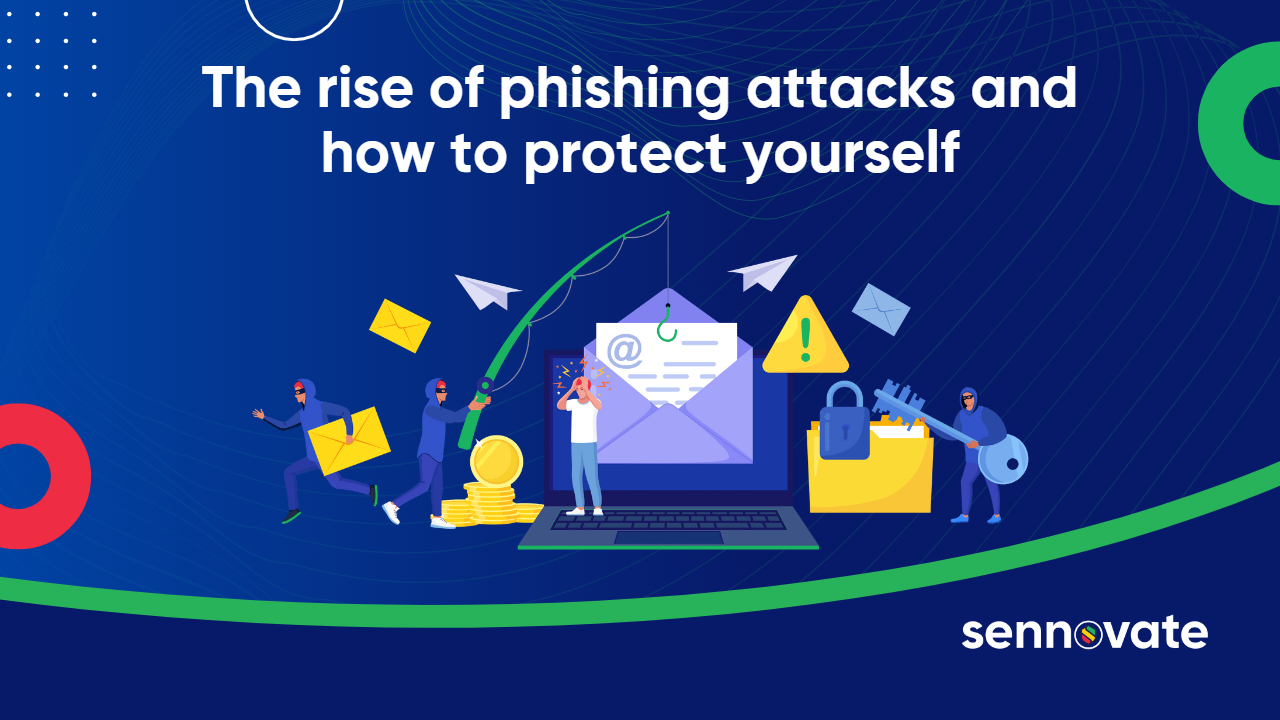
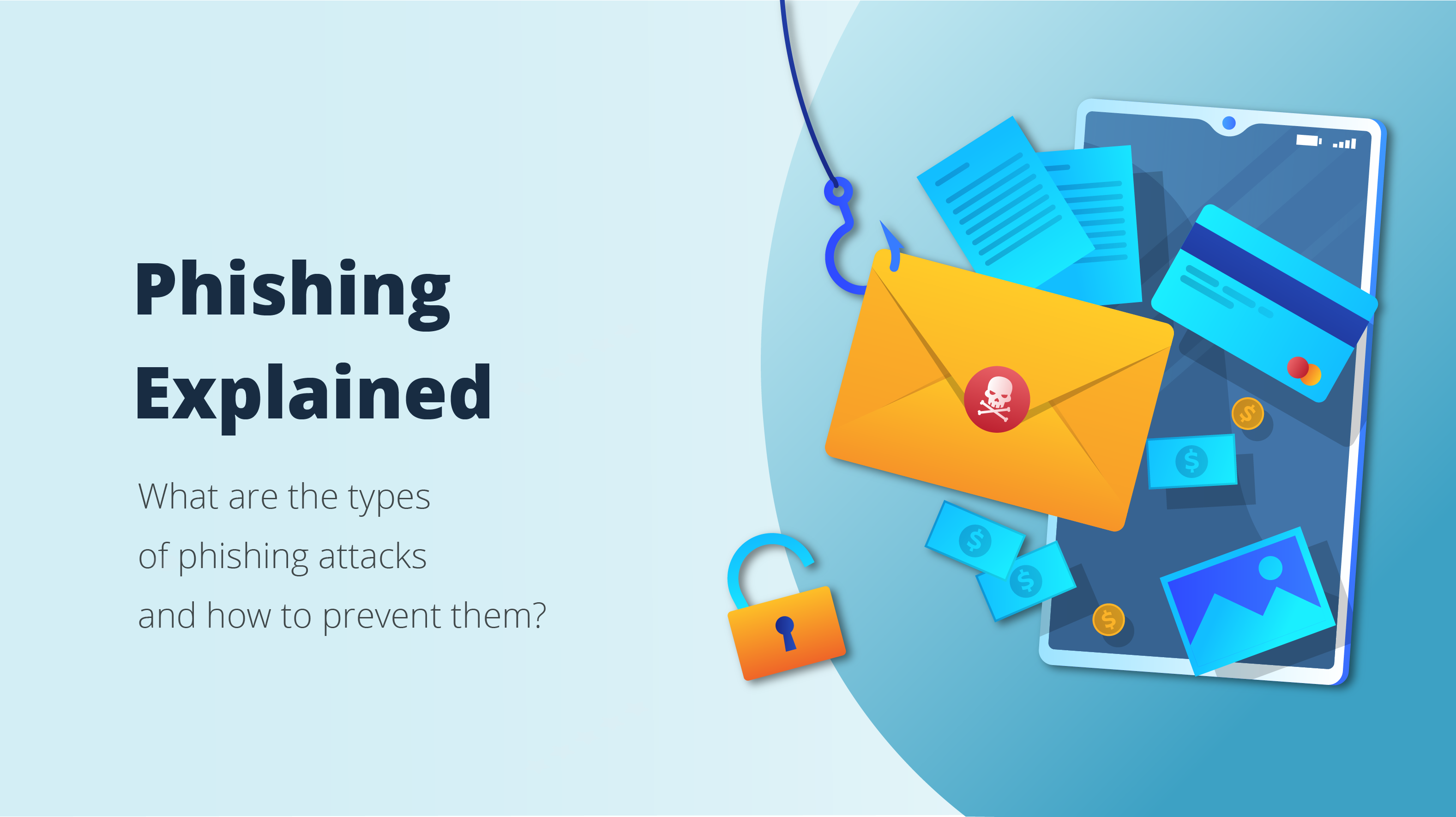
Phishing attacks typically involve sending fake emails or messages that appear to be from a legitimate source, such as a bank or a government agency. These messages often contain a sense of urgency or curiosity, attempting to entice the recipient into revealing sensitive information, such as passwords or credit card numbers. Phishing attacks can also occur through text messages, phone calls, or even in-person transactions.
Recognizing Phishing Scams
To stop phishing attacks, it's crucial to identify the warning signs. Watch out for the following red flags:
- Spelling and grammar mistakes: Legitimate companies usually have professional writing and editing teams. If a message contains errors, it's likely a phishing attempt.
- Urgency: Scammers often create a sense of urgency to prompt you into taking immediate action without thinking twice.
- Suspicious links or attachments: Be cautious of links or attachments from unknown senders, as they may contain malware or direct you to a phishing website.
- Unsolicited requests: Legitimate companies typically don't request sensitive information via email or text message.
- Typos and inconsistencies: Phishing emails often contain typos, outdated logos, or inconsistent branding.
Preventing Phishing Attacks
To prevent phishing attacks, follow these best practices:
- Verify the identity: Before responding to a message or providing sensitive information, verify the sender's identity by contacting the company directly.
- Use security software: Install and regularly update antivirus software to protect against malware and phishing attacks.
- Be cautious with links and attachments: Avoid clicking on links or opening attachments from unknown senders. li>Use strong passwords: Use unique, complex passwords for each account, and consider enabling two-factor authentication.
- Keep your software up-to-date: Regularly update your operating system, browser, and other software to ensure you have the latest security patches.

What to Do If You've Fallen Victim to a Phishing Attack
If you suspect you've fallen victim to a phishing attack, follow these steps:
- Change your passwords: Immediately change your passwords for the affected account and any other accounts that may have been compromised.
- Notify your bank or financial institution: Inform your bank or financial institution about the incident, and they may be able to provide assistance.
- Report the incident: File a report with the Federal Trade Commission (FTC) or your local authorities.
- Monitor your accounts: Closely monitor your accounts for any suspicious activity, and report any further incidents.
Stop Phishing Attack Instantly with These Tips
To stop phishing attacks instantly, follow these additional tips:
- Be aware of phishing tactics: Educate yourself on common phishing tactics and be cautious when receiving unsolicited messages.
- Use a phishing filter: Consider using a phishing filter, such as a browser extension or email plugin, to help identify and block suspicious messages.
- Back up your data: Regularly back up your data to prevent losing sensitive information in case of a phishing attack.
- Stay informed: Stay up-to-date with the latest phishing trends and techniques to better protect yourself.
Conclusion
Phishing attacks are a significant threat to personal data and financial security. By understanding the anatomy of phishing attacks, recognizing the warning signs, and preventing phishing attacks, you can stop phishing attacks instantly. Remember to stay vigilant, be aware of phishing tactics, and take proactive steps to protect yourself against these threats.