Mastering Voicemail Setup and Recording: A Comprehensive Guide
Voicemail has become an essential feature in modern communication, allowing users to receive and manage voice messages from callers when they're unavailable. Setting up and recording voicemail on your device can be a straightforward process, but it's often overlooked or misunderstood. In this article, we'll walk you through the steps to setup voicemail and recording on various devices, including iPhones, Androids, and cloud-based systems.
Why Voicemail Setup and Recording Matter
Voicemail is a vital tool for professionals, entrepreneurs, and individuals who need to manage their communication effectively. By setting up voicemail, you can ensure that important calls are not missed, and messages are captured for later reference. Recording a custom voicemail greeting can also enhance your personal or business brand, making a lasting impression on callers.
Voicemail Setup on iPhone
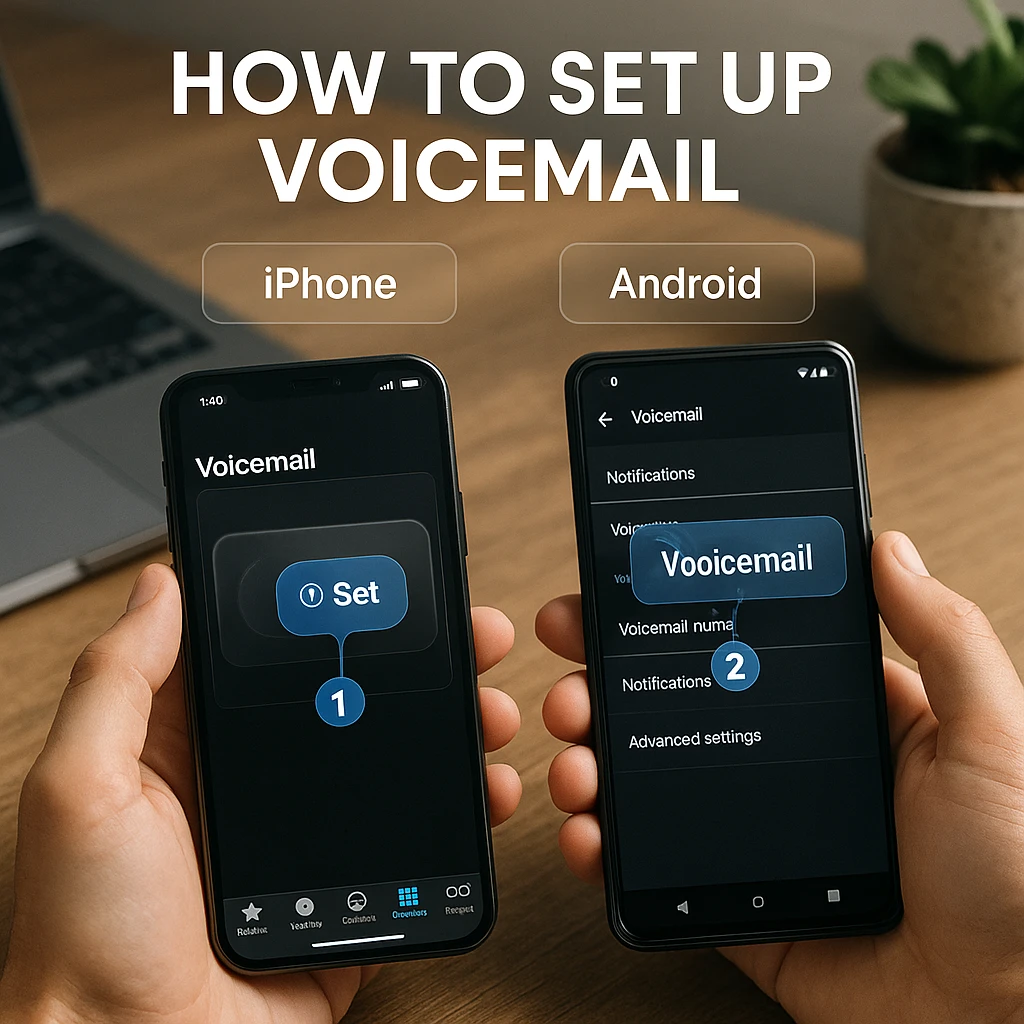
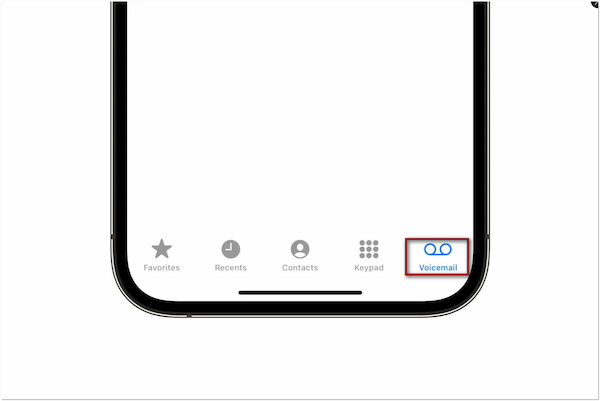
Setting up voicemail on an iPhone is a simple process that can be completed in a few steps:
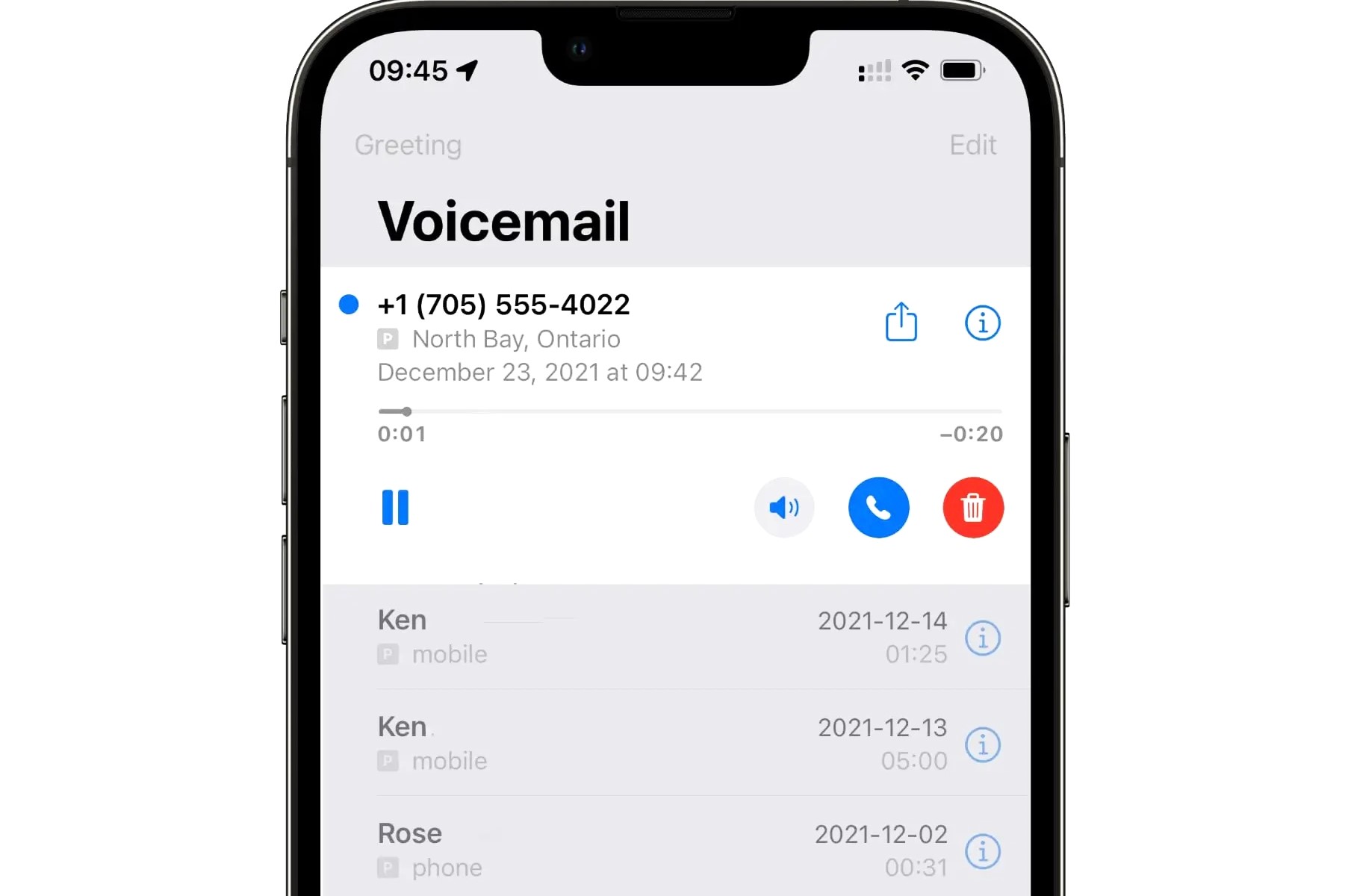
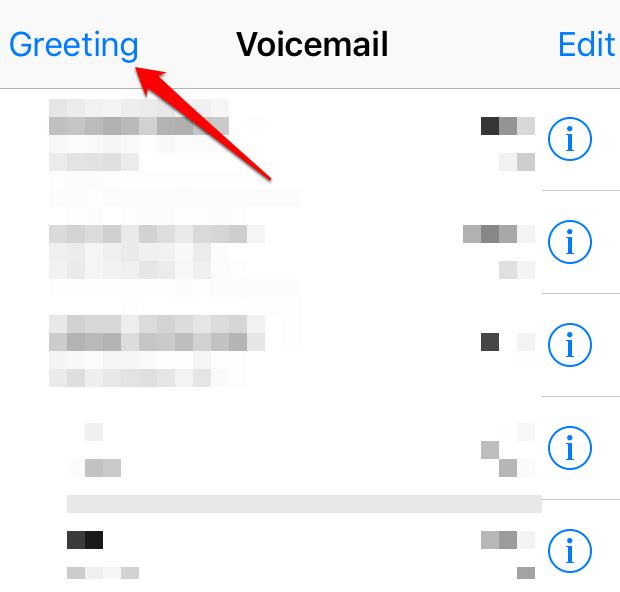
- Open the Phone app and tap on the "Voicemail" tab.
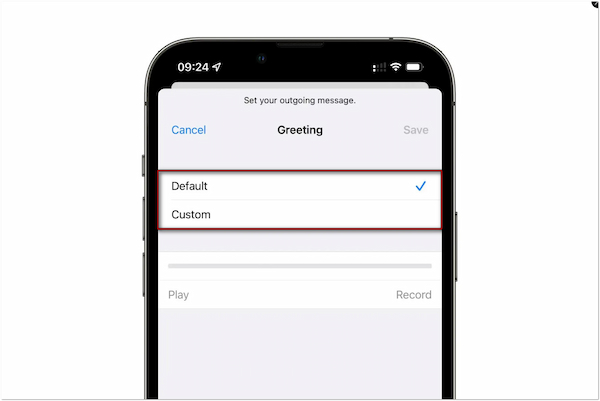
- Tap on "Voicemail Settings" and select "Default Greeting" or "Custom Greeting" to record your message.
- Tap "Record" to start recording your voicemail greeting, and speak clearly into the microphone.
- Tap "Done" to save and set your custom voicemail greeting.
Voicemail Setup on Android
Setting up voicemail on an Android device is also a straightforward process:
- Open the Phone app and dial your own phone number.
- Follow the voice prompts to set up your voicemail password and record a greeting.
- Select "Record" to start recording your voicemail greeting, and speak clearly into the microphone.
- Tap "Save" to save and set your custom voicemail greeting.
Voicemail Setup on Cloud-Based Systems
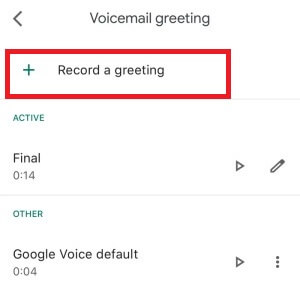
Cloud-based voicemail systems like Google Voice offer advanced features and flexibility:
- Sign up for a Google Voice account and set up your phone number.
- Enable voicemail transcription to receive transcriptions of your messages via email or SMS.
- Record a custom voicemail greeting or use the default greeting for Google Voice.
- Select up to 10 voicemail greetings and choose the one you want callers to hear.
Voicemail Recording and Management
Once you've set up voicemail on your device, you can manage and record your messages as needed:
- Check your voicemail regularly to stay on top of important calls and messages.
- Record a new voicemail greeting or update your existing one to keep your message fresh.
- Share voicemail messages with colleagues, clients, or friends and family with ease.
- View voicemail transcriptions and search for specific keywords or phrases.
Best Practices for Voicemail Setup and Recording
To get the most out of your voicemail system, follow these best practices:
- Set up a custom voicemail greeting that reflects your personal or business brand.
- Record a clear and concise voicemail message that includes your name, phone number, and any necessary instructions.
- Check your voicemail regularly to ensure you're not missing important calls or messages.
- Update your voicemail greeting regularly to keep your message fresh and relevant.
Conclusion
Voicemail setup and recording are essential skills for anyone who wants to manage their communication effectively. By following the steps outlined in this article, you can set up and record voicemail on your device, enhance your personal or business brand, and stay on top of important calls and messages. Remember to check your voicemail regularly, record a clear and concise message, and update your greeting regularly to get the most out of your voicemail system.