Creating a Custom Windows 11 Installation Media
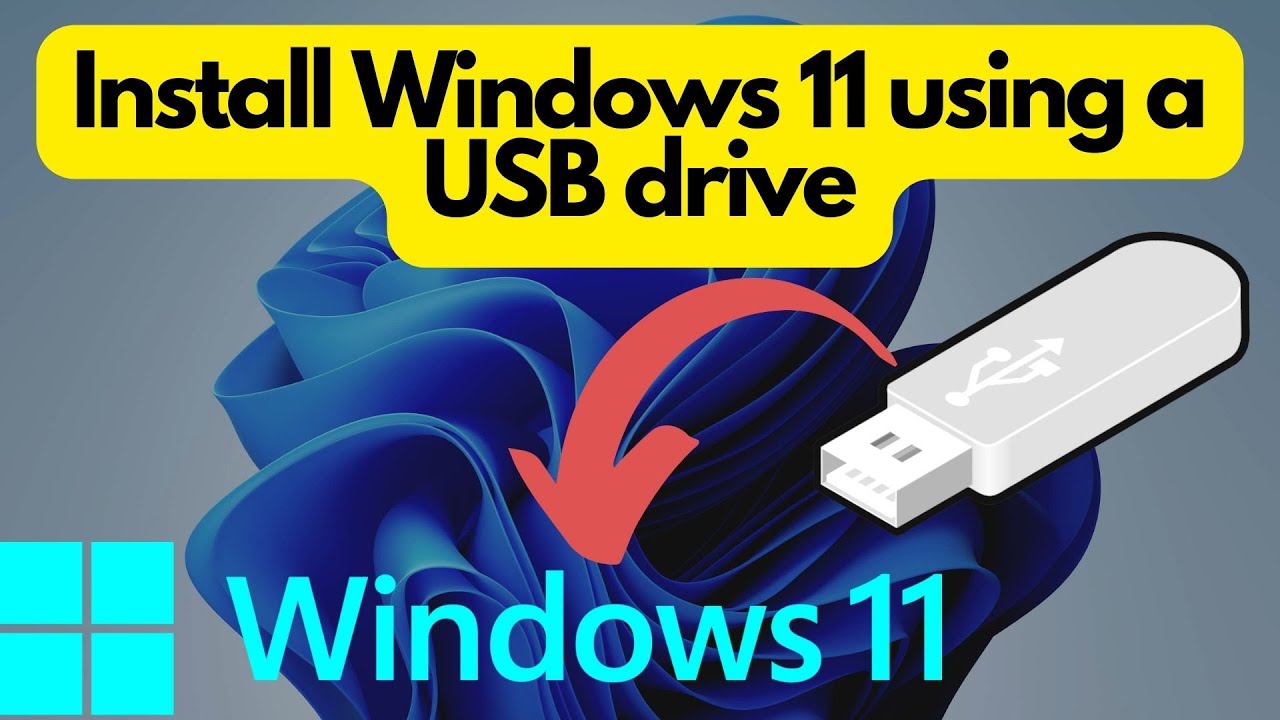
In this article, we will delve into the process of creating a custom Windows 11 installation media, also known as a custom ISO file or a bootable USB drive. This is an essential skill for IT administrators and users who want to deploy Windows 11 on multiple computers or create a personalized installation experience.Why Create a Custom Windows 11 Installation Media?
Creating a custom Windows 11 installation media offers several benefits. Firstly, it allows you to create a standardized installation experience across multiple computers, which can streamline deployment processes and reduce errors. Secondly, you can include pre-installed software, drivers, and applications that are specific to your organization's needs. This can save time and simplify the installation process.Requirements for Creating a Custom Windows 11 Installation Media
Before creating a custom Windows 11 installation media, you will need to gather the following requirements: *- A reference computer on which you will install and capture your custom image.
- A Windows PE media (bootable USB drive or DVD) to boot the reference computer.
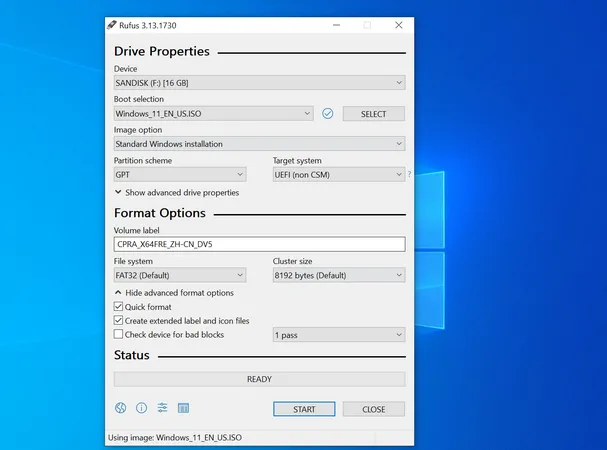
- Bootable Windows PE media can be created using tools like Rufus, WoeUSB, or Ventoy.
- Access to a network share to store your custom image and Windows Setup source files.
- Pre-installed software, drivers, and applications that you want to include in your custom image.
- A tool like Rufus or Lua to create a custom installation media.
Tools and Software Needed
To create a custom Windows 11 installation media, you will need the following tools and software: *- Windows Deployment Tools (part of Windows 11 ADK)
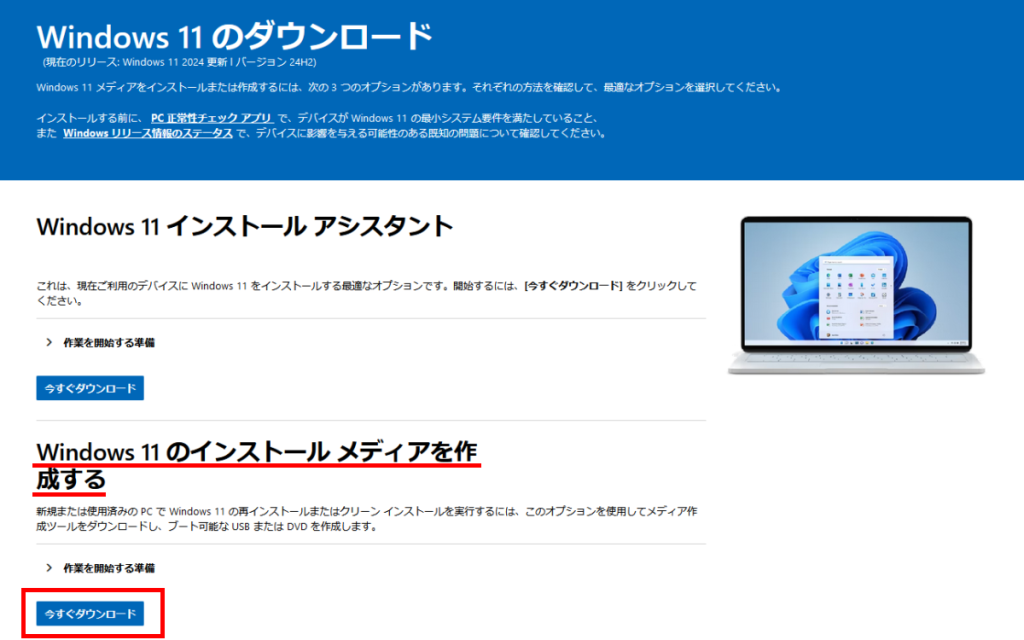
- Windows 11 ISO file
- Rufus (or Lua) to create a custom installation media
- Windows PE media (bootable USB drive or DVD)
Step-by-Step Guide to Creating a Custom Windows 11 Installation Media
Here is a step-by-step guide to creating a custom Windows 11 installation media: 1.Download and Install Windows Deployment Tools
Download the Windows Deployment Tools from Microsoft's website and install them on your reference computer.
2.Mount a Windows 11 ISO as a Virtual DVD Drive

Mount a Windows 11 ISO file as a virtual DVD drive on your reference computer. This will allow you to access the Windows 11 installation files.
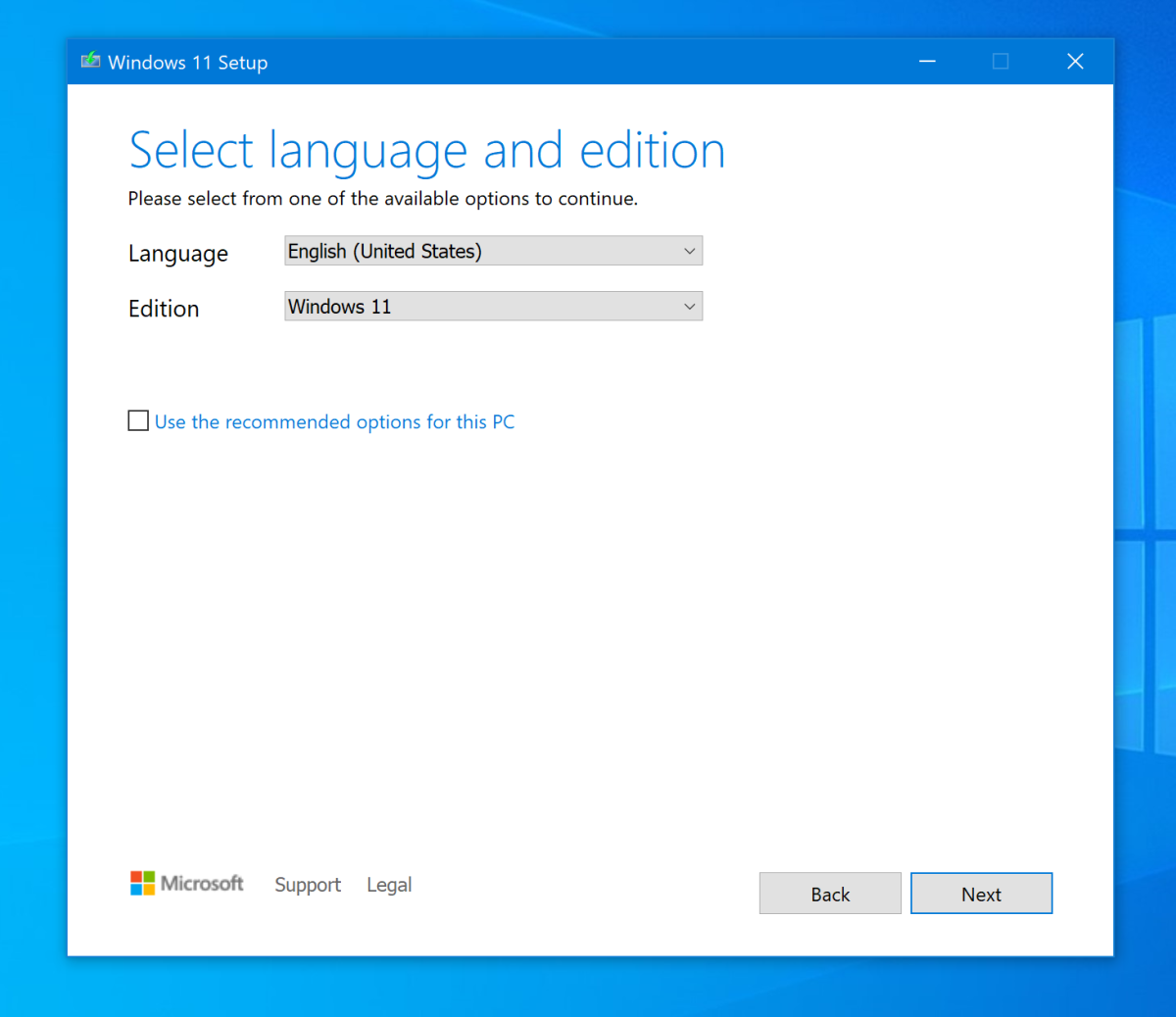
3.Create a Custom Installation Media
Using a tool like Rufus or Lua, create a custom installation media that includes your pre-installed software, drivers, and applications. Make sure to select the correct architecture (64-bit or 32-bit) and language for your custom image.
4.Configure Unattended Installation Settings
Configure your unattended installation settings to ensure that your custom image is installed on the target computer with the desired settings and configurations.
5.Validate and Test Your Custom Installation Media
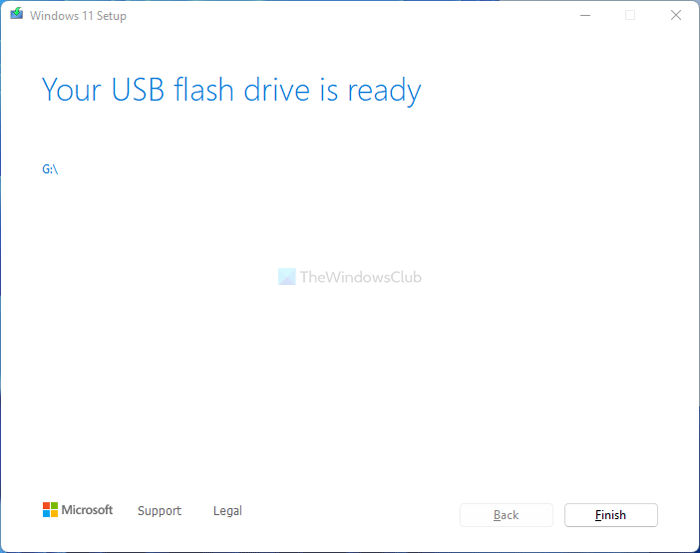
Validate and test your custom installation media to ensure that it is working correctly and that your pre-installed software, drivers, and applications are included.
By following these steps, you can create a custom Windows 11 installation media that meets your organization's specific needs and simplifies the deployment process.