Effortless Google Home Setup with Smart Thermostats: A Comprehensive Guide
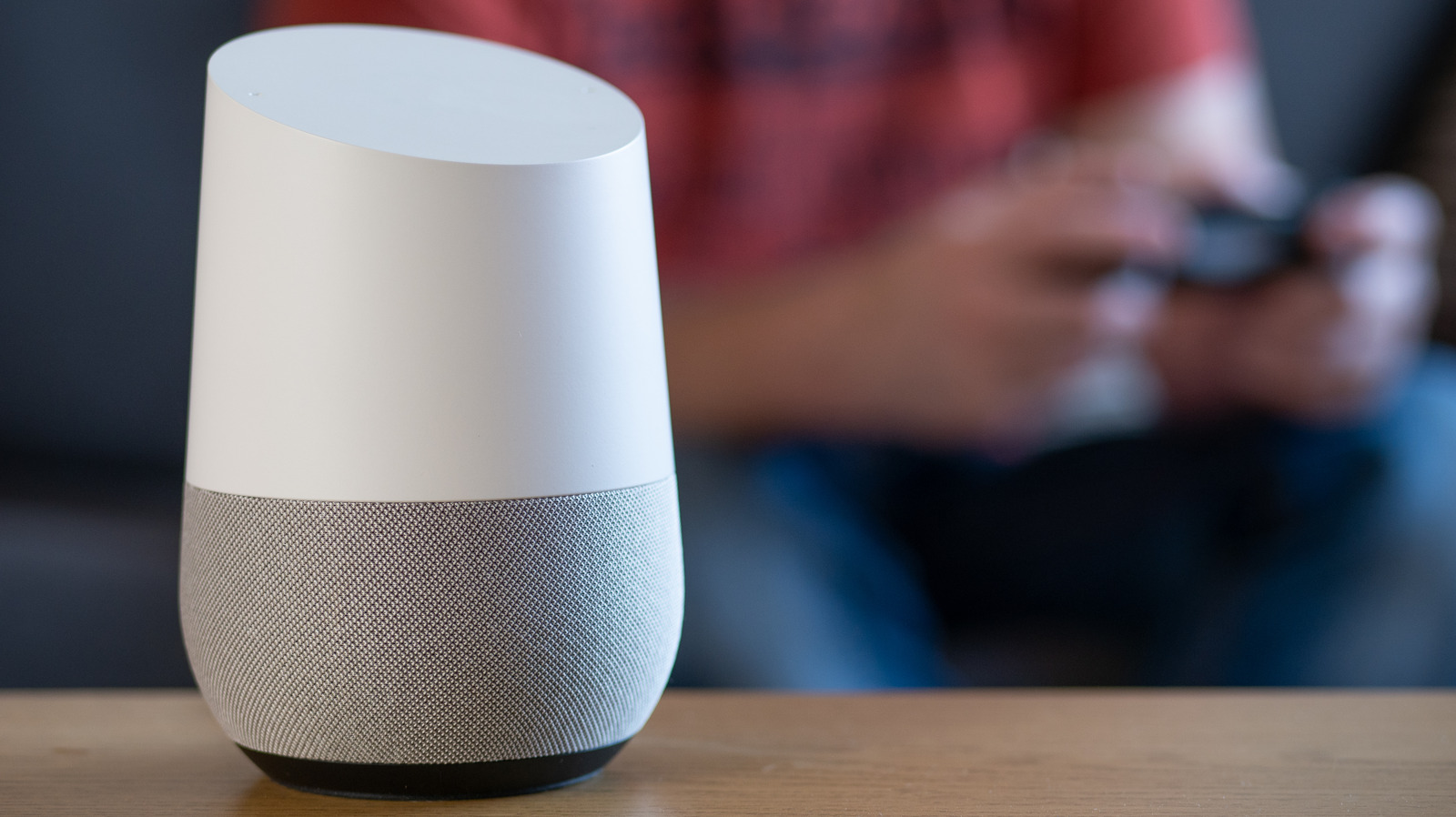
Smart thermostats have revolutionized the way we control our heating and cooling systems, offering unparalleled comfort and energy savings. Integrating a smart thermostat with Google Home takes this convenience to the next level, allowing you to control your home's temperature with simple voice commands. In this article, we'll walk you through the key steps to set up your smart thermostat with Google Home, including checking compatibility, linking devices, setting up voice commands, testing connections, and exploring advanced features.
Understanding Compatible Smart Thermostats with Google Home
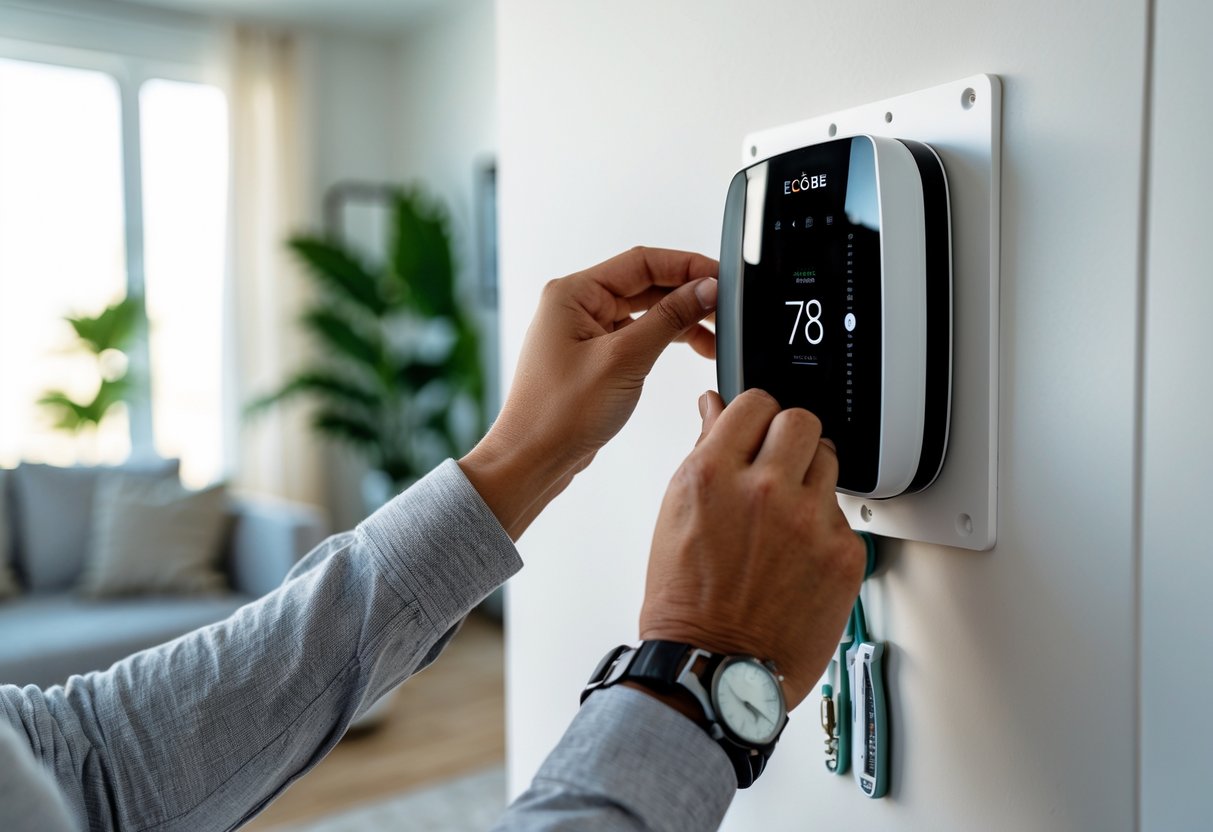
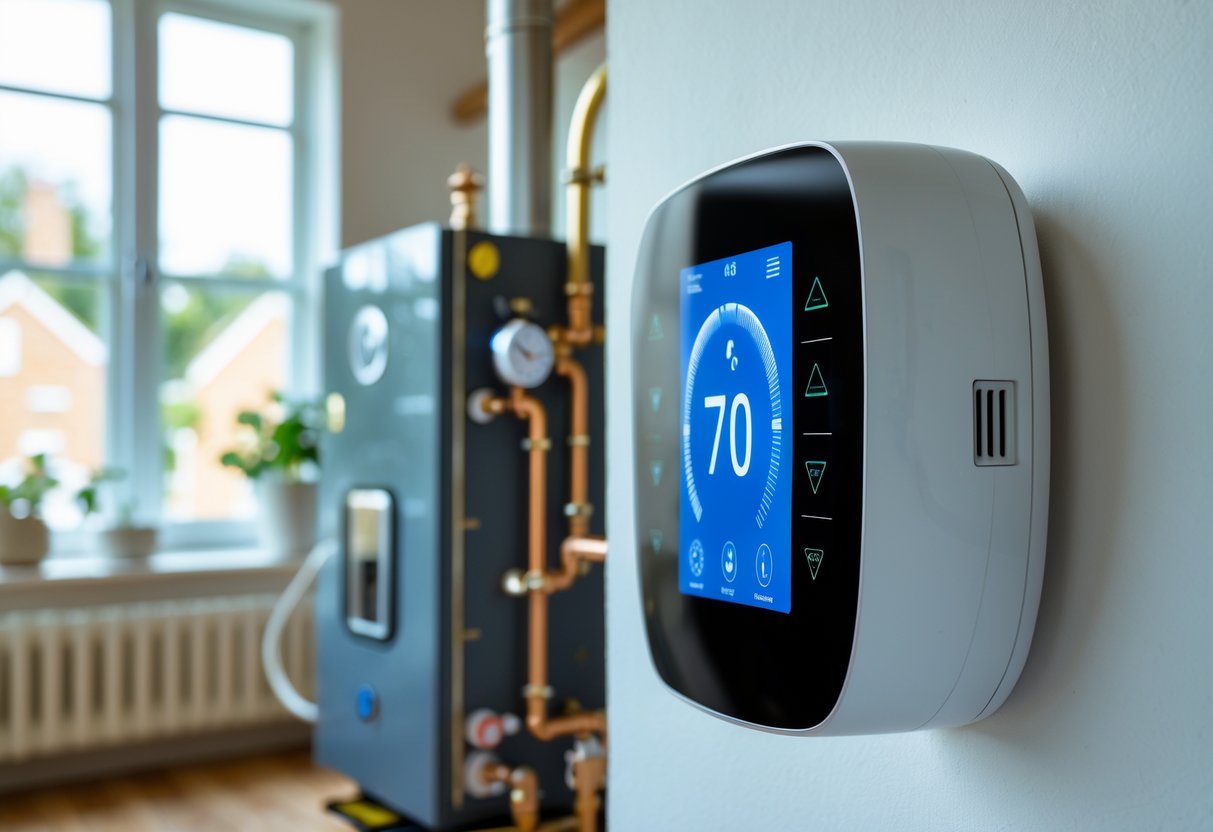
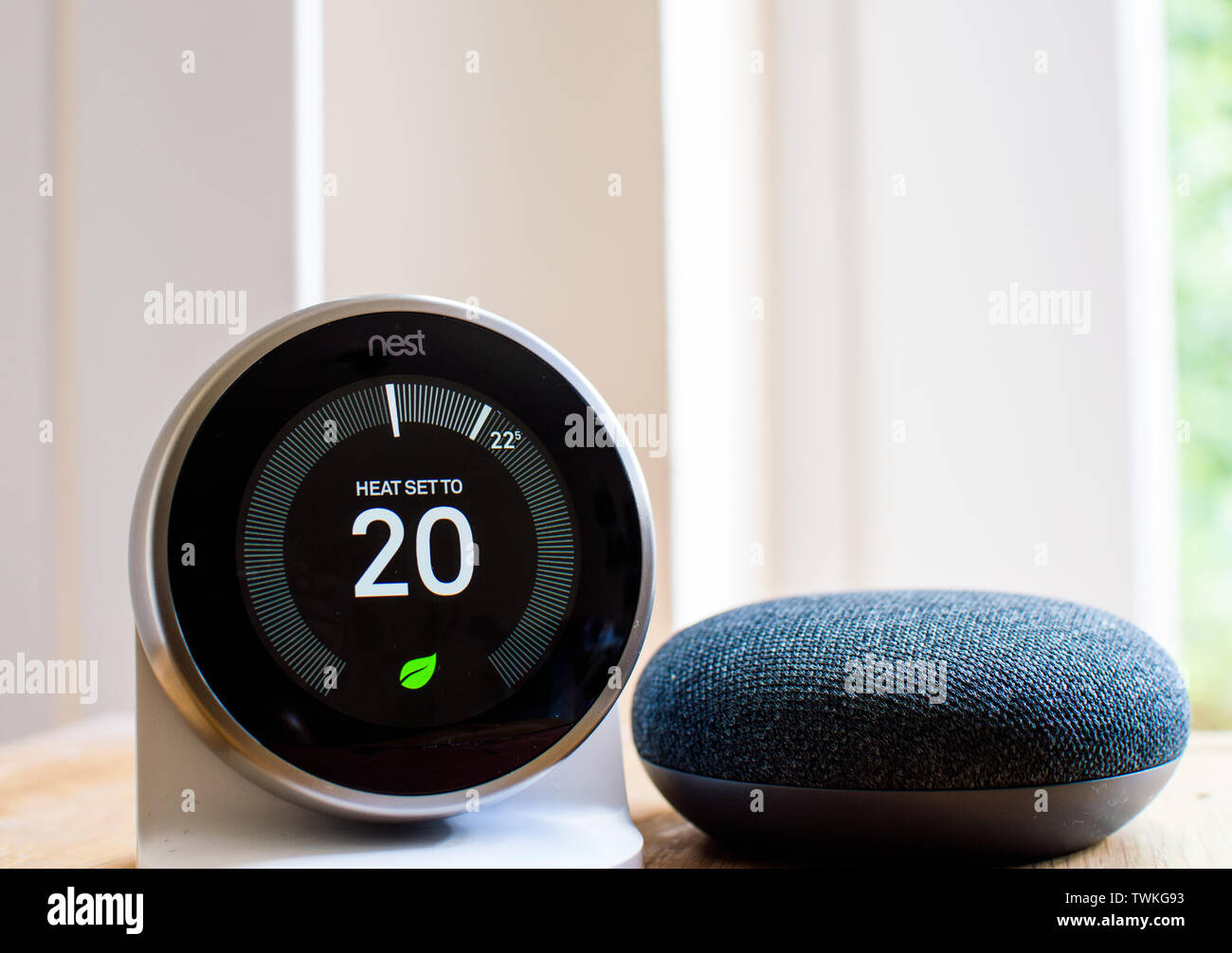
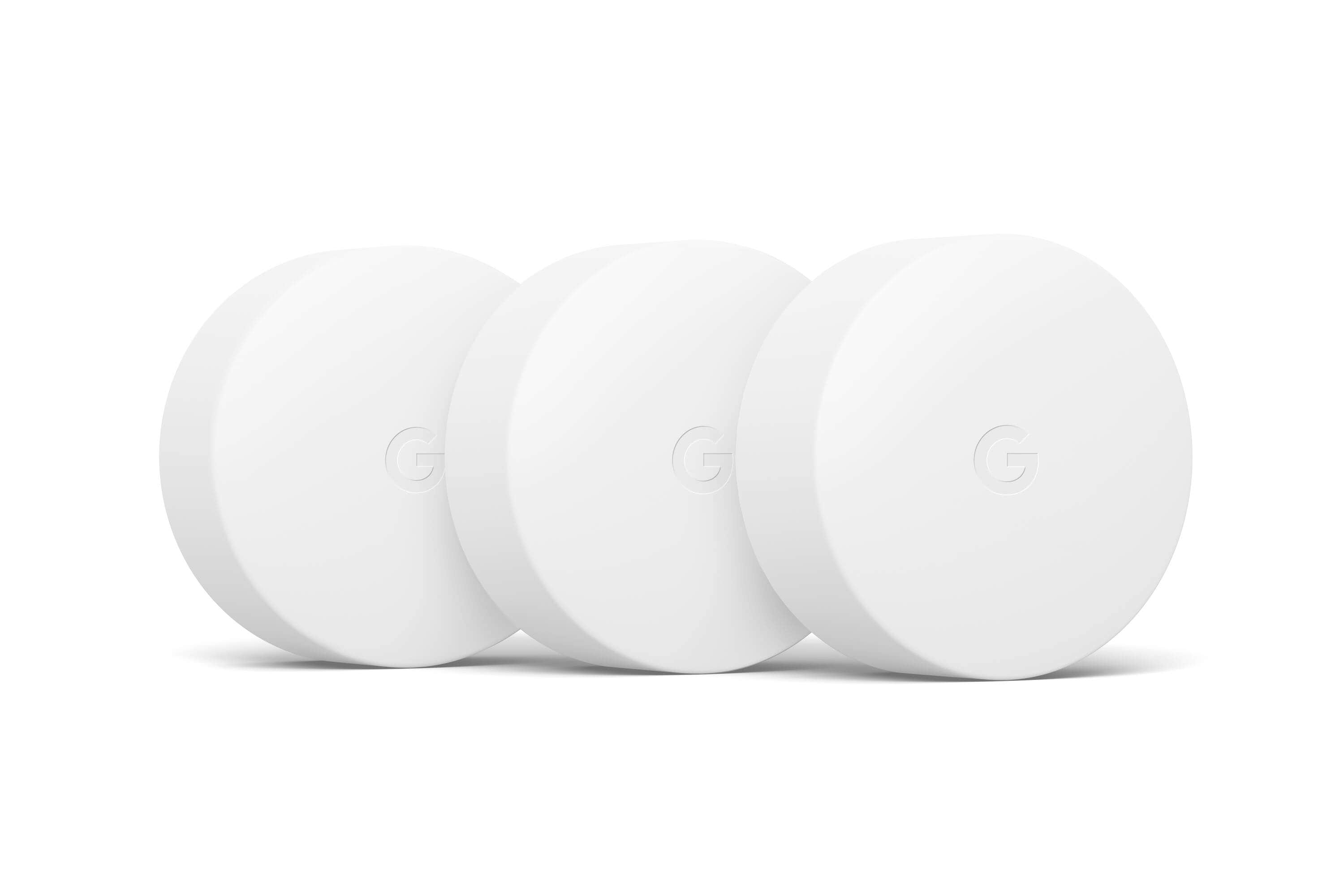
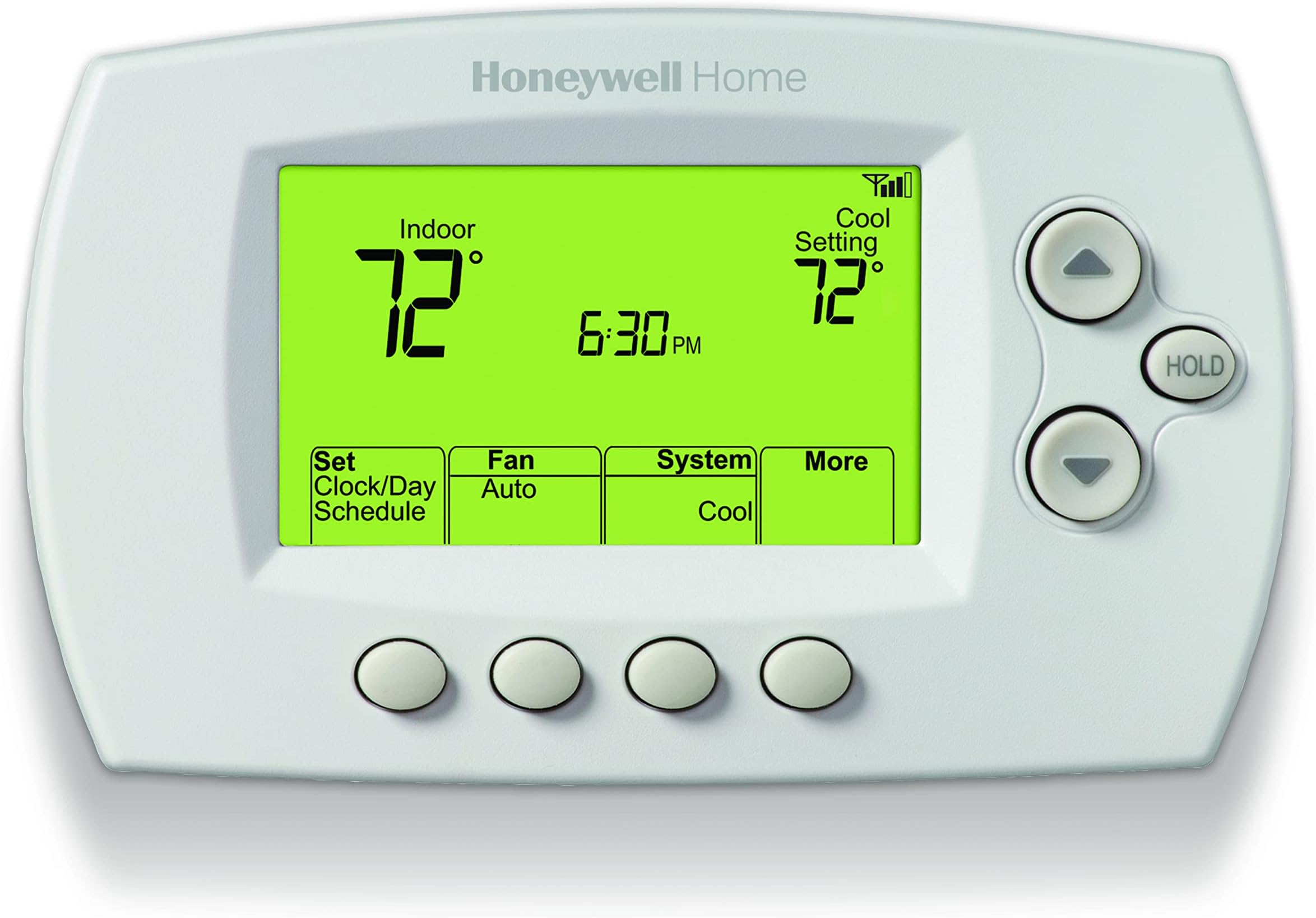
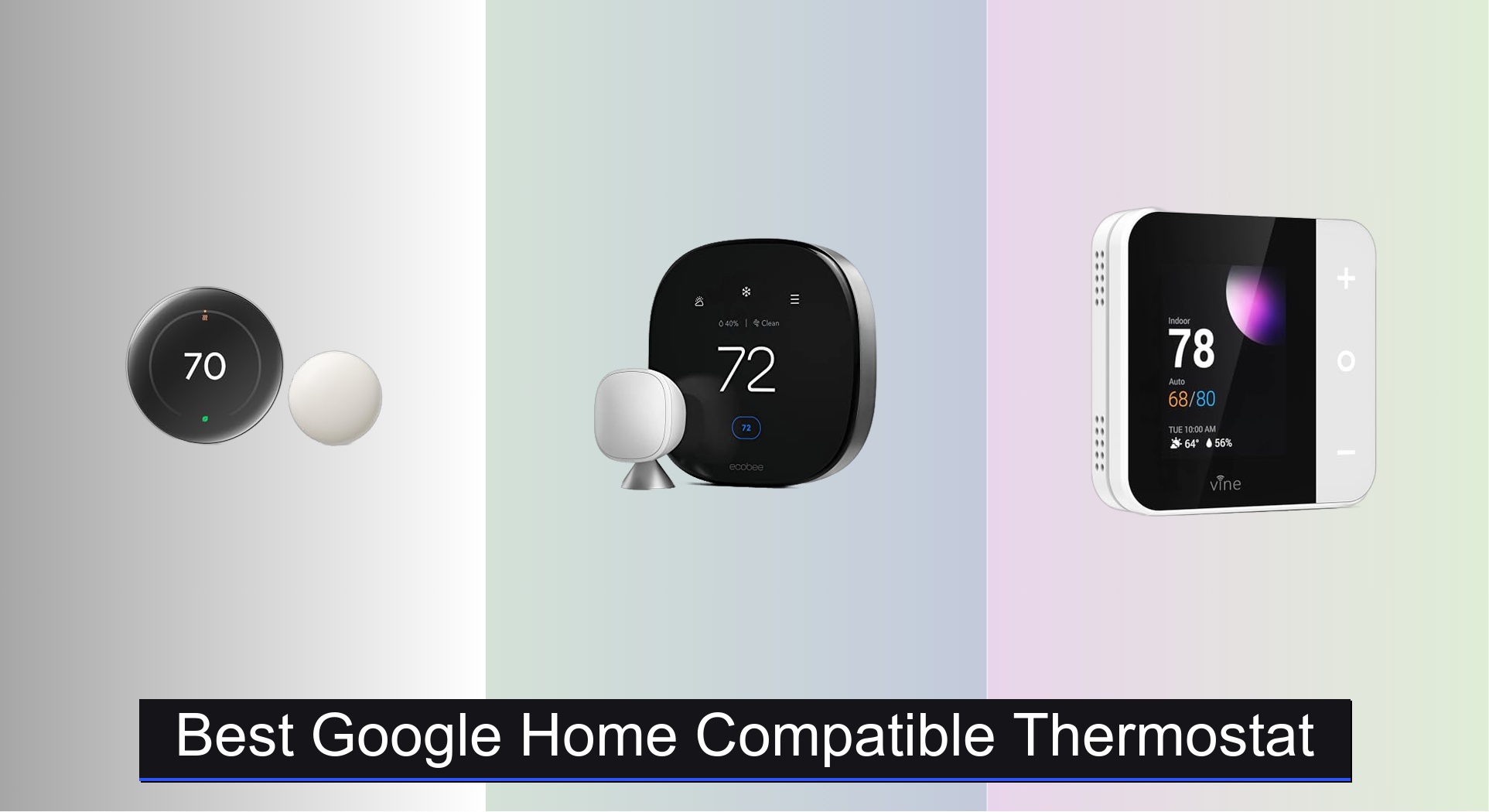
Not all smart thermostats are compatible with Google Home, so it's essential to check the compatibility of your device before starting the setup process. Some popular smart thermostats that work with Google Home include the Nest, Ecobee, and Honeywell models. Ensure that your thermostat has Wi-Fi connectivity and is linked to a Google Home account before proceeding.
Linking Devices and Setting Up Voice Commands
Once you've checked the compatibility of your smart thermostat, follow these steps to link your devices and set up voice commands:
- Open the Google Home app and navigate to the "Home" tab.
- Tap on the "+" icon to add a new device, and select "Thermostat" from the menu.
- Follow the in-app instructions to link your smart thermostat to your Google Home account.
- Set up voice commands, such as "Hey Google, turn up [thermostat name]" or "Hey Google, lower the temperature to 68 degrees."
After setting up your smart thermostat with Google Home, test the connections to ensure seamless operation. Explore advanced features, such as scheduling, energy insights, and remote control, to maximize your smart thermostat's capabilities.
Maintain a comfortable home environment by troubleshooting common setup issues, such as connectivity problems or device recognition errors. Refer to the manufacturer's documentation or online resources for guidance on resolving these issues.
Integrating a smart thermostat with Google Home offers numerous benefits, including:
- Convenience: control your home's temperature with simple voice commands.
- Energy savings: optimize your heating and cooling systems for maximum efficiency.
- Remote control: adjust your thermostat from anywhere using the Google Home app.
With various smart thermostats available, it's crucial to choose the right device for your home's specific needs. Consider factors such as smart home integration, energy efficiency, and compatibility with your existing heating and cooling systems.
By following the steps outlined in this comprehensive guide, you'll be able to effortlessly set up your smart thermostat with Google Home. Take advantage of the numerous benefits, including convenience, energy savings, and remote control, to create a more comfortable and efficient home environment.
Wifithermostats are designed to simplify temperature control, but their integration with Google Home or other home automation systems has revolutionized how we interact with these devices. Modern wifithermostats can be controlled remotely, provide real-time analytics on energy consumption patterns, and are often compatible with voice assistants like Google Home. As smarthermostatdevelopment continues to advance, users can expect even more features and integrations that will further enhance their comfort and efficiency experience at home.