How to Protect Your Online Passwords: A Comprehensive Guide
In today's digital age, protecting your online passwords is more crucial than ever. With the rise of cyber threats, weak or compromised passwords can put your personal information at risk. In this article, we will explore why hackers target passwords, how to build stronger ones, and the best tips for keeping your accounts safe.
Why Hackers Target Passwords
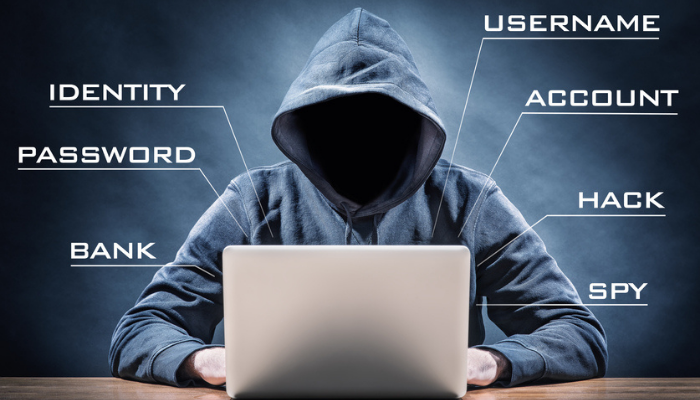
A majority of account take-overs start with weak or compromised passwords. According to the Secret Service, a strong password is the first line of defense against malicious actors. Hackers use various methods to obtain passwords, including phishing, malware, and brute-force attacks. Therefore, it is essential to understand how to create and manage strong passwords.
Creating Strong Passwords
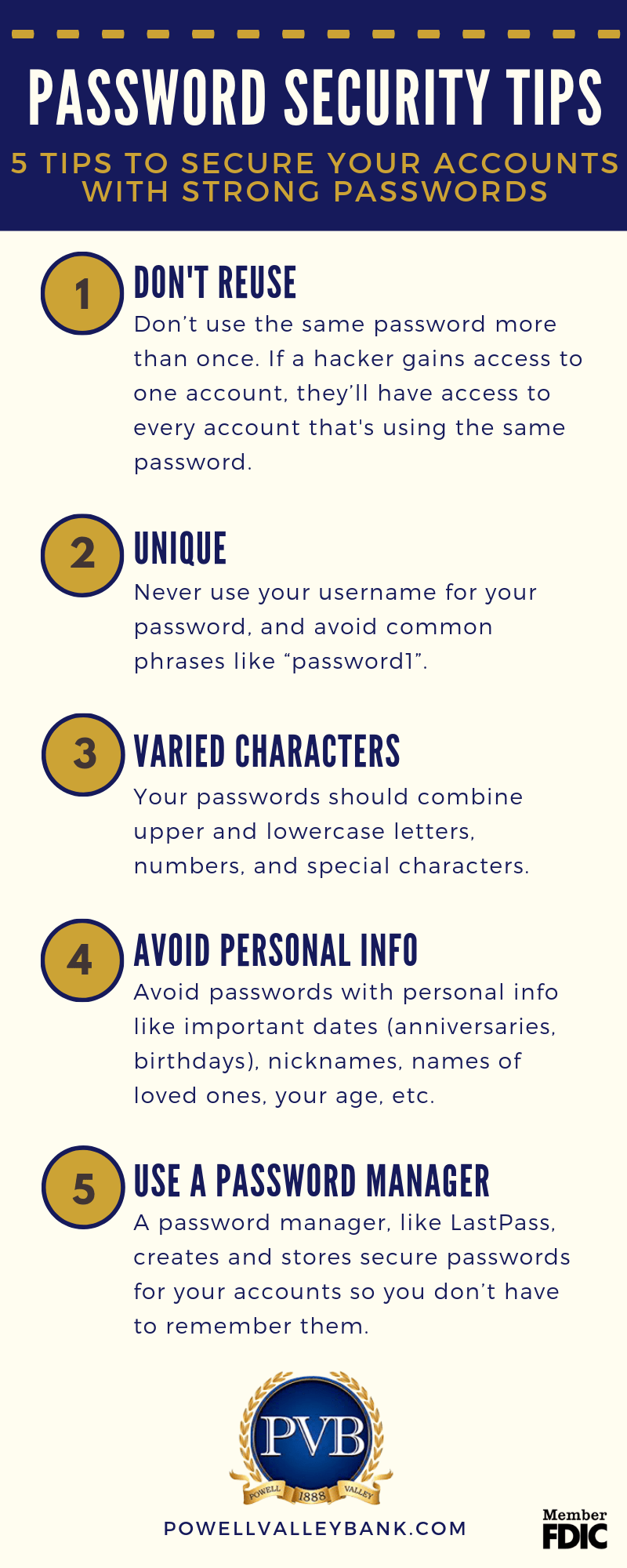
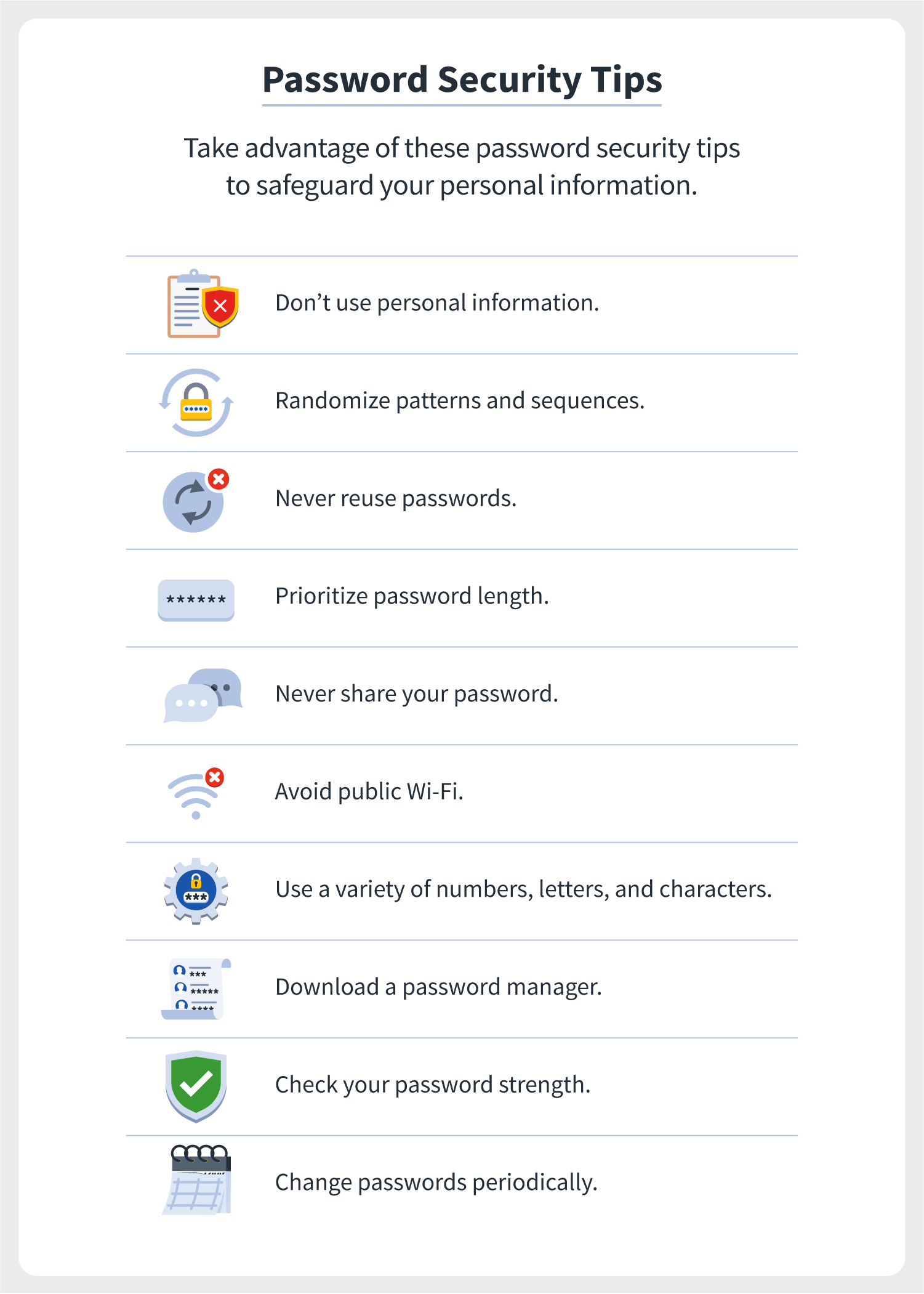
A strong password should be at least 12 characters long, but 14 or more is better. It should be a combination of uppercase letters, lowercase letters, numbers, and special characters. Avoid using easily guessable information such as your name, birthdate, or common words. A good password should be unique for each account, and it's recommended to change it every 60-90 days.
Best Tips for Keeping Your Accounts Safe
Here are some best practices to protect your online passwords:
- Use a password manager: A password manager can generate, store, and autofill strong, unique passwords for each of your accounts. It can also sync your passwords across all your devices.
- Enable multifactor authentication (MFA): MFA adds an extra layer of security to your accounts by requiring a second form of verification, such as a code sent to your phone or a fingerprint scan.
- Monitor your accounts: Regularly check your account activity for any suspicious transactions or login attempts.
- Use two-factor authentication (2FA): 2FA is similar to MFA but requires a code sent to your phone or a one-time password (OTP) in addition to your password.
- Keep your software up-to-date: Regularly update your operating system, browser, and other software to ensure you have the latest security patches.
- Use strong password generators: A strong password generator can create complex, unique passwords for each of your accounts.
- Use a secure network: When using public Wi-Fi or a shared network, use a VPN (Virtual Private Network) to encrypt your internet traffic.
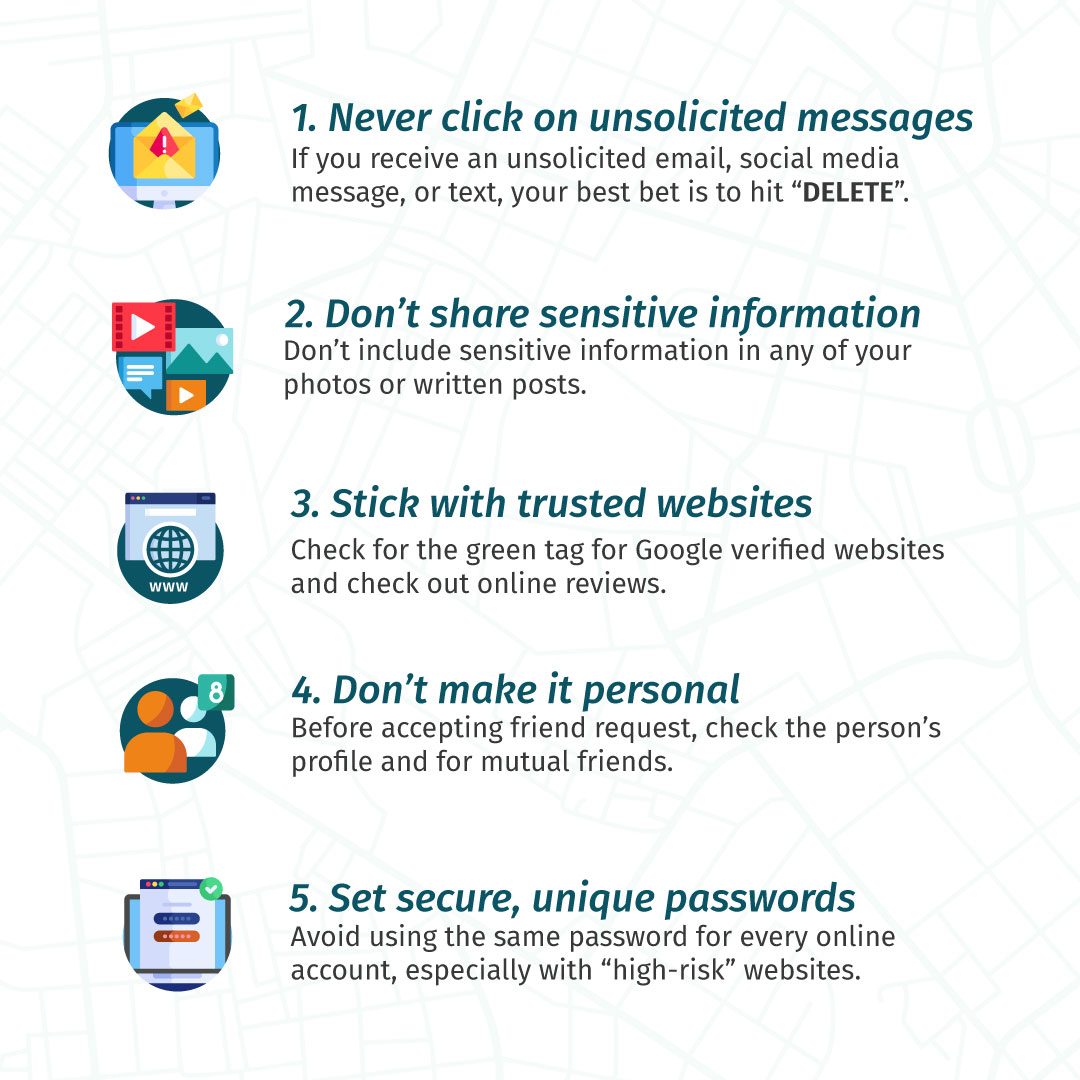
- Don't reuse passwords: Use a unique password for each account to prevent a breach of one account from compromising others.
- Don't share passwords: Never share your passwords with anyone, including friends, family, or coworkers.
Conclusion
Protecting your online passwords is crucial in today's digital age. By following these tips and best practices, you can significantly reduce the risk of your accounts being compromised. Remember, a strong password is the first line of defense against malicious actors. Take control of your online safety by creating unique, complex passwords and using a password manager, MFA, and other security measures.