Protect Your Email Account from Hacking: Tips and Tricks
Introduction
In today's digital age, email accounts have become a crucial part of our personal and professional lives. However, with great power comes great responsibility, and one of the biggest threats to our email accounts is hacking. Cybercriminals often target people's emails because they can be used to reset other passwords, making it essential to know how to protect your email account from hacking. In this article, we will discuss the best practices to safeguard your email account, identify warning signs of hacking, and provide tips on how to recover if your email account has been compromised.Why Email Accounts Are Vulnerable to Hacking?
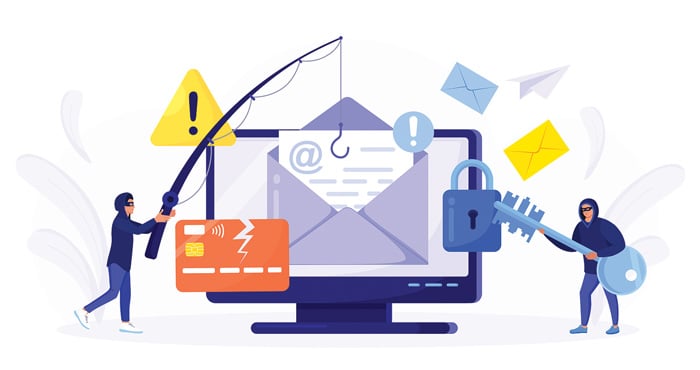
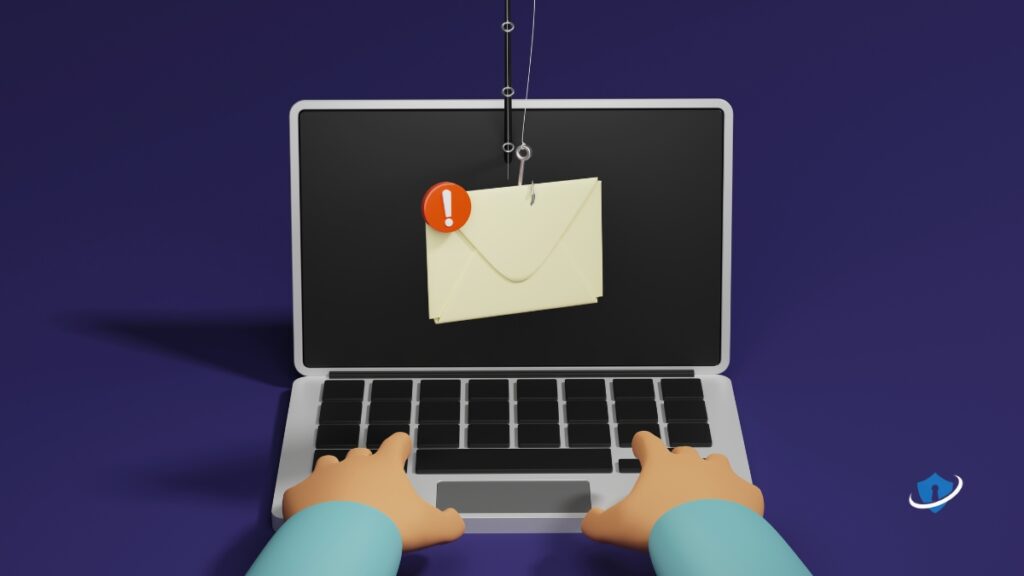
Email accounts are a treasure trove of sensitive information, including passwords, credit card details, and personal data. Cybercriminals often use phishing, malware, and data leaks to gain access to email accounts. Phishing scams, in particular, are becoming increasingly sophisticated, with scammers impersonating legitimate companies or friends to trick users into revealing their login credentials.Warning Signs of Email Account Hacking
Here are some common warning signs that your email account may have been hacked: * You notice unfamiliar activity on your account, such as unusual login locations or unread messages. * You receive spam or phishing emails from your own email address. * Your login password has been changed without your permission. * You receive notifications about suspicious transactions or activities on services or websites you don't use.Protecting Your Email Account from Hacking
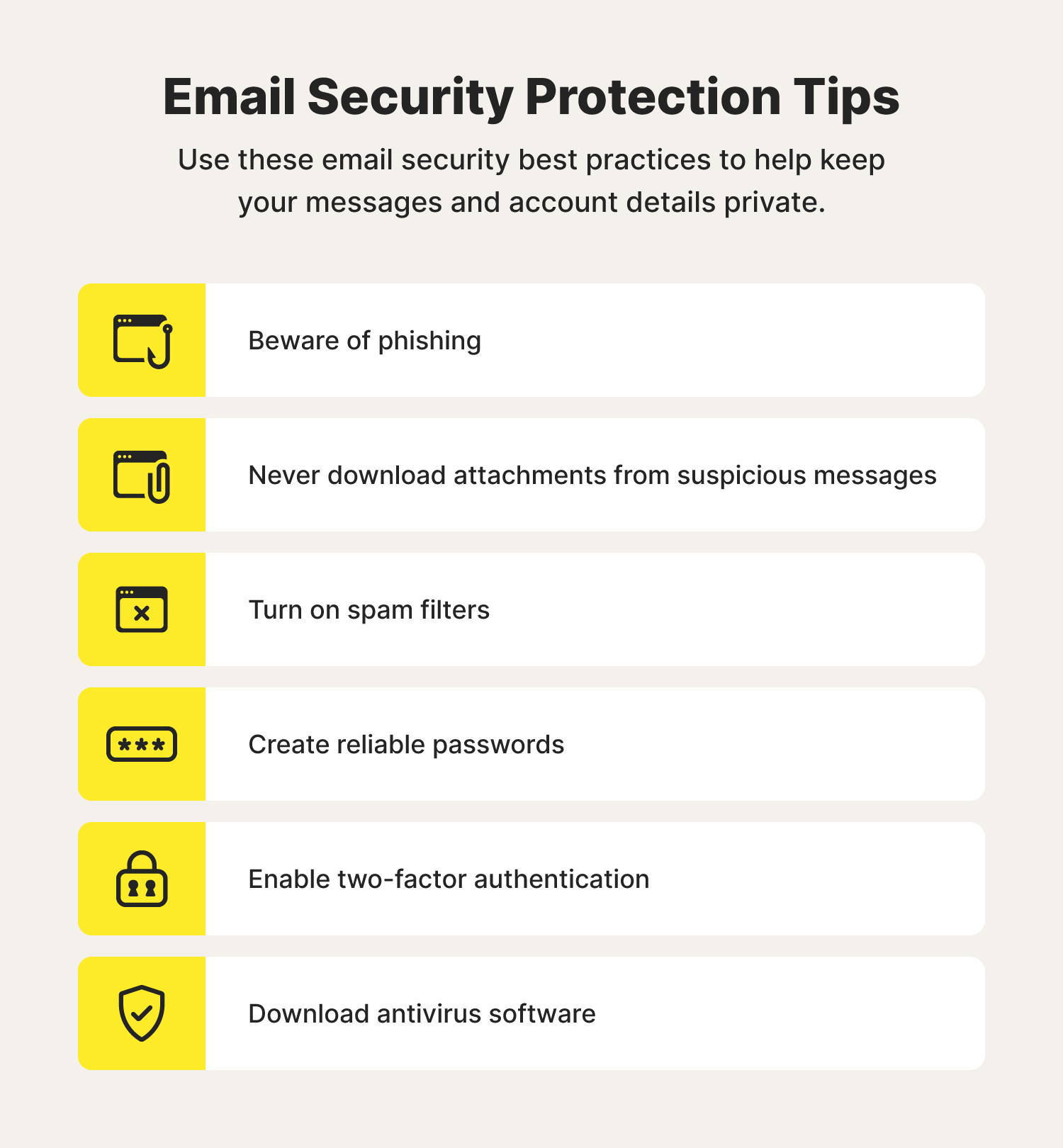
To protect your email account from hacking, follow these best practices: 1.- Use strong and unique passwords for your email account and other online services.
- Enable two-factor authentication (2FA) to add an extra layer of security when logging in.
- Be cautious when clicking on links or downloading attachments in emails, especially from unknown senders.
- Regularly update your email provider's software and plugins to ensure you have the latest security patches.
- Scan emails and attachments for malware before opening them.
- Monitor your account activity closely for suspicious behavior.
- Use a reputable email client with built-in security features like password managers and encryption.
- Use a VPN (Virtual Private Network) to secure your internet connection when using public Wi-Fi networks.
- Regularly update your operating system and software to ensure you have the latest security patches.
- Avoid using public computers or public Wi-Fi networks to access your email account.
What to Do If Your Email Account Has Been Hacked
If you suspect that your email account has been hacked, follow these steps: 1.Change your password
Change your password immediately if it's been compromised. Make sure it's a strong and unique password that's not used for other services.
2.Enable two-factor authentication
Enable two-factor authentication (2FA) to add an extra layer of security to your account.
Notify your contacts
Notify your contacts about the hack and caution them not to act on suspiciousemails they may have received.
4.Protect other linked accounts
Reset passwords for linked accounts, check for suspicious transactions, and rectify any discrepancies you identify in your email account.
5.Use anti-virus software
Scane your computer and devices with anti-virus software to detect and remove any malware that may have invaded your device.
6.Consider seeking professional help
If you're unsure about how to recover your email account or need further guidance, consider seeking help from a professional cybersecurity expert or your email provider's support team.
Closing
Protecting your email account from hacking requires vigilance and proactive measures. Follow these tips and tricks to safeguard your email account, and remember to stay informed about the latest cybersecurity trends to protect yourself from emerging threats.