Protecting WiFi Network from Advanced Threats: A Comprehensive Guide
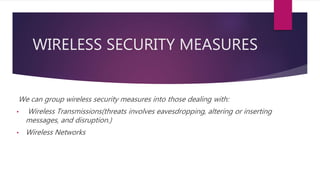
Wireless networks have become an integral part of our daily lives, connecting billions of devices globally and forming a critical component in the Internet of Things (IoT) ecosystem. However, the convenience of wireless connectivity also makes it susceptible to unauthorized access and cyber threats. In this article, we will delve into the world of WiFi security and explore the most up-to-date methods to protect your network from advanced threats.
Risks Associated with Weak WiFi Security
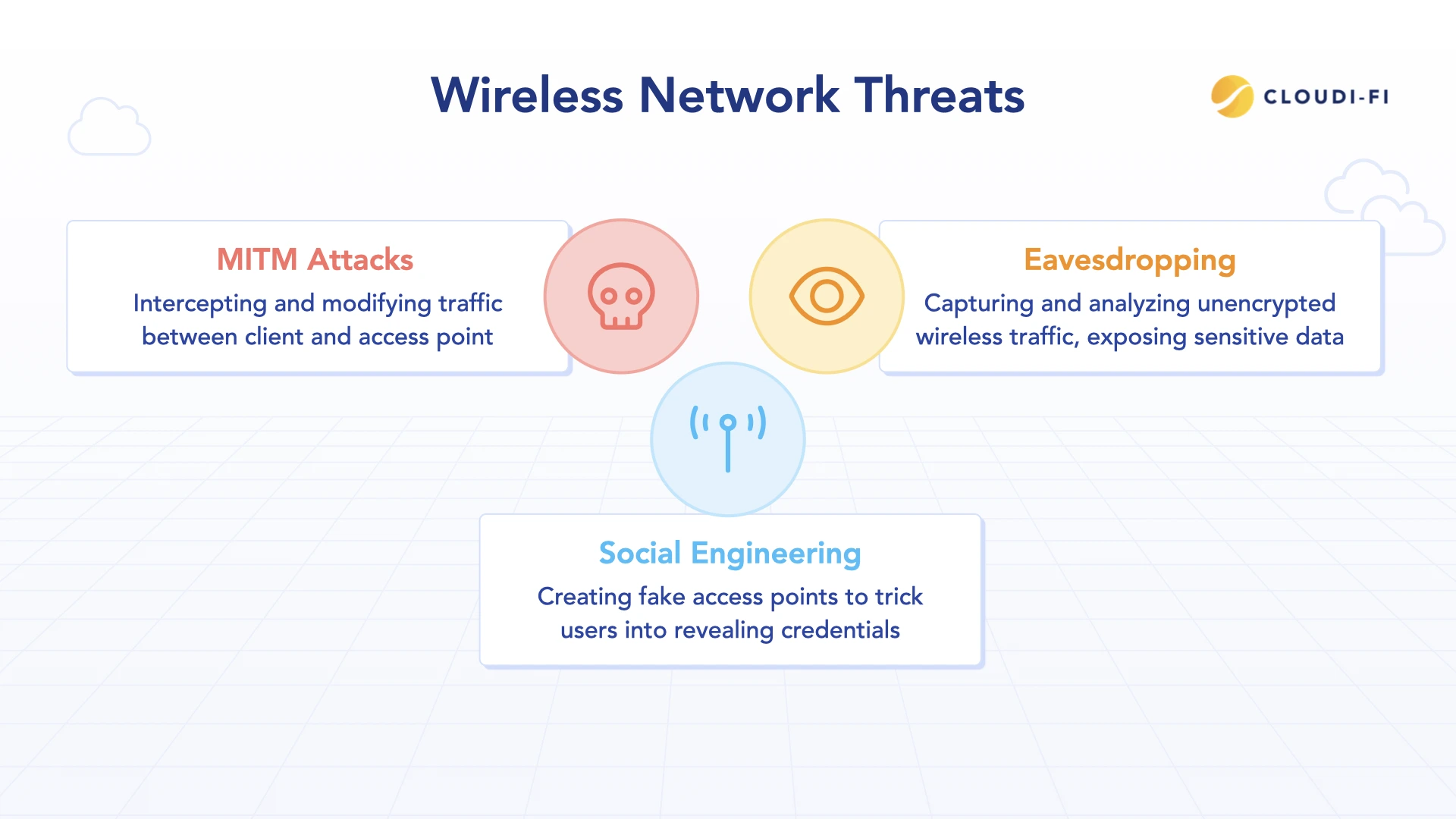
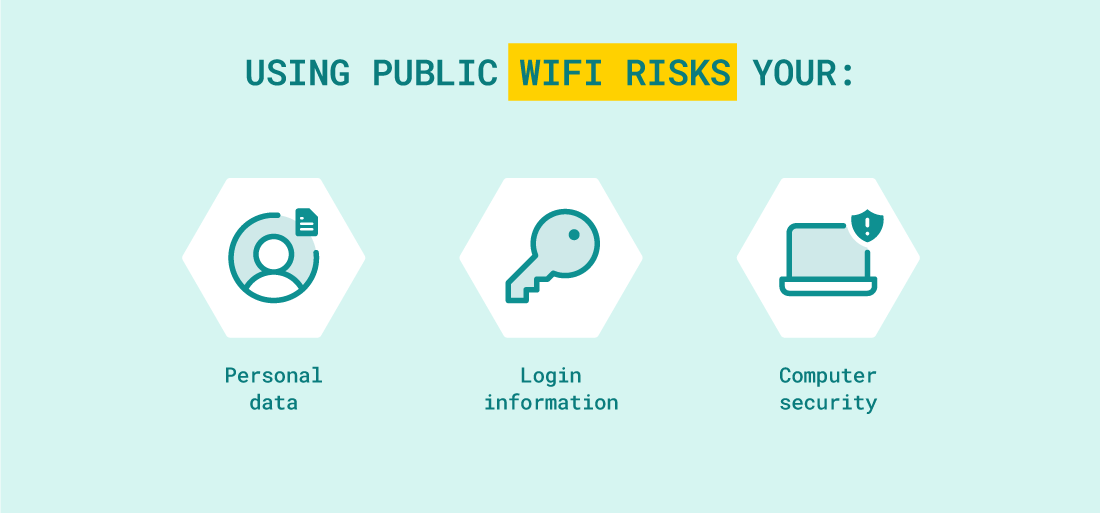
A weak or poorly secured WiFi network is vulnerable to various cyber threats, including hacking, eavesdropping, and malware attacks. These threats can compromise sensitive information, disrupt business operations, and even cause financial losses. The risks associated with weak WiFi security are numerous, including:
- Hacking: Unauthorized access to your network by hackers can lead to data theft, Identity Theft, and financial losses.
- Eavesdropping: A hacker can intercept sensitive information, such as passwords and credit card numbers, by eavesdropping on your network.
- Malware Attacks: Malware can spread through a weak or poorly secured network, compromising your device and potentially crippling your business operations.
- Data Breaches: A weak WiFi network can lead to data breaches, compromising sensitive information and causing financial losses.
Best Practices for Protecting WiFi Network from Advanced Threats
Protecting your WiFi network from advanced threats requires a multi-layered approach. Here are some best practices to help you safeguard your network:
1. Use Strong and Unique Passwords
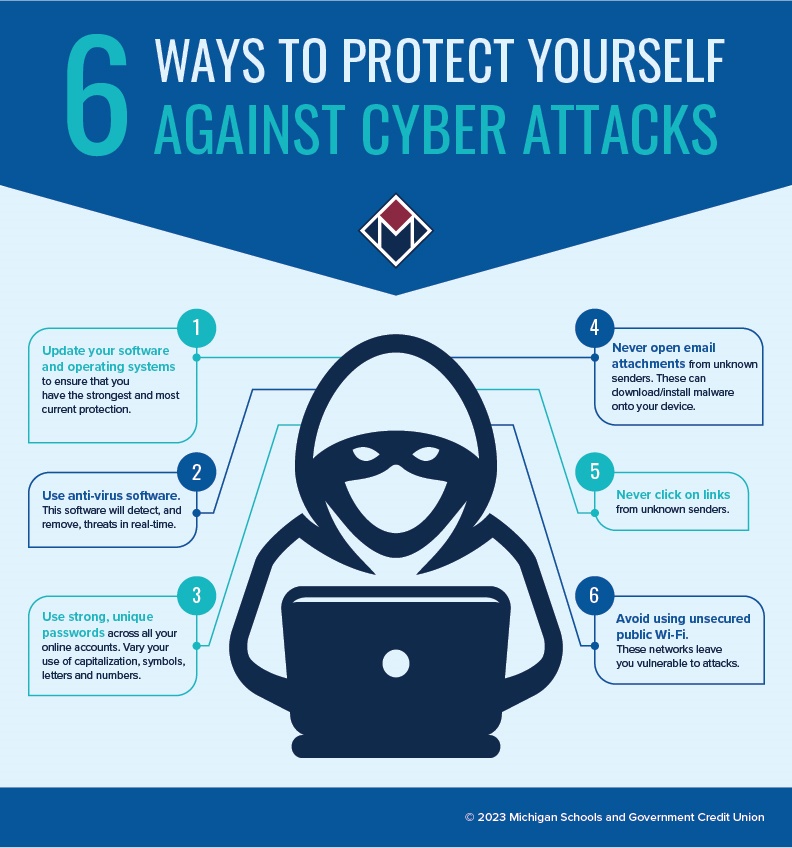
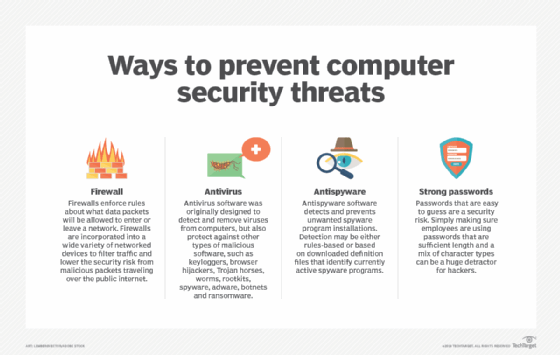
Using a strong and unique password is the first line of defense against unauthorized access. Change your router's default password and avoid using easily guessable information, such as your birthdate or name.
2. Enable WPA3 Encryption
WPA3 is the latest encryption standard that provides the strongest level of security for your WiFi network. Enable WPA3 encryption on your router to prevent eavesdropping and unauthorized access.
3. Keep Your Router's Firmware Up-to-Date
Regularly update your router's firmware to ensure it has the latest security patches and features. This will help prevent your network from being exploited by known vulnerabilities.
4. Use Network Segmentation
Network segmentation involves dividing your network into different segments, each with its own access controls and security settings. This prevents unauthorized access to sensitive areas of your network.

5. Implement Two-Factor Authentication
Two-factor authentication adds an additional layer of security to your network by requiring users to provide a second form of verification, such as a code sent to their phone or a fingerprint scan, before accessing the network.
6. Use a VPN
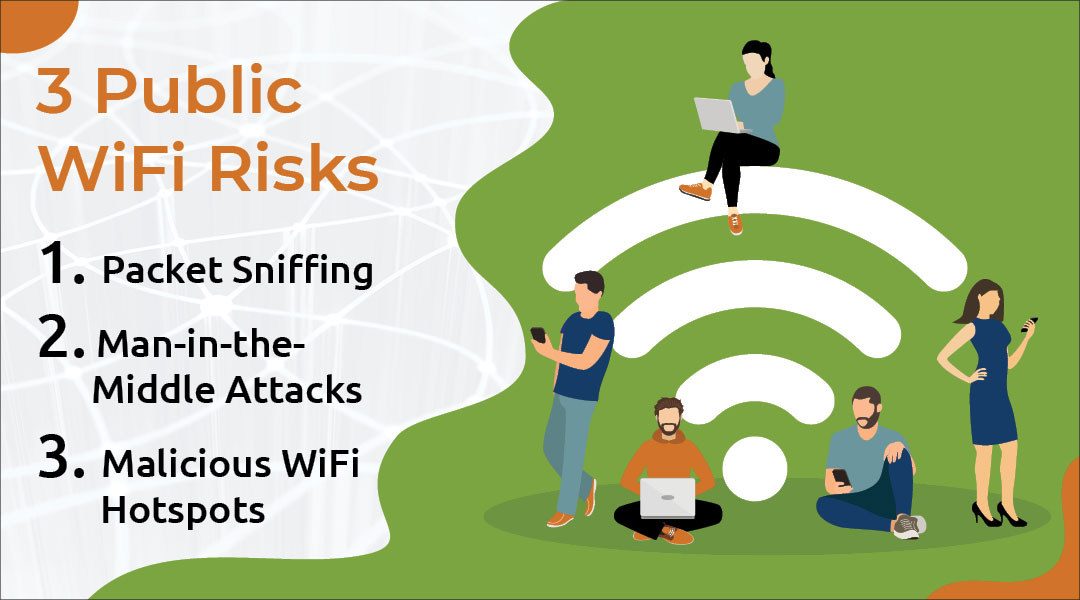
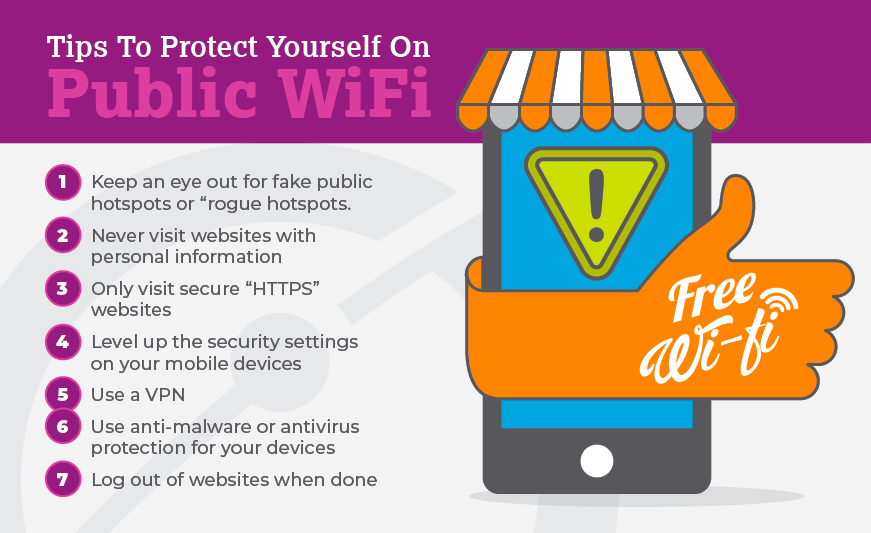
A Virtual Private Network (VPN) encrypts your internet traffic, making it difficult for hackers to intercept sensitive information. Use a VPN when accessing public WiFi networks or working remotely.
7. Regularly Monitor Your Network
Regularly monitor your network for unusual activity and keep an eye out for signs of malware or unauthorized access. Use tools and resources to scan your network for vulnerabilities and fix them promptly.
Advanced Security Features for WiFi Networks
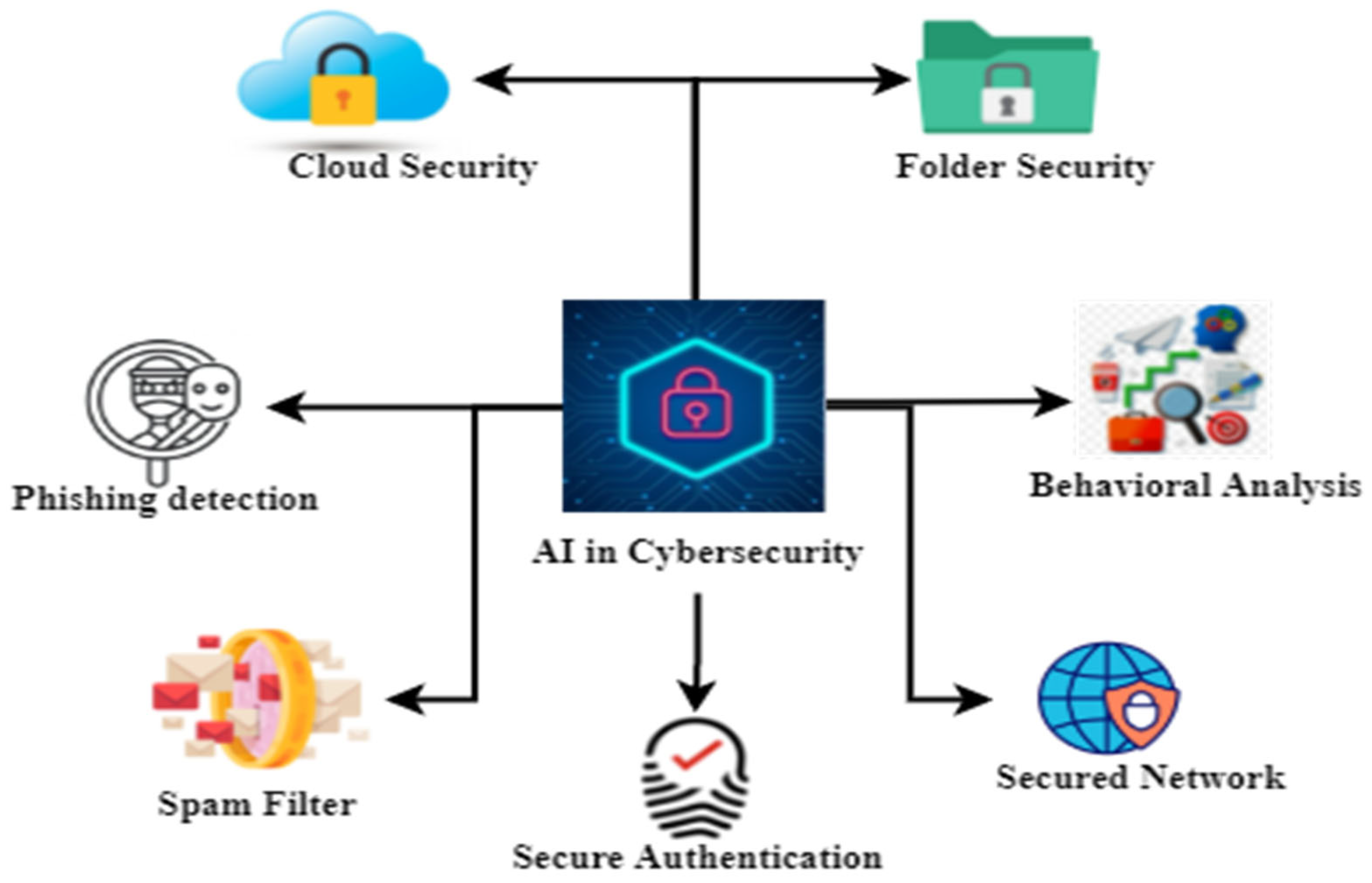
Advanced security features, such as AI-powered threat detection and response, can help protect your WiFi network from advanced threats. Some popular advanced security features include:
- AI-powered threat detection and response
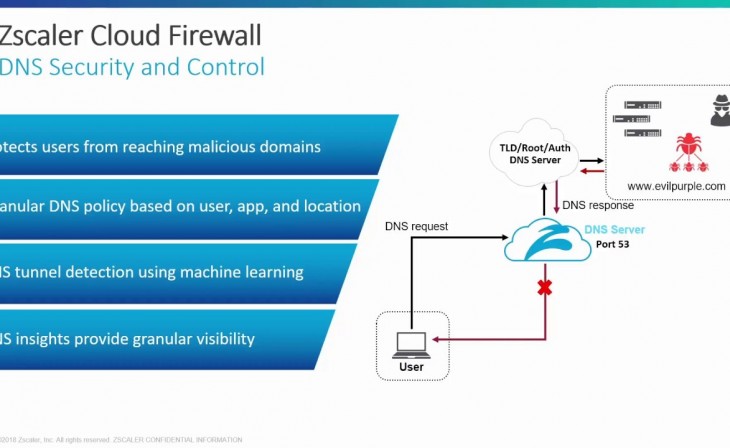
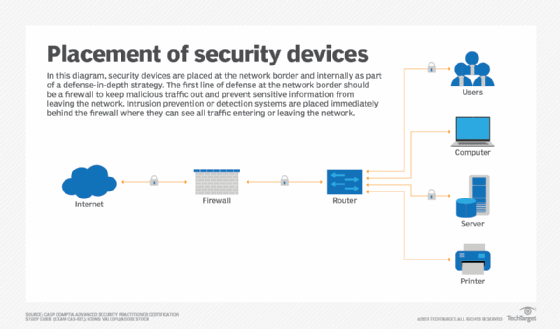
- Advanced firewall and intrusion prevention systems
- Robust encryption and decryption
- Regular security audits and vulnerability assessments
Conclusion
Protecting your WiFi network from advanced threats requires a comprehensive approach that includes strong passwords, WPA3 encryption, firmware updates, network segmentation, two-factor authentication, a VPN, regular monitoring, and advanced security features. By following these best practices and implementing advanced security measures, you can safeguard your network from cyber threats and ensure the security and integrity of your data.
Final Thoughts
The security of your WiFi network is crucial in today's digital age, where hacking, eavesdropping, and malware attacks can have devastating consequences. By protecting your WiFi network from advanced threats, you can prevent unauthorized access, data breaches, and financial losses. Remember, a robust and secure WiFi network is essential for protecting your sensitive information, ensuring business continuity, and maintaining trust with your clients.



.png "Wireless Network Security: WEP, WPA, WPA2 & WPA3 Explained")