Router Security and Safety Tips: Protect Your Home Network from Cyber Threats
Boost your router security with expert tips! Learn how to safeguard your home network with strong passwords, WPA3 encryption, VPNs, and more. Stay protected!
Why Router Security Matters
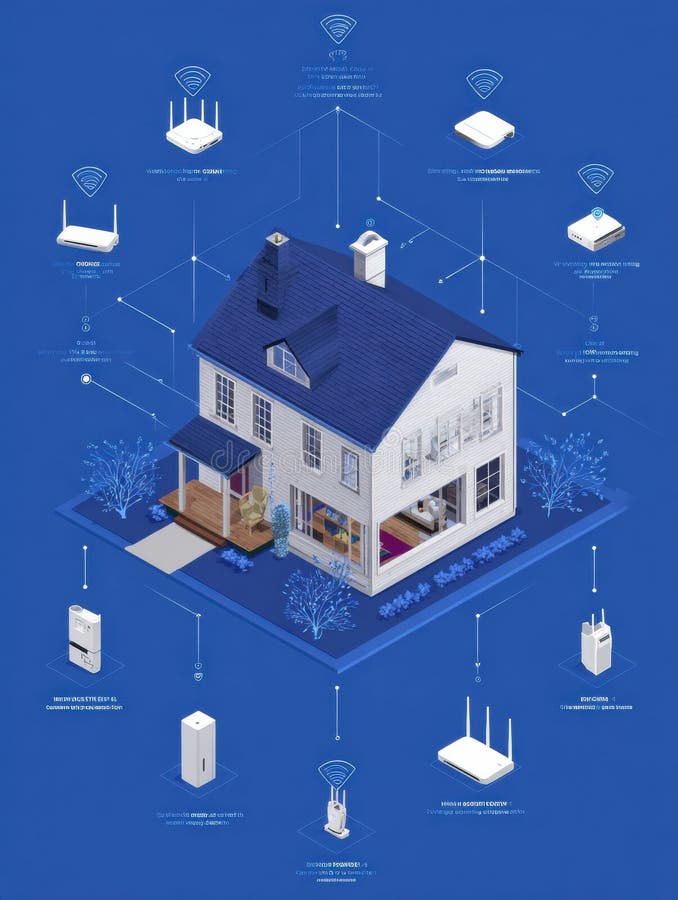
Securing your home Wi-Fi network is crucial to prevent cyber threat actors from performing various operations, including unauthorized access, data theft, and even cyber attacks on other devices. If you don't secure your home Wi-Fi network, you risk exposing your personal data, passwords, and sensitive information to hackers and cybercriminals.
Ensure Your Router Meets Modern Security Standards
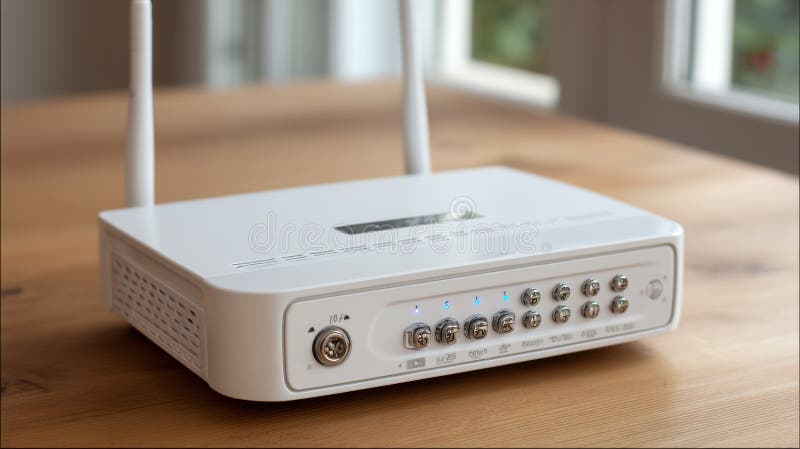
Selecting a Wi-Fi router with the latest security protocols is essential. Look for a router that supports WPA3 encryption, which is the latest standard for Wi-Fi security. This will ensure that your network is protected from even the most sophisticated cyber threats.
Apply the Highest Security Settings
- Change your router settings to enable MAC address filtering, which allows you to specify which devices are allowed to connect to your network.
- Disable remote access and guest networking to prevent unauthorized access.
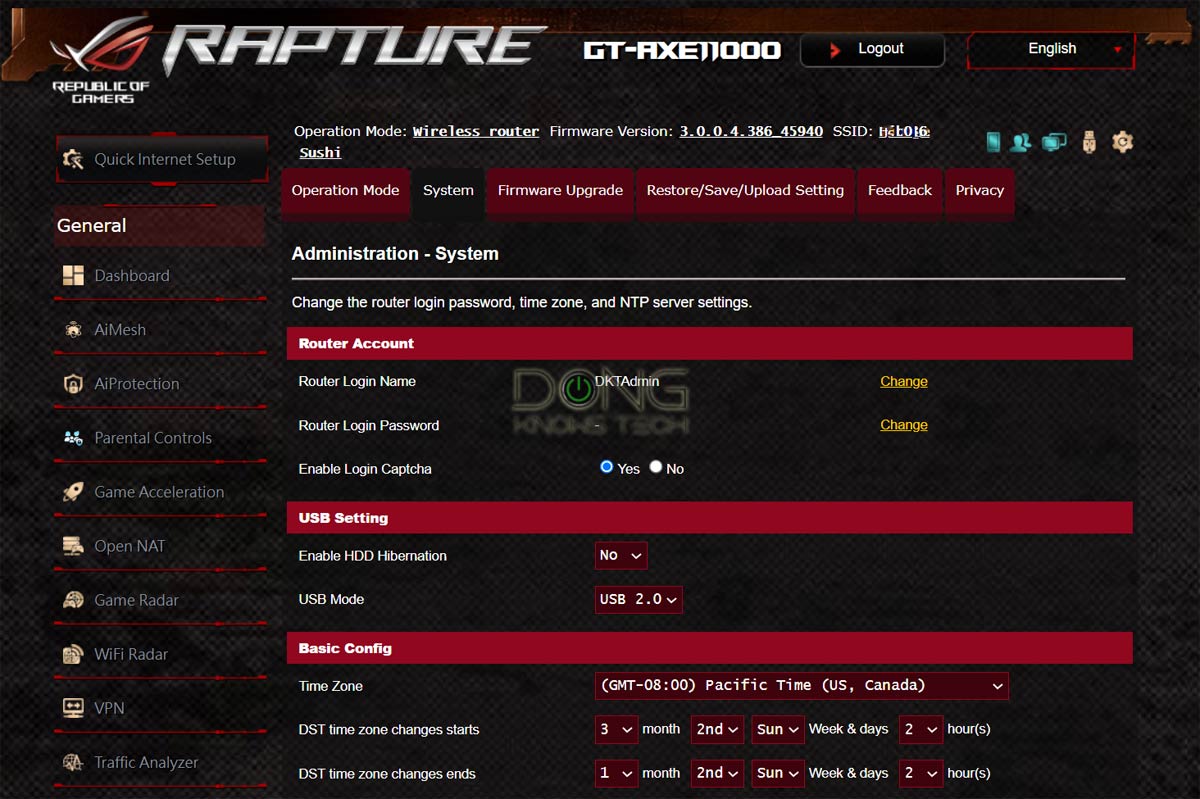
- Use strong passwords or passphrases for all access points, including your router settings and network passwords.
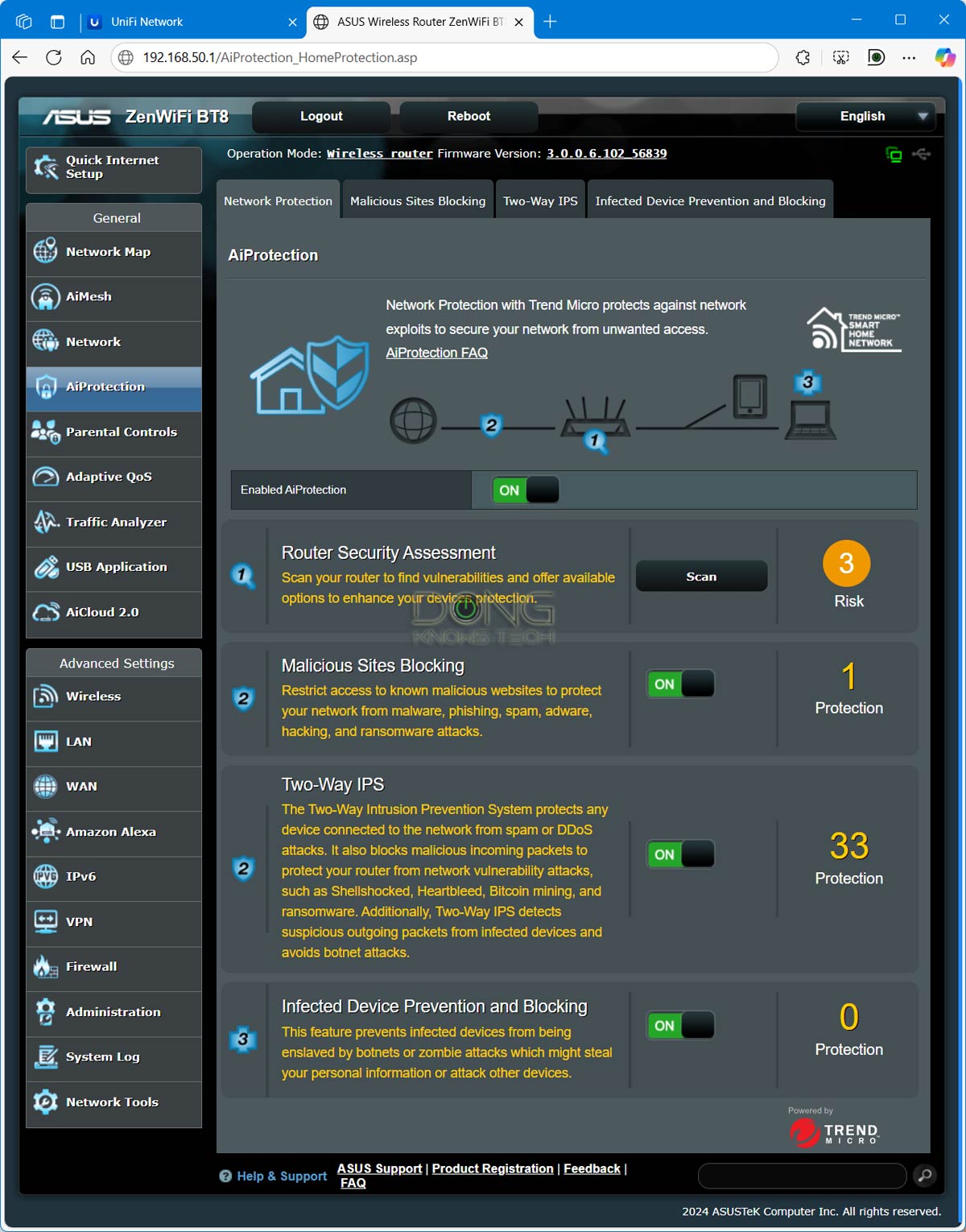
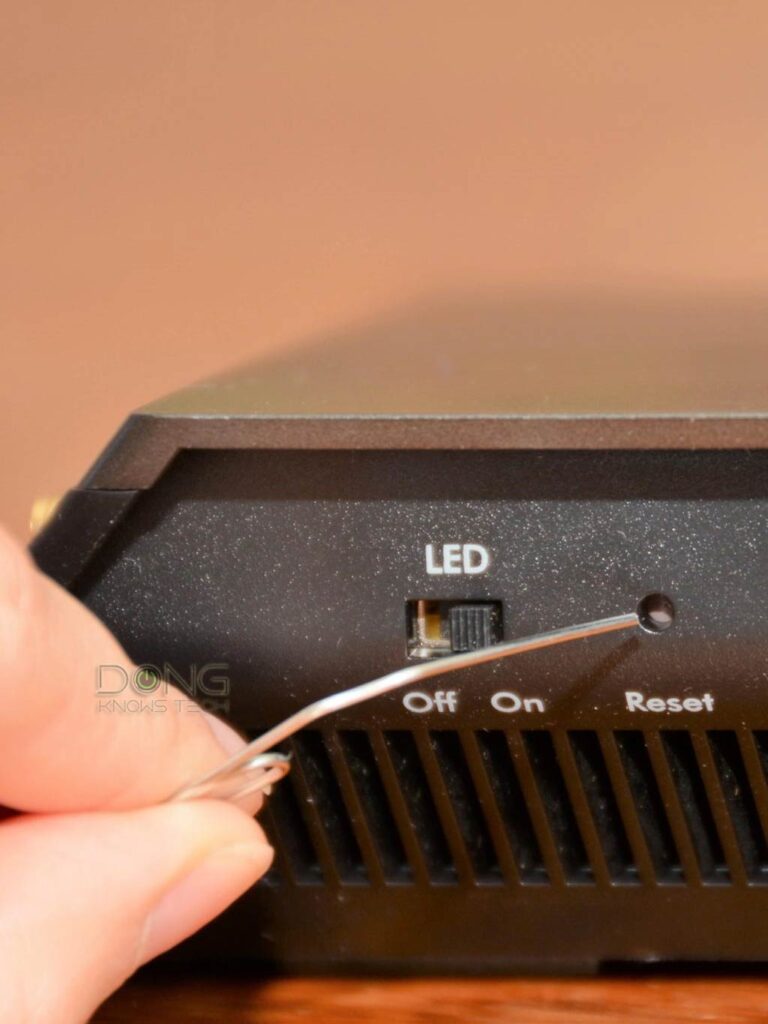
- Keep your router and connected devices up-to-date by installing the latest firmware updates and security patches.
- Set up a guest network to isolate visitors and prevent them from accessing your main network.
Use a VPN for Enhanced Security
Consider using a Virtual Private Network (VPN) to encrypt all internet traffic and protect your data from being intercepted by hackers or spies.

Additional Tips for Router Security and Safety
Following these additional tips will further enhance the security and safety of your router and home network:
- Regularly check for and install firmware updates to ensure you have the latest security patches.
- Consider upgrading to a mesh Wi-Fi system, which can improve your network's range, speed, and security.
- Secure your router physically to prevent unauthorized access and theft.
- Use guest network isolation to separate visitors from your main network.
Why is Router Security Important for Your Wi-Fi Network?
Router security is crucial for protecting your home network from cyber threats, including unauthorized access, data theft, and cyber attacks on other devices. By following these tips and taking the necessary precautions, you can ensure that your router and home network are protected from even the most sophisticated cyber threats.
Additional Resources
For more information on router security and safety, check out these additional resources:
- Consumer Reports: How to Boost Your Router Security and Keep Intruders Out of Your Home Wi-Fi Network
- Incogni: Secure Your Home Network with these Simple Router Security Tips
- The Federal Communications Commission (FCC): Official List of "Covered Equipment" in regards to National Security and Safety