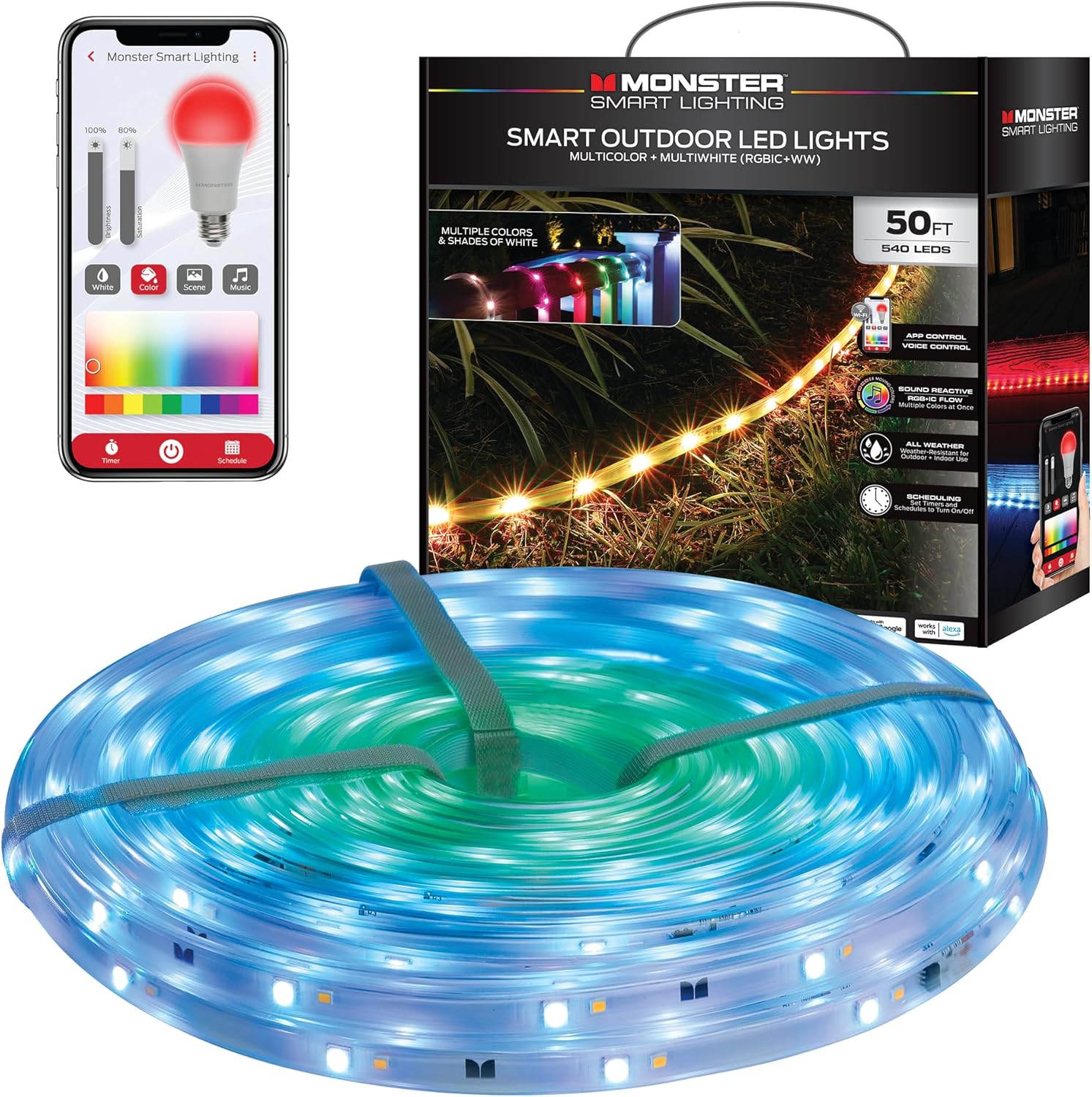
Setting up Alexa with Smart Outdoor Lighting: A Step-by-Step Guide
Are you ready to take your outdoor lighting to the next level with the help of Amazon's Alexa? Setting up Alexa with smart outdoor lighting is a straightforward process that can add a touch of convenience and sophistication to your home's exterior. In this article, we'll walk you through the steps to get started.
Choosing the Right Smart Outdoor Lighting
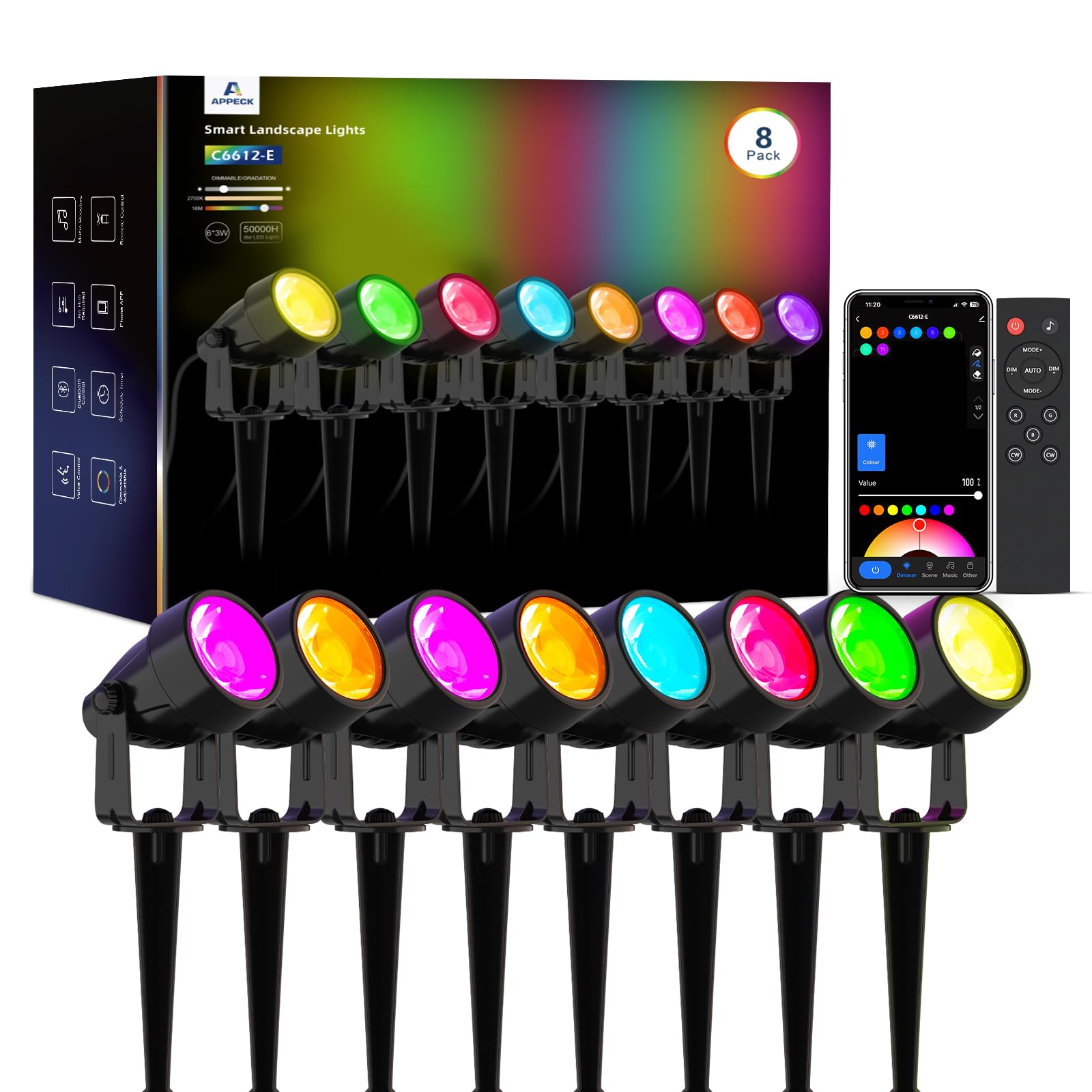
Before you start setting up Alexa with your smart outdoor lighting, you'll need to select the right fixtures for your home. Consider factors such as wattage, color temperature, and beam angle to ensure that you choose the right bulbs for your specific needs. You may also want to consider features like Wi-Fi connectivity, color-changing capabilities, and energy efficiency.
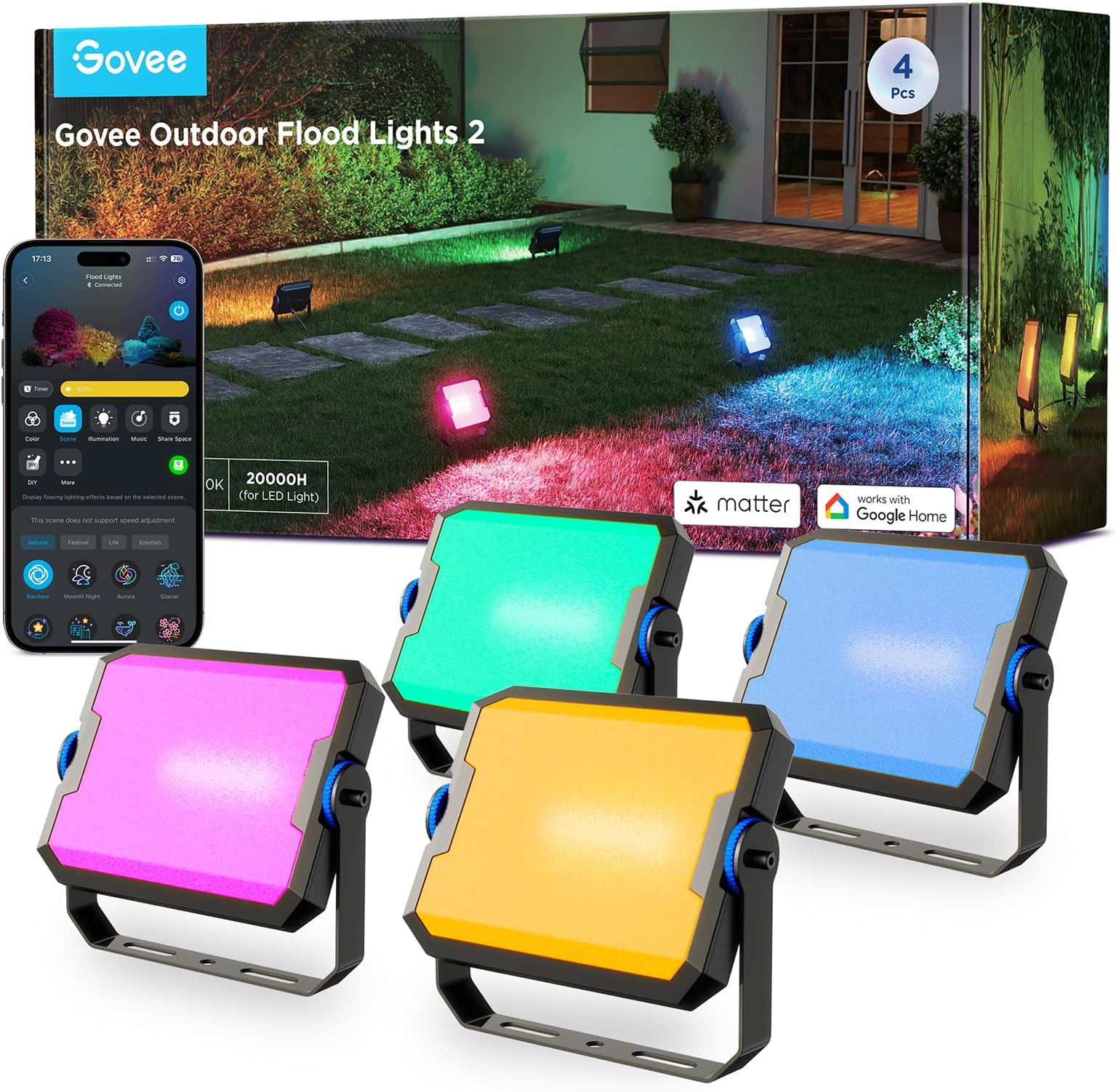
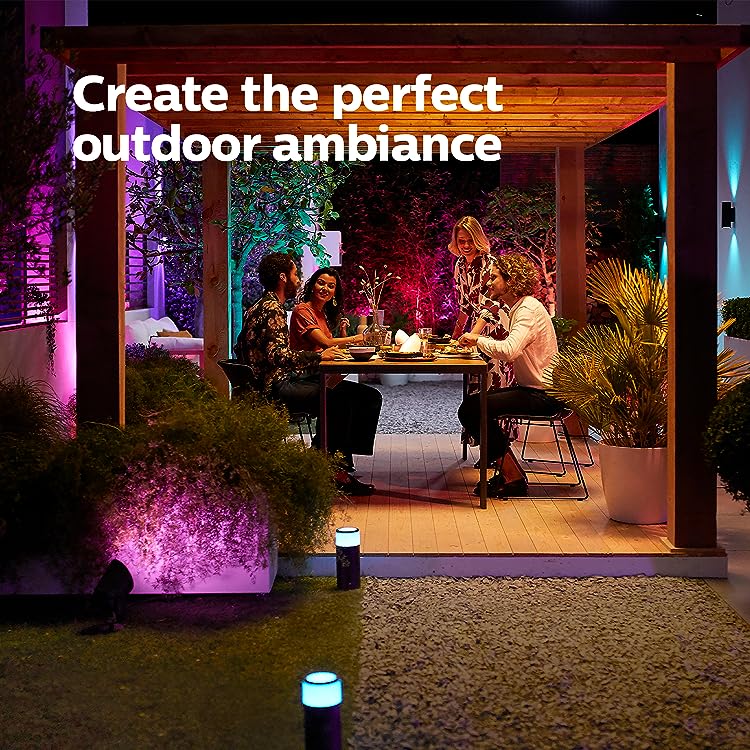
Some popular smart outdoor lighting options include Philips Hue, LIFX, Sengled, and Govee. These brands offer a range of products that are compatible with Alexa and can be controlled using voice commands or the Alexa app.
Preparing Your Smart Outdoor Lighting for Alexa Integration
Step 1: Install the Smart Outdoor Lighting Fixtures
Begin by installing the smart outdoor lighting fixtures according to the manufacturer's instructions. Make sure to follow all safety precautions and local building codes.
Step 2: Connect the Smart Outdoor Lighting to Your WiFi Network
Once the fixtures are installed, connect them to your WiFi network using the mobile app provided by the manufacturer. This will allow you to control the lights remotely and integrate them with Alexa.
Step 3: Enable the Alexa Skill for Smart Outdoor Lighting
Go to the Alexa app and search for the skill related to your smart outdoor lighting brand. Enable the skill to give Alexa permission to control your lights.
Linking Smart Outdoor Lighting to Alexa
Now that you have enabled the Alexa skill for your smart outdoor lighting, you're ready to link the lights to Alexa. Follow these steps:
- Open the Alexa app and navigate to the "Skills" section.
- Search for the skill related to your smart outdoor lighting brand.
- Follow the prompts to link the skill to your Alexa account.
- Discover the smart outdoor lighting devices on your network and add them to the Alexa app.

Controlling Smart Outdoor Lighting with Alexa
With your smart outdoor lighting linked to Alexa, you can now control the lights using voice commands. Here are some examples of what you can do:
- Turn on or off individual lights or groups of lights.
- Adjust the brightness of individual lights or groups of lights.
- Use scheduled routines to turn on or off lights at specific times of the day.
Troubleshooting Common Issues
While setting up Alexa with smart outdoor lighting is a straightforward process, you may encounter some common issues along the way. Here are some tips to help you troubleshoot:
- Make sure that your smart outdoor lighting fixtures are properly installed and connected to your WiFi network.
- Check that the Alexa skill is enabled and linked to your smart outdoor lighting account.
- Try restarting your smart outdoor lighting fixtures or the Alexa app to resolve connectivity issues.
Conclusion
Setting up Alexa with smart outdoor lighting is a great way to add convenience and sophistication to your home's exterior. By following the steps outlined in this article, you should be able to get started with your smart outdoor lighting setup and enjoy the benefits of voice-controlled lighting.
Remember to always follow the manufacturer's instructions for your specific smart outdoor lighting fixtures and to take necessary safety precautions when installing and using the lights.
Recommended Smart Outdoor Lighting Brands
Here are some popular smart outdoor lighting brands that are compatible with Alexa:
- Philips Hue
- LIFX
- Sengled
- Govee