How to Set Up a Podcast Mic for High-Quality Audio
Aug 11, 2025When it comes to podcasting, the quality of your audio can make all the difference. A good mic setup is essential for capturing high-quality audio and engaging your audience. In this article, we'll show you how to set up a podcast mic like a pro, covering the basics of microphone types, essential accessories, and room treatment tips.
Understanding Your Options: USB vs. XLR Mics
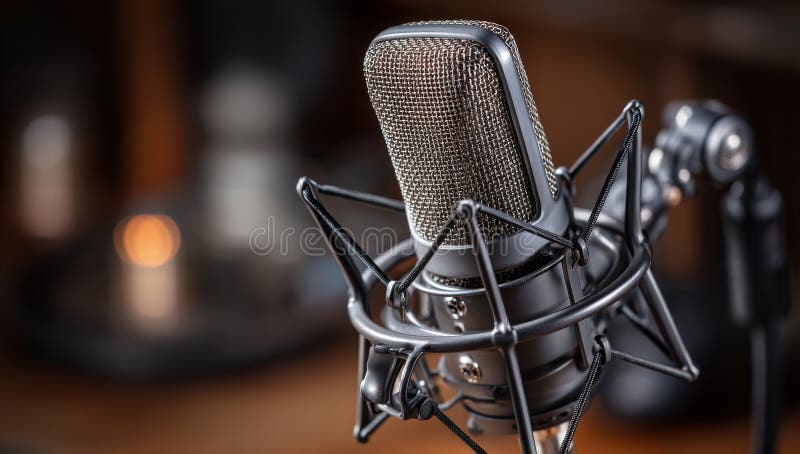
When it comes to choosing a mic, you have two main options: USB microphones and XLR microphones. USB microphones are plug-and-play devices that connect directly to your computer via USB, making them easy to use and great for beginners. XLR microphones, on the other hand, require an additional XLR cable and mixer, but offer higher sound quality and flexibility.
For podcasting, a USB microphone is usually the best option due to its ease of use and plug-and-play functionality. However, if you're looking for higher sound quality and more flexibility, an XLR microphone may be the better choice.
Essential Accessories for a Professional-Sounding Mic Setup
To get the most out of your mic setup, you'll need a few essential accessories:
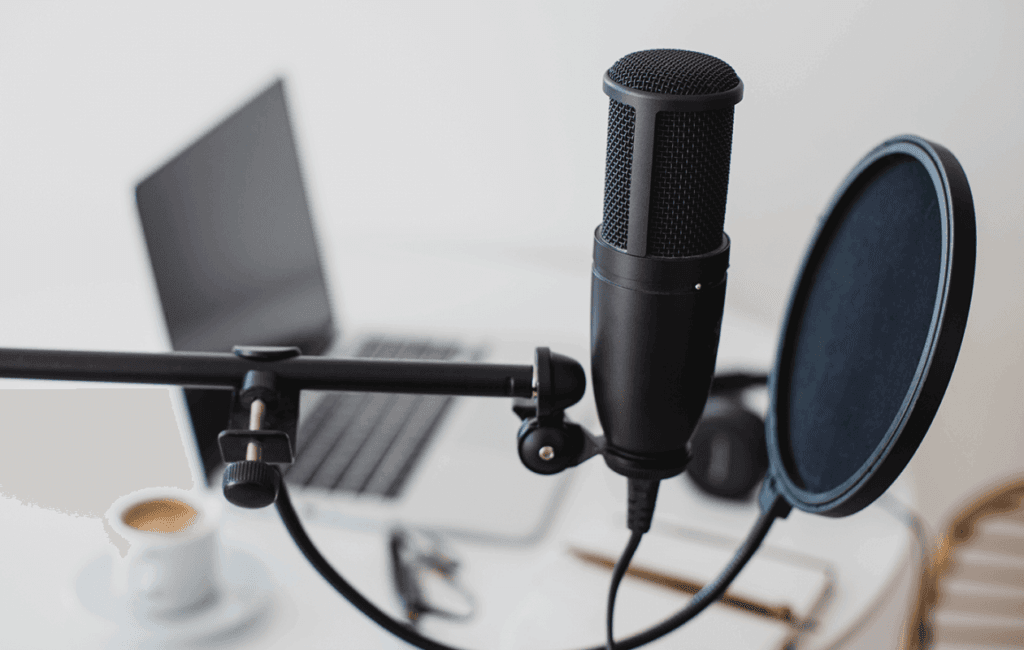
- Mic Stand:** A sturdy mic stand will help keep your microphone steady and secure, reducing vibrations and noise.
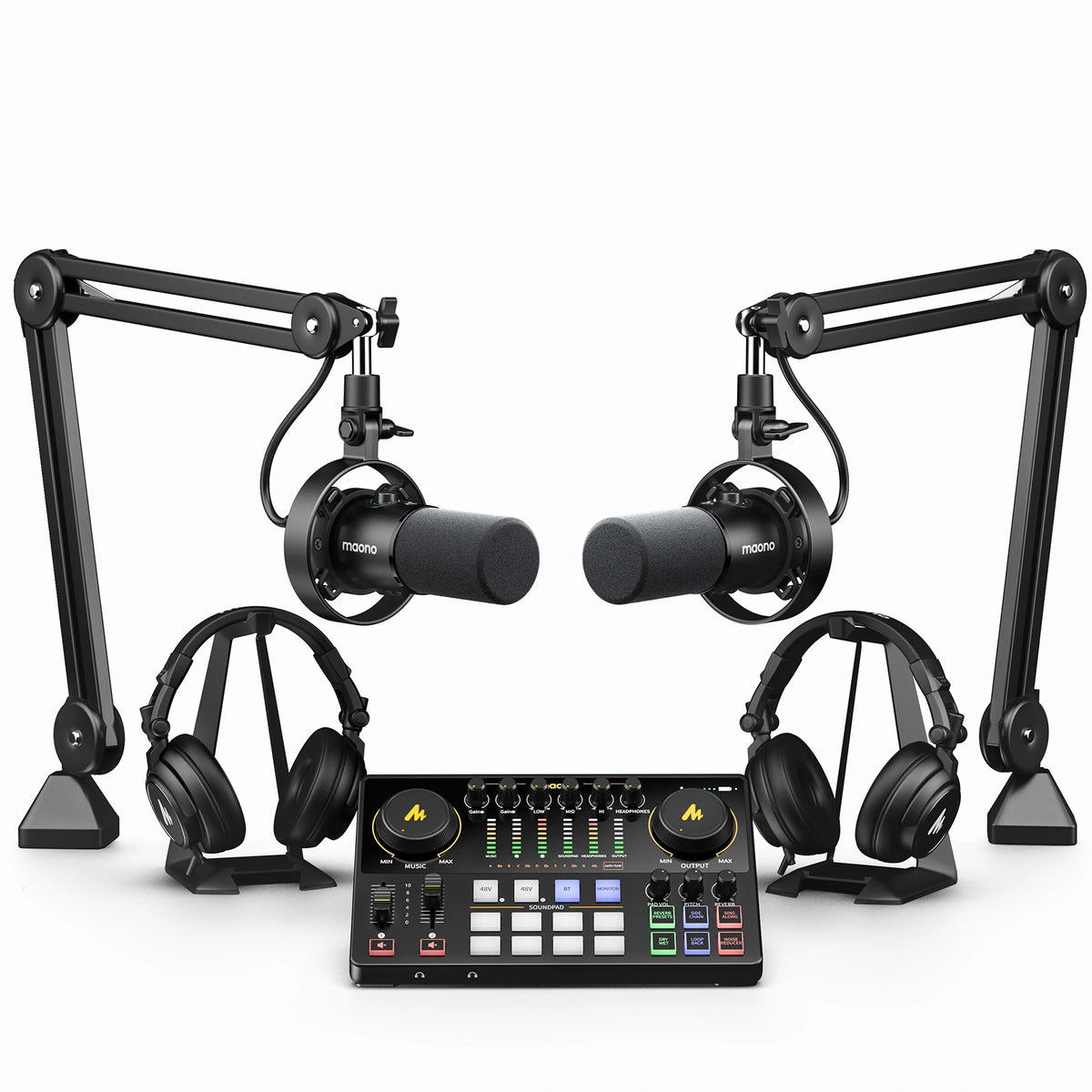
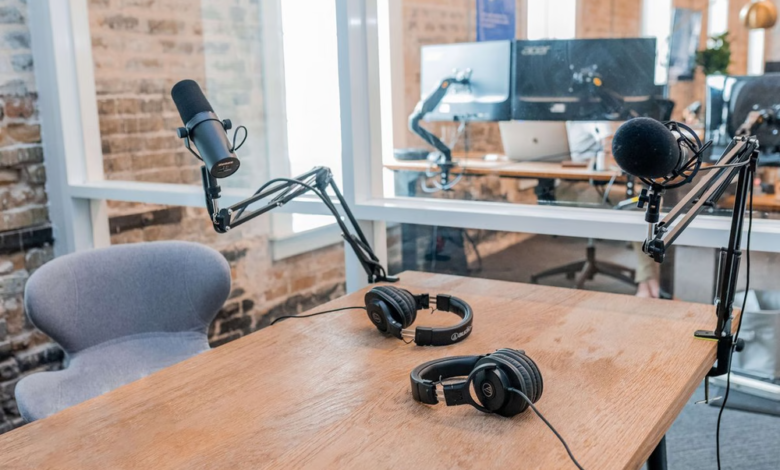
- Boom Arm:** A boom arm allows you to position your microphone exactly where you want it, eliminating echo and background noise.
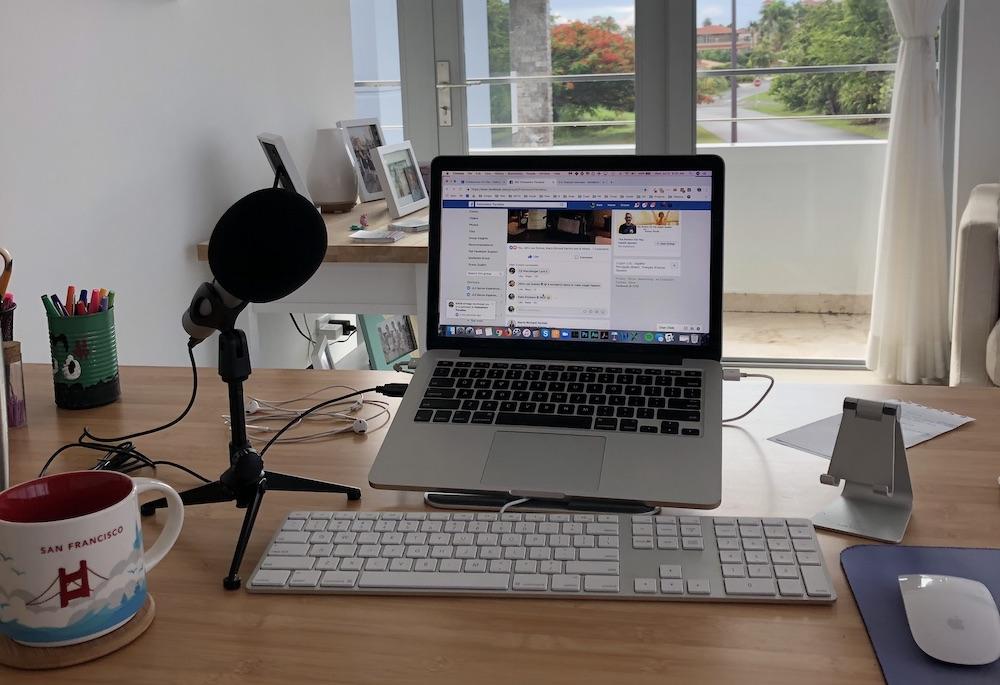
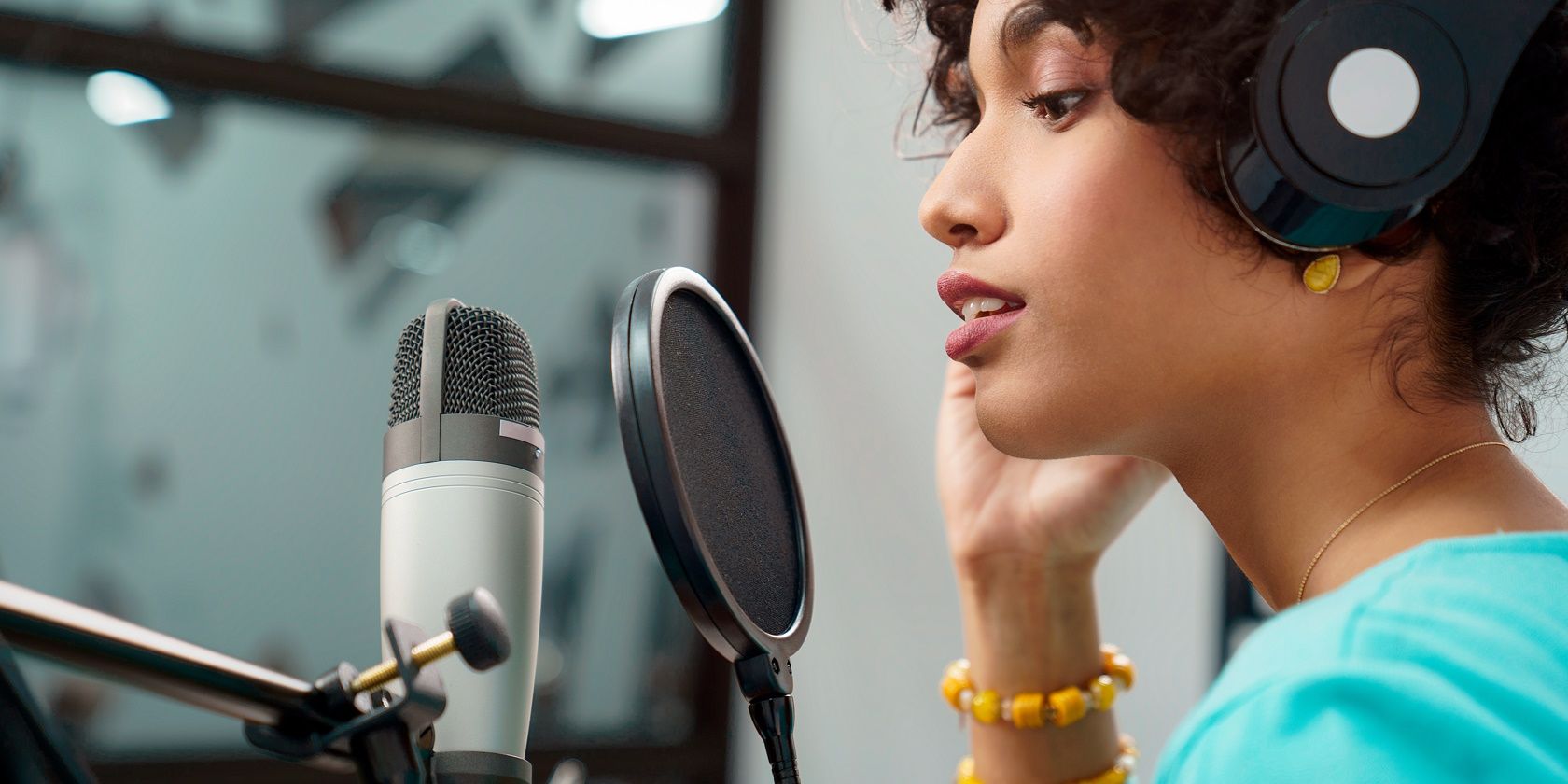
- Pop Filter:** A pop filter reduces plosive sounds and helps prevent distortion, resulting in a smoother, more professional-sounding audio.
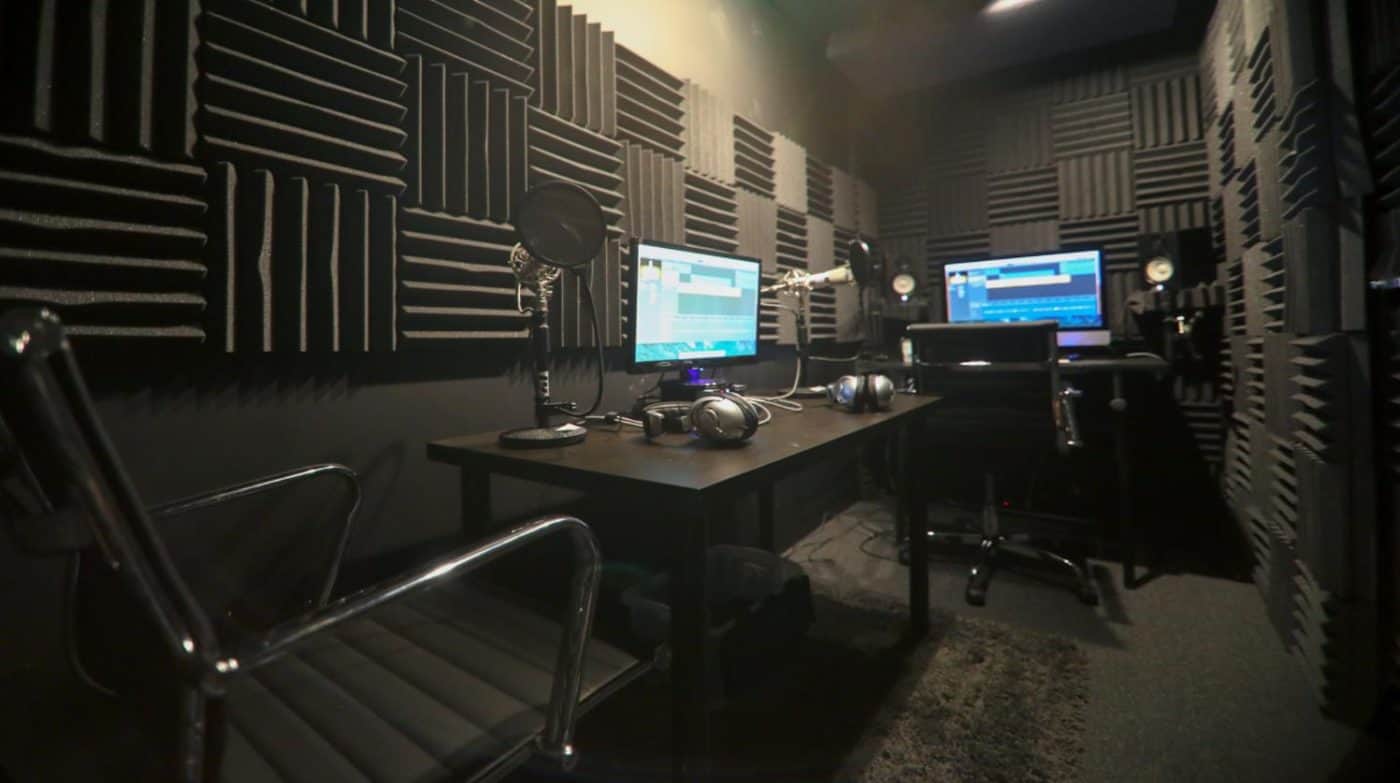
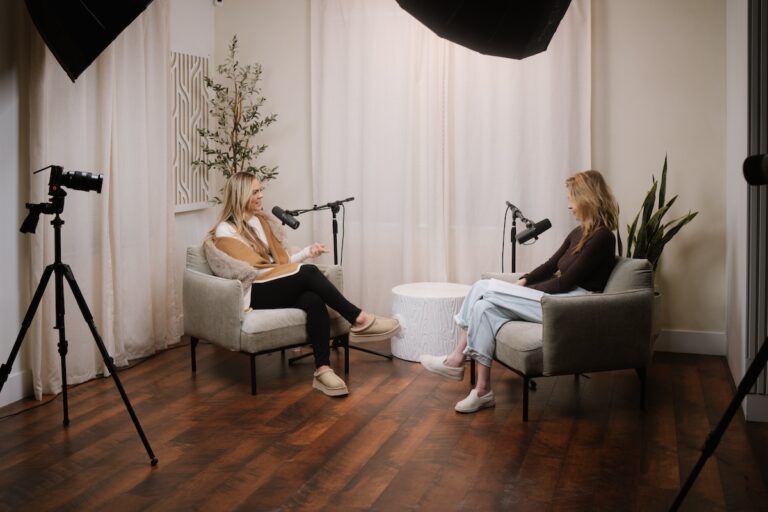
- Acoustic Treatment:** Proper room treatment can make a huge difference in audio quality. Consider investing in a pop filter, diffuser, or acoustic panels to reduce echo and reverberation.
The Art of Mic Placement and Technique
Proper mic placement and technique are crucial for capturing a professional-sounding voice. Here are some tips to keep in mind:
- Position your mic: Place your microphone about 6-8 inches away from your mouth, angled slightly downwards to reduce plosive sounds.
- Use the correct mic techniques: Speak into the microphone at a comfortable distance and volume, and vary your tone and pitch to add depth and emotion to your audio.
- Minimize echo: Use a pop filter and acoustic treatment to reduce echo and reverberation, creating a clear and crisp audio.
Room Treatment for Better Audio Quality
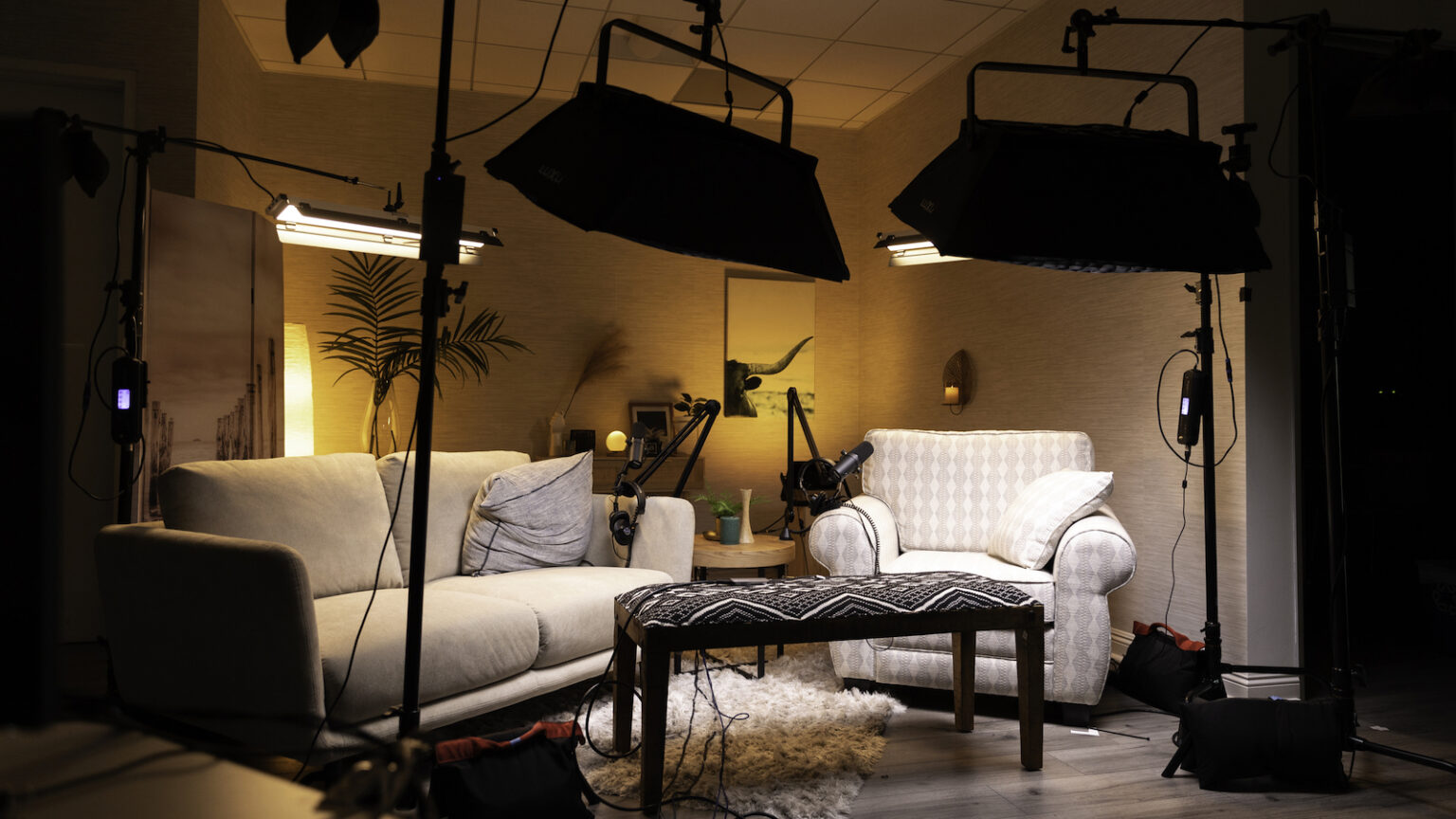
Believe it or not, your room can have a significant impact on your audio quality. Here are some tips for treating your room:
- Use acoustic panels:** Hang acoustic panels on walls and ceilings to absorb sound and reduce echo.
- Invest in a diffuser:** A diffuser can help scatter sound waves, reducing reverberation and echo.
- Consider a vocal booth:** A vocal booth can provide a quiet and echo-free space, but requires additional investment and setup.
Common Mistakes to Avoid
Here are some common mistakes to avoid when setting up your mic:
- Avoid using microphones with excessive bass response, as this can lead to distortion and an unnatural sound.
- Incorrect mic placement: Don't place your microphone too close or too far from your mouth, as this can lead to poor sound quality.
- Poor acoustic treatment: Inadequate room treatment can lead to echo and reverberation, making your audio sound muddy and unclear.
Conclusion
Setting up a high-quality mic for your podcast can make all the difference in capturing engaging and professional-sounding audio. With the right equipment, accessories, and techniques, you can create a setup that will make your audience sit up and take notice. By following the tips in this article, you'll be well on your way to creating high-quality audio that will elevate your podcast to the next level.
Get Started Today!
Invest in a good-quality microphone, invest in proper accessories, and treat your room to achieve professional-sounding audio. With these tips, you'll be well on your way to creating engaging audio that will make your podcast stand out from the crowd.