#
How to Set Up Ring Doorbell: A Step-by-Step Guide
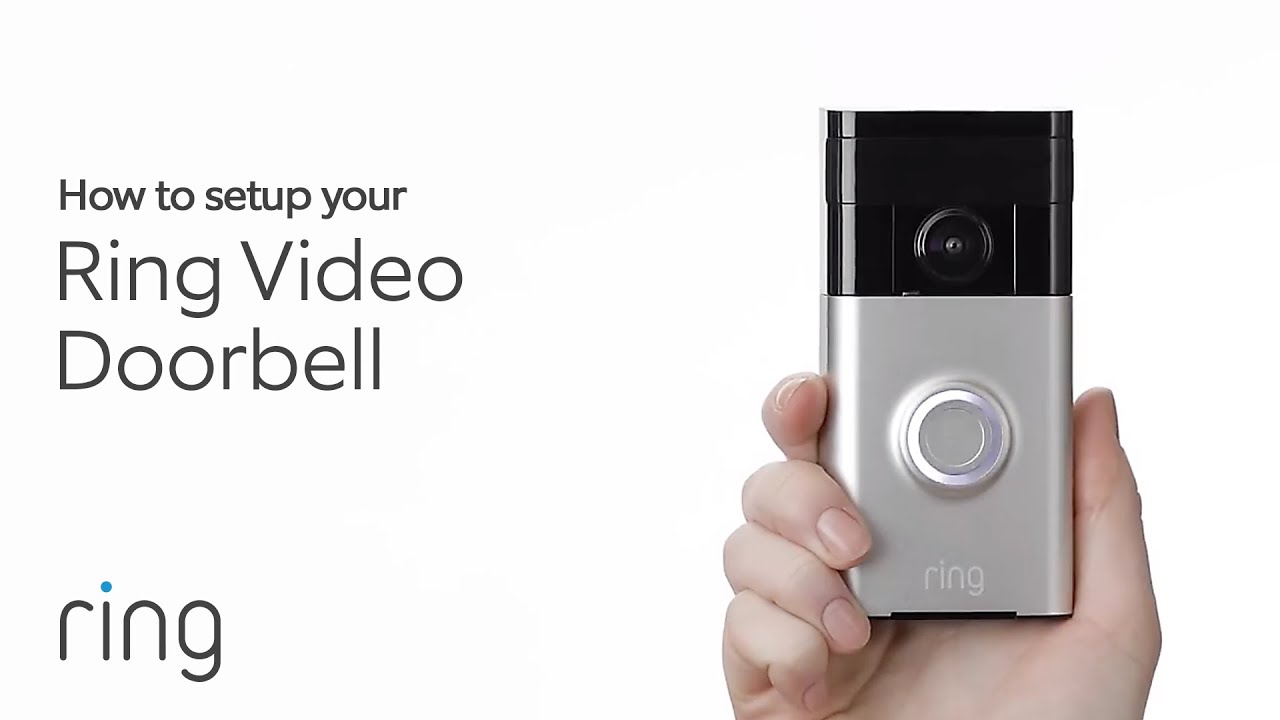
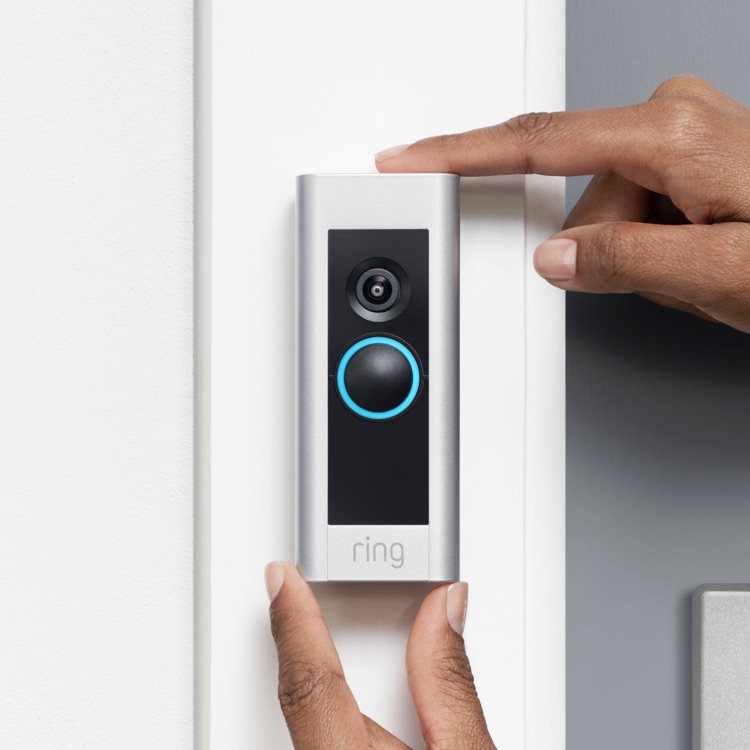
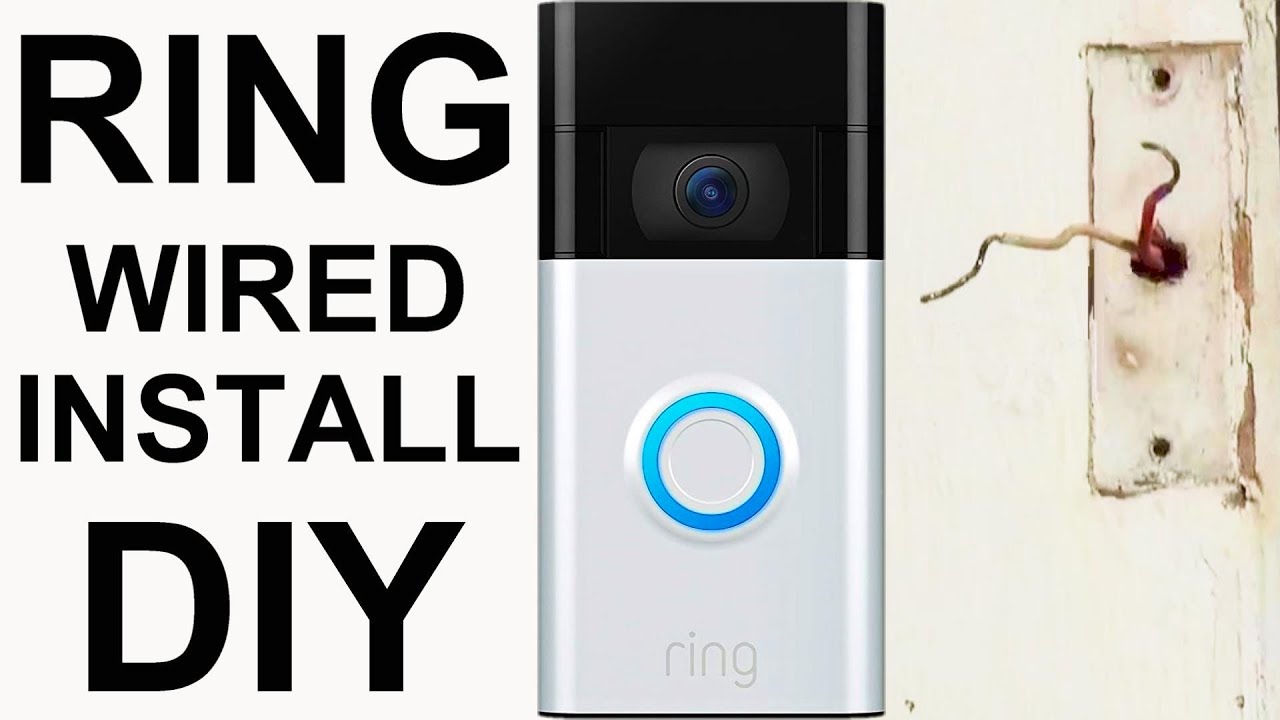
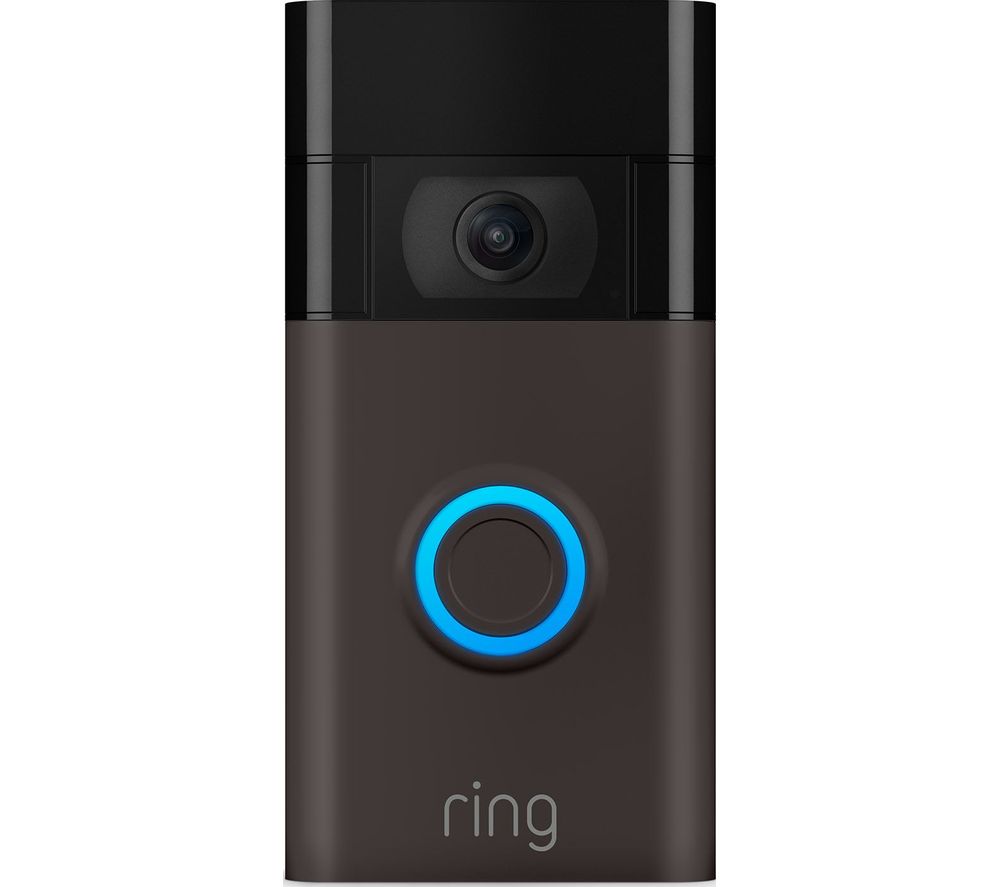
Are you looking to enhance your home security and convenience with a Ring doorbell? Setting up your Ring doorbell is a straightforward process that can be completed in a few minutes. In this article, we will guide you through the process of setting up your Ring doorbell, from installing it to linking it with your Wi-Fi network. ##Pre-Installation Setup
Before you start setting up your Ring doorbell, make sure you have: * Fully charged the battery if your doorbell is battery or solar-powered * Learned how to charge your doorbell's battery (if necessary) * Your Wi-Fi password ready This will ensure that you have a smooth and hassle-free setup process. ###Step 1: Install Your Ring Doorbell
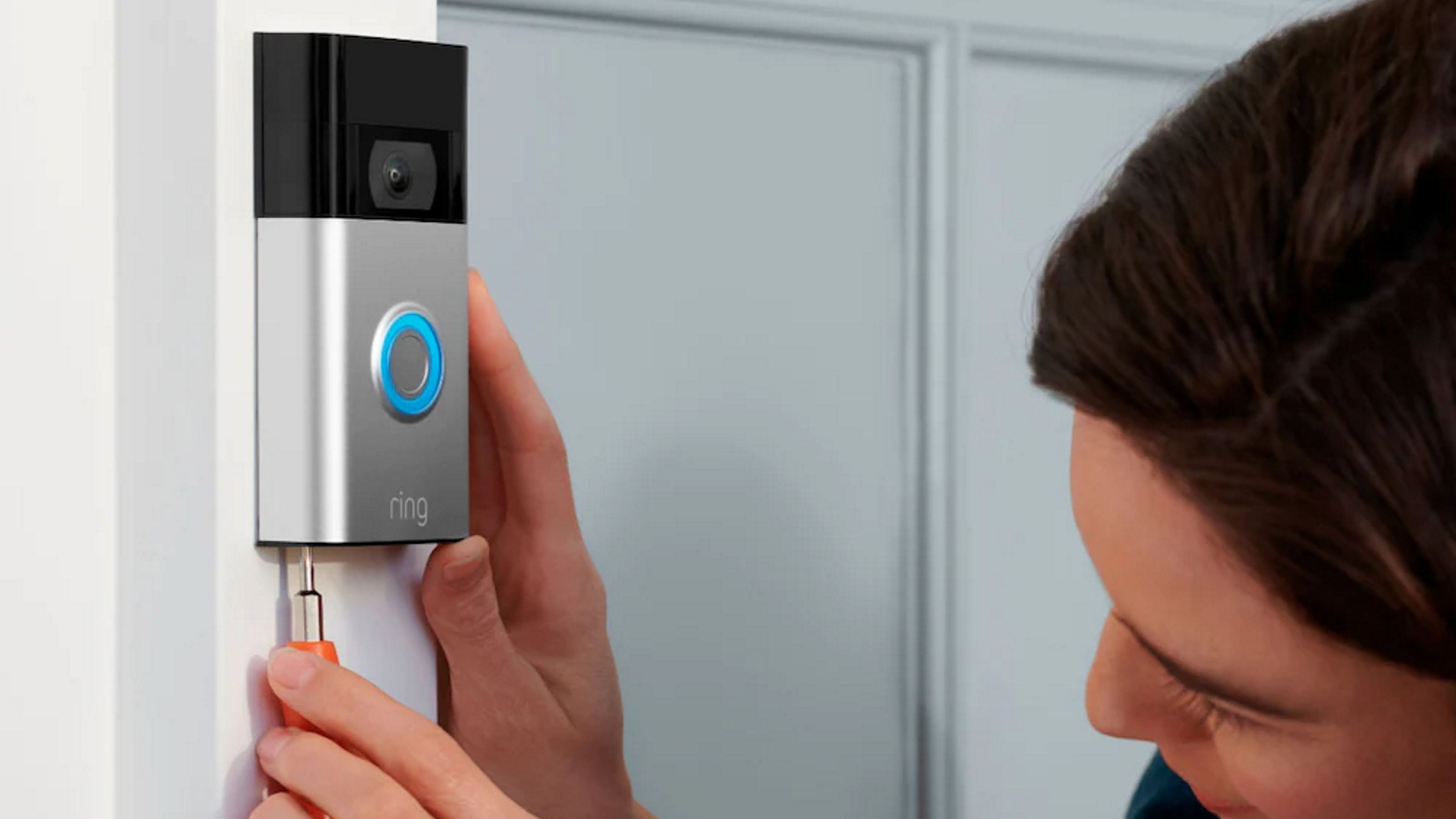
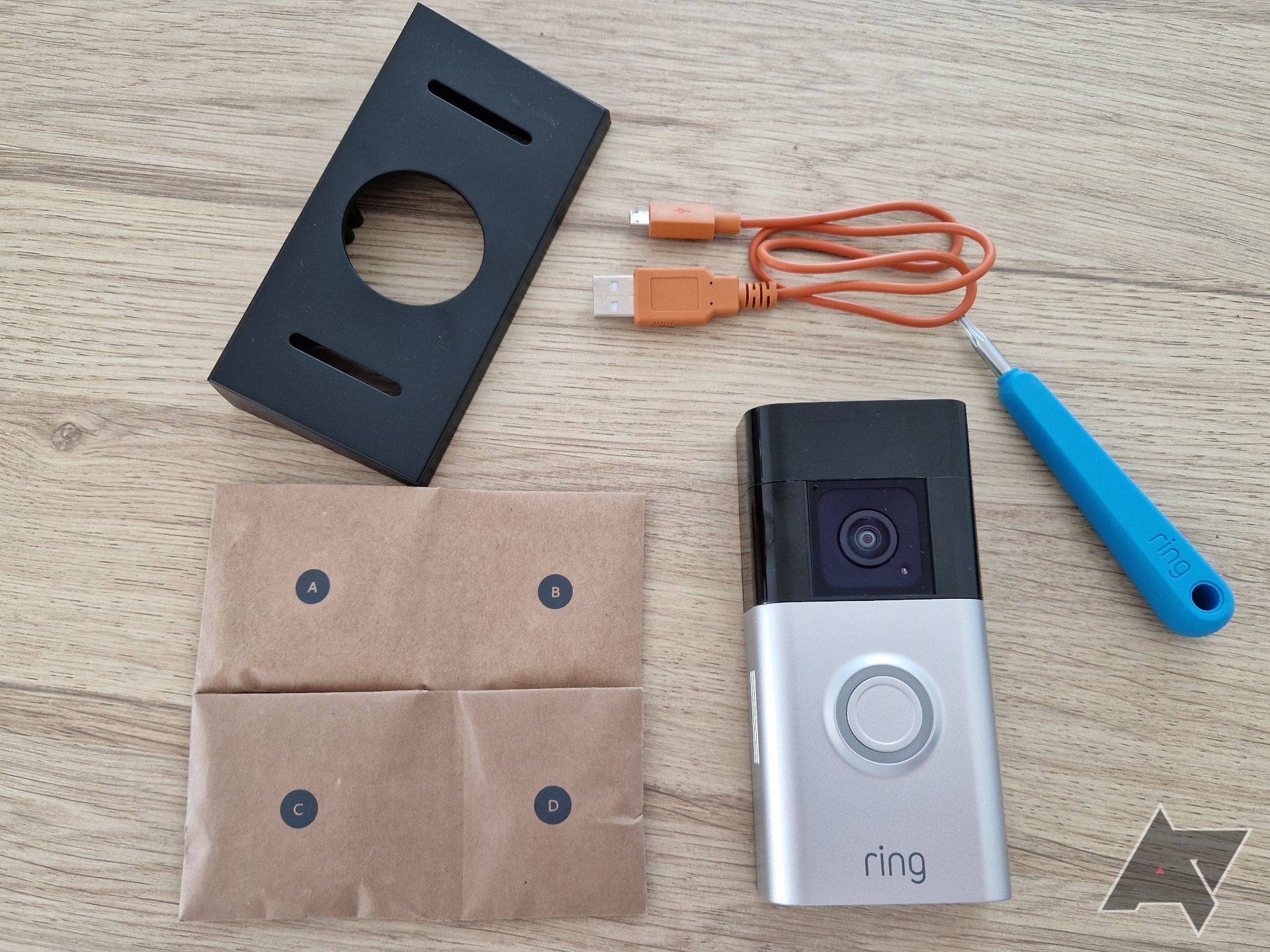
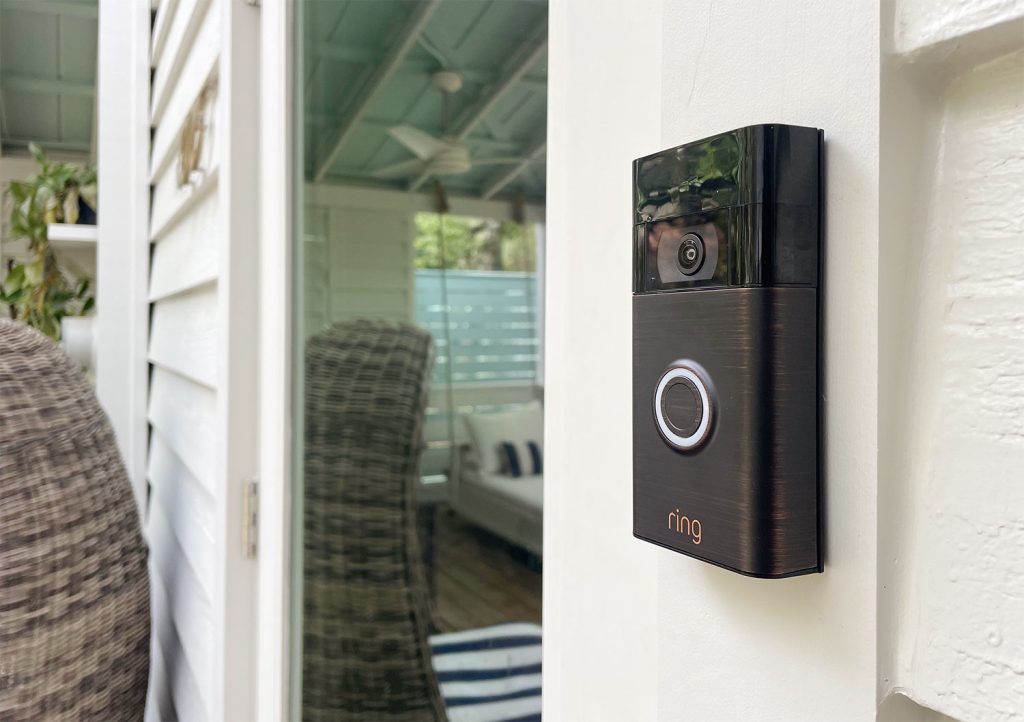
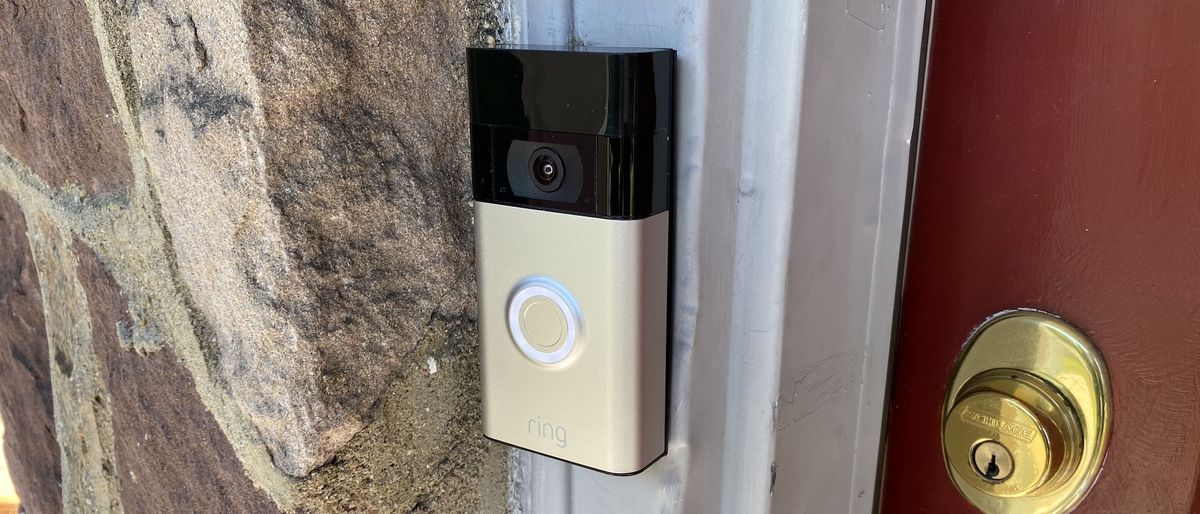
Installing your Ring doorbell is a simple process that can be completed in a few minutes. Here's how: 1. Find a suitable location for your Ring doorbell, ensuring it's easily visible and has a clear view of the area you want to monitor. 2. Remove any screws or clips from the mounting bracket. 3. Mount the Ring doorbell to the wall or door using the screws or clips provided. 4. Tighten the screws or clips firmly to secure the doorbell in place. ###Step 2: Connect to Wi-Fi
To connect your Ring doorbell to your Wi-Fi network, follow these steps: 1. Open the Ring app on your smartphone or tablet. 2. Tap "Set Up a Device" and select "Ring Doorbell". 3. Connect to the Ring doorbell's Wi-Fi network, which can be found on the doorbell itself. 4. Enter your Wi-Fi password and tap "Continue". 5. Wait for the doorbell to connect to your Wi-Fi network. ###Step 3: Link to Your Ring Account