Protecting Wi-Fi Network from Unauthorized Access: A Guide
Secure Your Wi-Fi Network: The Importance of Protecting Wireless Network from Unauthorized Access
In today's digital age, a stable and secure Wi-Fi network is essential for both work and leisure. However, the convenience of wireless connectivity also makes it susceptible to unauthorized access. Therefore, it is crucial to take proactive steps to protect your Wi-Fi network from unwanted users.Why Protect Your Wi-Fi Network from Unauthorized Access?
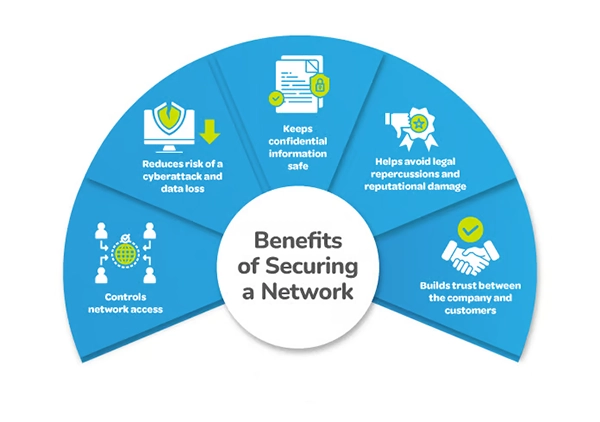
Unauthorized access to your Wi-Fi network can lead to various issues, including security breaches, data theft, and financial losses. Moreover, it can also compromise the safety and security of all devices connected to your network. Hackers can access sensitive information, including passwords, personal files, and financial data, which can put you and your family at risk. By protecting your Wi-Fi network from unauthorized access, you can ensure the security and integrity of your online activities.How to Check if Your Wi-Fi Network is Being Used by Someone Else
To determine if your Wi-Fi network is being used by someone else without your permission, follow these simple steps: *- Use a network scanning tool, such as Wi-Fi Analyzer or Wi-Fi Explorer, to scan your network and identify all devices connected to it.
- Check the MAC addresses of the connected devices to identify unknown devices.
- Change your Wi-Fi network name (SSID) and password regularly to prevent unauthorized access. *
Protecting Wi-Fi Network from Unauthorized Access: 10 Tips
Here are 10 simple steps to help prevent unauthorized use of your home internet network: *- Change the default login credentials of your router to prevent unauthorized access.
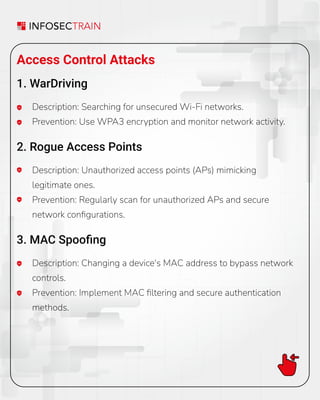
- Enable WPA3 encryption to ensure secure data transmission.
- Limit access to your Wi-Fi network by providing strong passwords and limiting the network to trusted users.
- Keep your router software up-to-date to patch security vulnerabilities.
- Configure your router to automatically turn off when not in use.
- Use a guest network for visitors to prevent them from accessing your main network.
- Disable WPS (Wi-Fi Protected Setup) to prevent unauthorized access to your network.
- Regularly scan your network for malware and viruses.
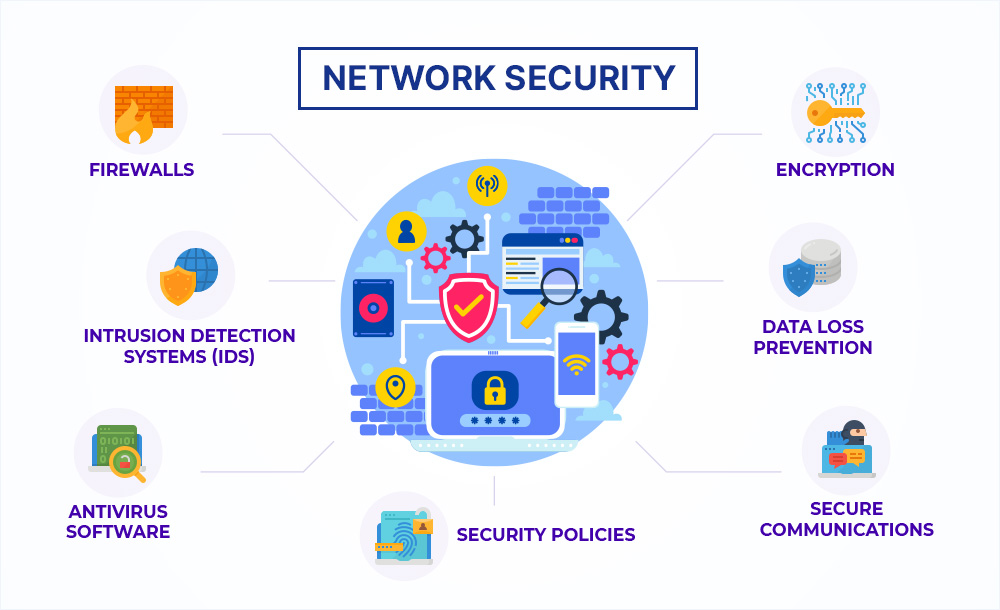
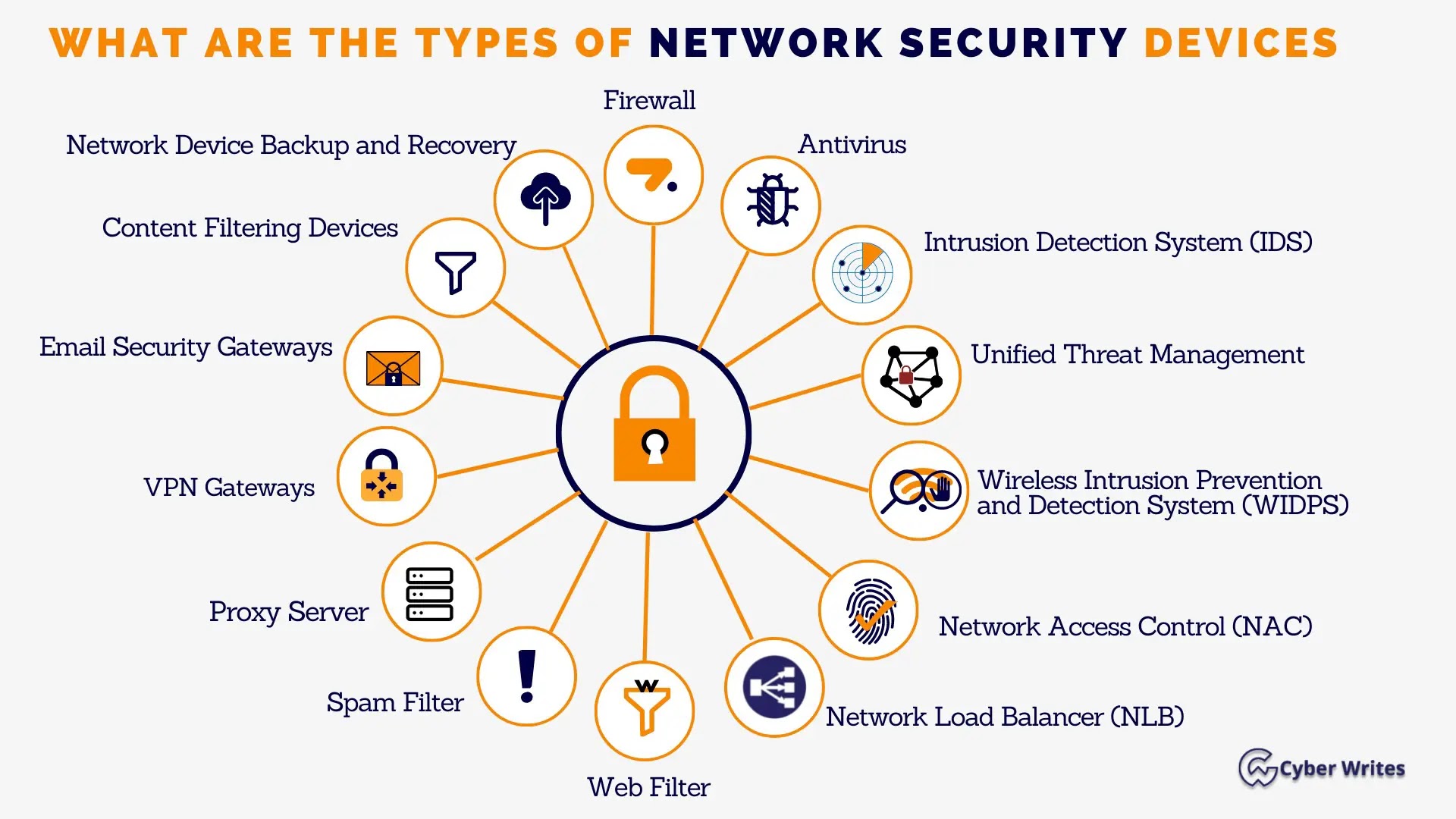
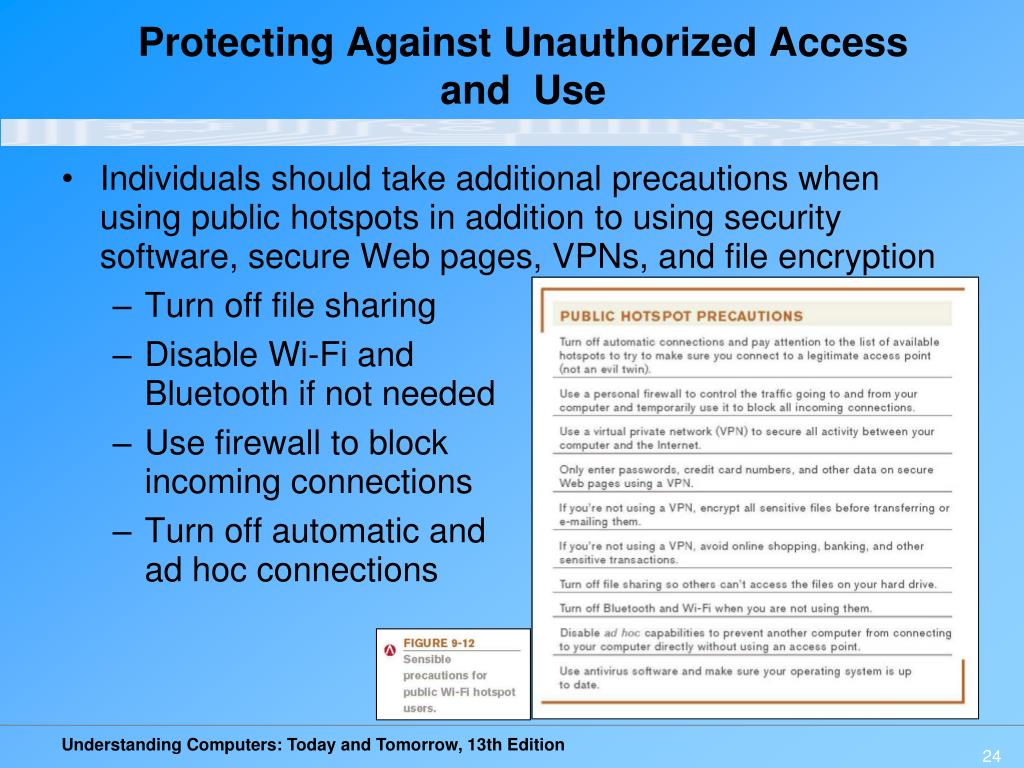
- Use a firewall to block incoming and outgoing network traffic.
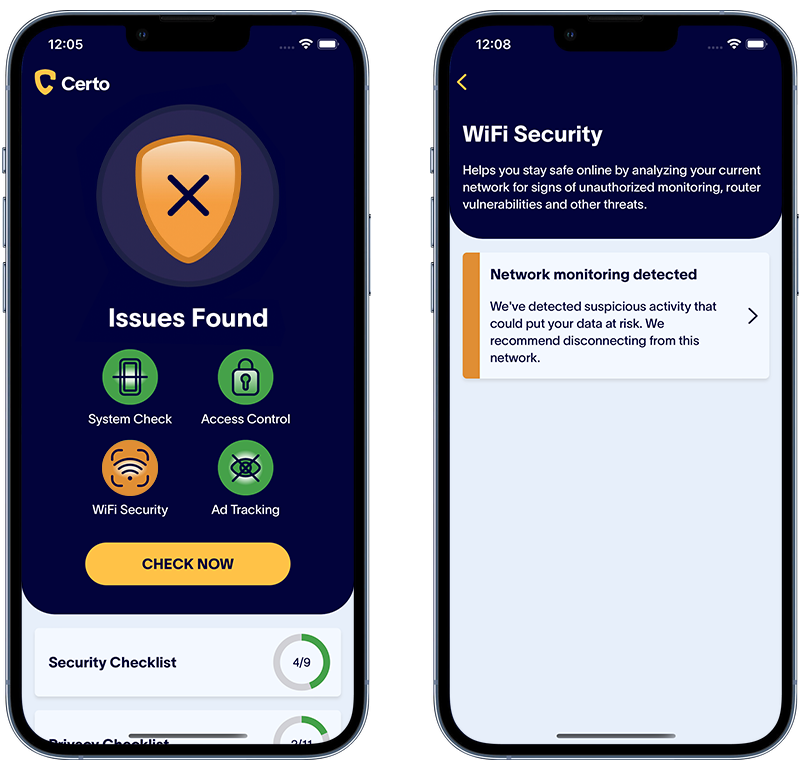
- Monitor your network activity regularly to detect any unusual behavior. *