How to Integrate Google Home with Wink Hub: A Step-by-Step Guide
Are you looking to streamline your smart home experience and make control easier than ever? Integrating Google Home with Wink Hub is a great place to start. This integration offers a range of benefits, from unified voice control to expanded device compatibility. In this article, we'll walk you through the process of pairing your Google Home with Wink Hub, ensuring seamless communication between your devices for a more convenient and efficient smart home experience.
Key Takeaways
- Streamline your smart home experience with unified voice control and expanded automation capabilities.
- Easily add Wink to the Google Home app and follow basic voice command prompts for smooth lighting control.
- Ensure compatibility with a wide range of devices using Wink Hub 2 or Wink app (latest version).
Getting Started
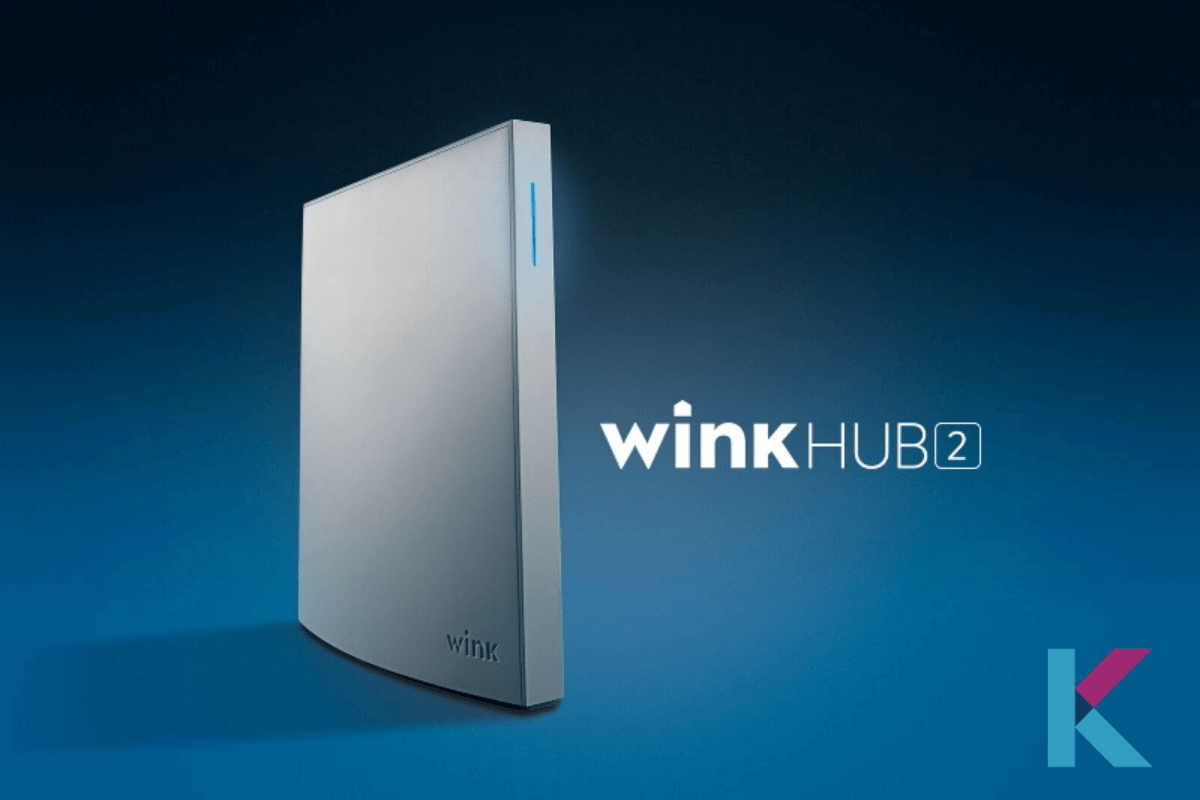
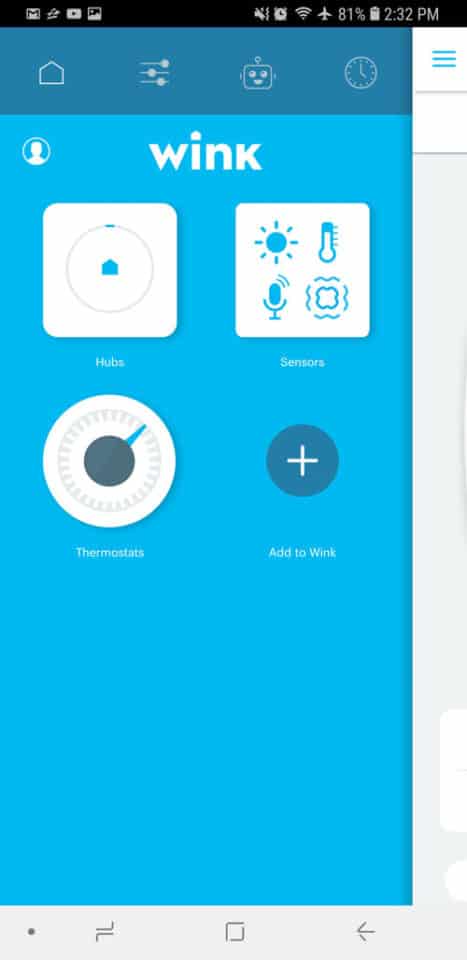
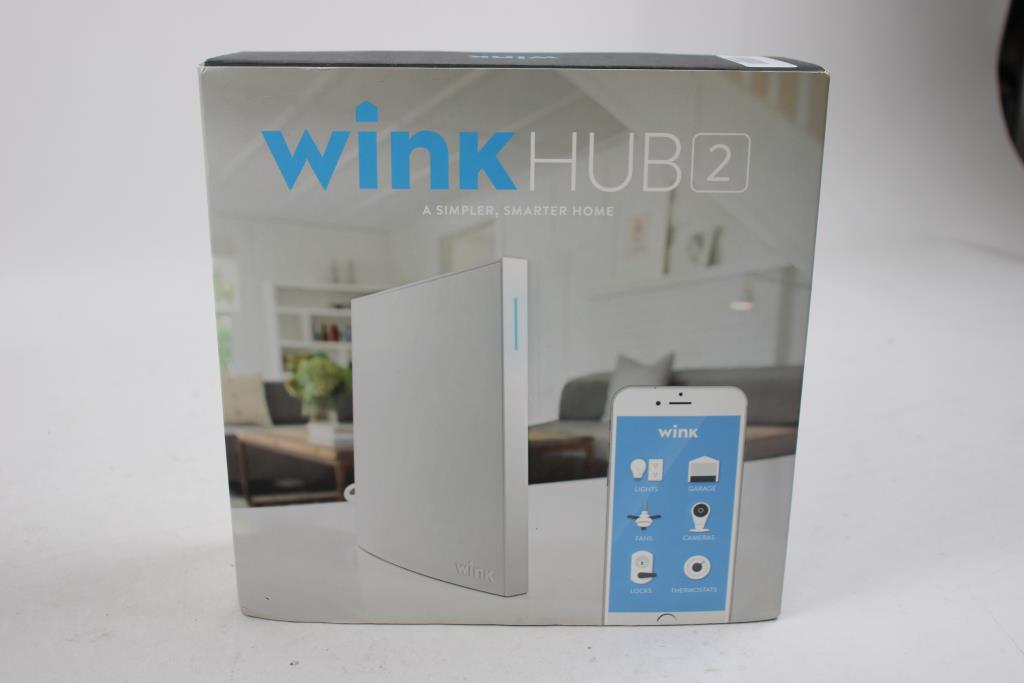
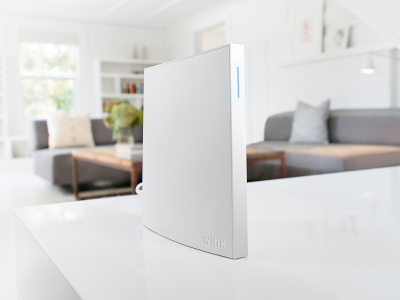
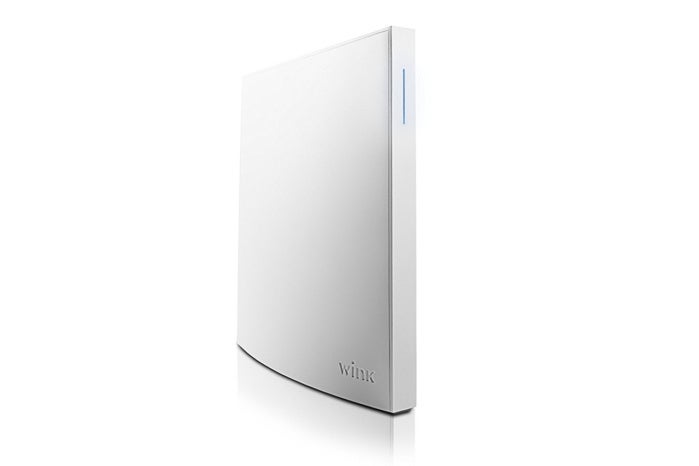
Before you begin, ensure your Wink Hub 2 is connected to your network via the Wink app. This will be essential for a seamless integration process. Next, download and install the Google Home app on your smartphone or tablet (Android 6.0+ required).
Step 1: Link Your Wink Account to Google Home
Open the Google Home app and navigate to the account settings menu. Select 'Add a new device' and search for Wink Hub. Upon selecting, you'll need to enter your Wink account credentials to link your account to Google Home. This is a one-time authentication process, and you'll be prompted to complete the integration process once authenticated.
Step 2: Set Up Device Voice Control
After linking your Wink account, open the Google Home app and select the device you'd like to control. Tap on the three dots next to the device and select 'Device settings'. From here, you can customize voice control for each device, including default commands for turning on, off, or dimming lights.

Step 3: Unlock Advanced Automation Features
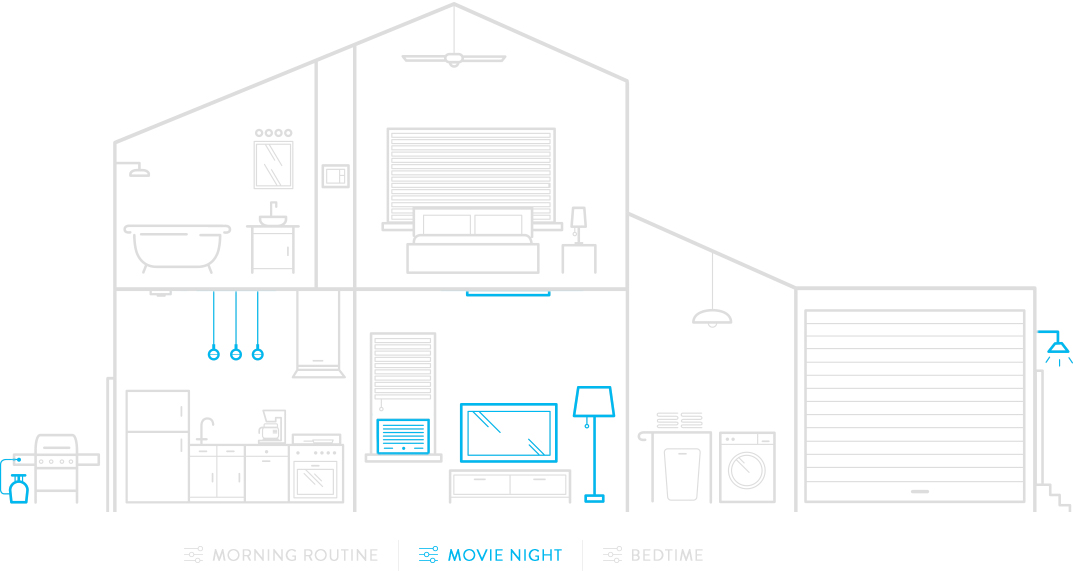
Pairing Wink Hub with Google Home not only enables voice control but also unlocks advanced automation features. You can create custom routines, integrate additional devices, and customize device group settings for a more tailored home experience.
Common Setup Challenges and Troubleshooting Tips
- Re-link your devices: Occasionally, connectivity issues may arise. Try re-linking devices and relaunching the Google Home app to resolve connectivity issues.
- Update the Wink Hub app: Ensure you're running the latest Wink app version for optimal performance and compatibility.
- Restart your router: If connectivity persists, restart your router to flush out any network congestion.
Future Developments and Enhancements
Wink's collaboration with Google Home Hub has paved the way for expanded device compatibility, improved privacy features, and AI integration. Keep an eye out for future developments and enhancements to further customize your smart home experience.
Unlock the Full Potential of Google Home and Wink Hub
With integration complete, you're now ready to unlock the full potential of Google Home and Wink Hub. This pair-up offers streamlined automation, enhanced device compatibility, and a central control hub for your smart home devices. Uncover the seamless integration benefits, centralize device management, and voice-activated efficiency for an immersive smart home experience like never before.