Setting up Alexa with Smart Display: A Step-by-Step Guide
Are you ready to take your smart home experience to the next level with Alexa and a smart display? In this article, we'll walk you through the process of setting up Alexa with a smart display, covering the essential steps to get you started.Understanding the Requirements
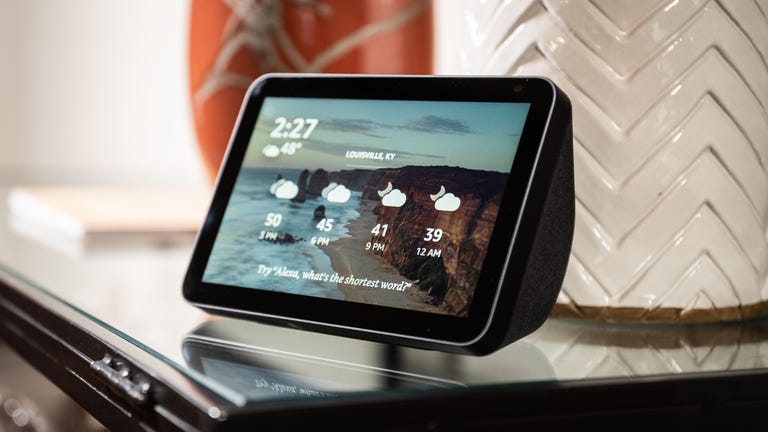
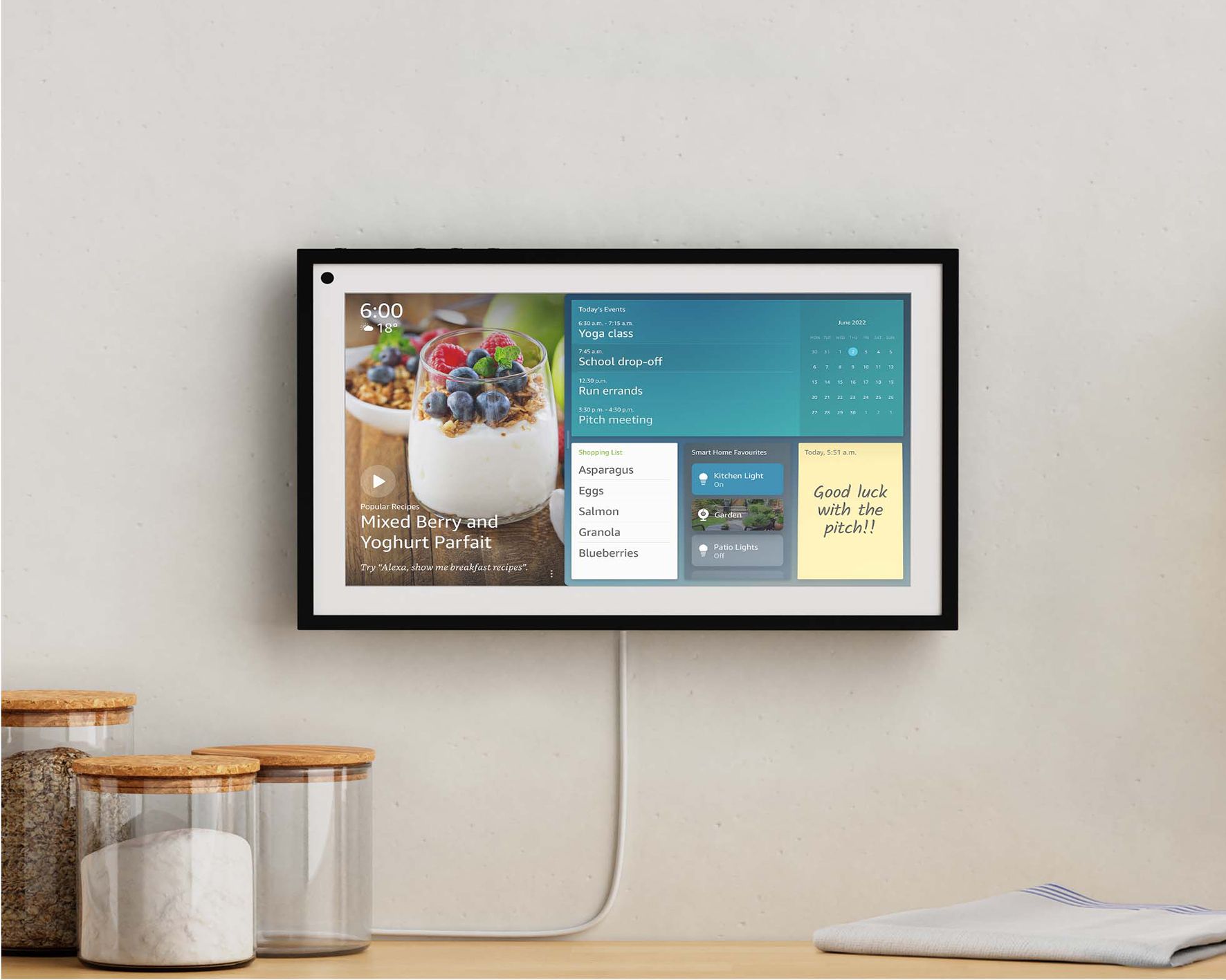
Before you begin, make sure you have the following: * An Amazon Echo device with a smart display (such as the Echo Show 5, Echo Show 8, or Echo Show 11) * A stable internet connection * An Amazon account * A compatible smart display (refer to the official Amazon website for a list of supported devices)Step 1: Unboxing and Preparation
Once you've received your smart display, carefully unbox it and remove any packaging materials. Next, locate the power cord and plug it into a nearby outlet. Your smart display should turn on automatically. If it doesn't, press the power button to turn it on.Step 2: Connecting to Wi-Fi
To connect your smart display to your Wi-Fi network, follow these steps: 1. Go to the on-screen settings menu by swiping down from the top of the screen or by saying "Alexa, go to settings." 2. Select the Wi-Fi option and choose your network from the list of available connections. 3. Enter your Wi-Fi password using the on-screen keyboard.Step 3: Logging in to Your Amazon Account
Once your smart display is connected to the internet, you'll need to log in to your Amazon account: 1. Go to the on-screen settings menu and select the Amazon Account option. 2. Enter your Amazon account email address and password. 3. Select the account you want to use for the smart display.Step 4: Configuring Alexa



:max_bytes(150000):strip_icc()/NEW2-f6ddfa16d34f497ab870419a930c7a0c.jpg "Setup That New Amazon Echo and Welcome Alexa Home - CNET")